Configure Presets
Instructions
Configure your preset settings by taking the steps outlined below.
-
For Mosaic - Click the File menu in the top left corner.
For Classic
-
Click Global Configuration.
-
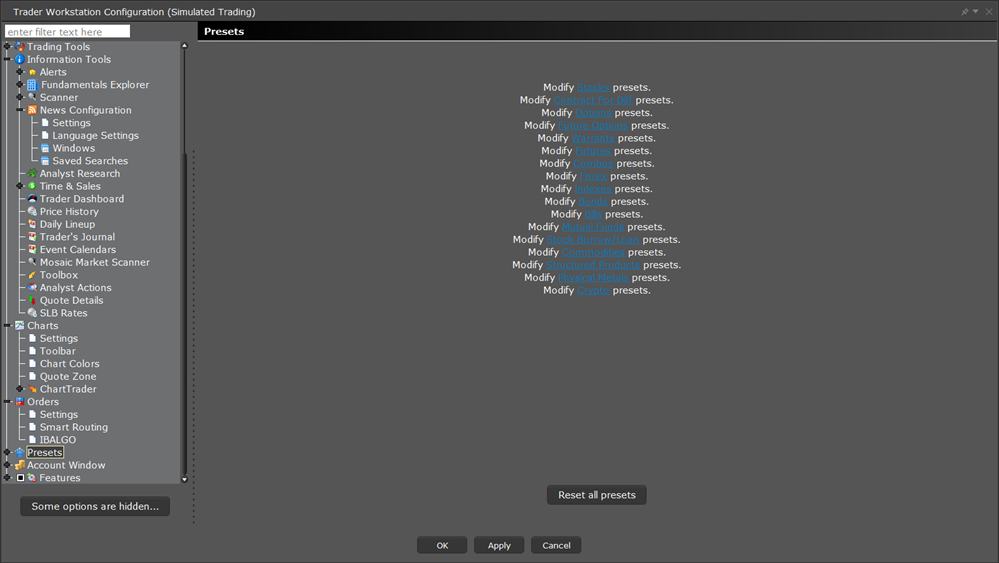
Click Presets in the left pane.
-
Choose an option to modify.
Additional Information on Preset Settings have been attached below: