Protective Collar Option Strategy
Instructions
Protective Collar options trading strategies are available in the Strategy Builder of the Option Chain. This options trading strategy provides a way for clients to protect an existing position from losses below a certain amount at the cost of capping upside. To utilize this tool, please take the steps outlined below.
-
For Mosaic - Click the New Window button in the top left corner and select Option Chain
For Classic
-
Enter an underlying in the top left corner of the Option Chain window and press Enter.
-
The Option Chain for this product will appear.
-
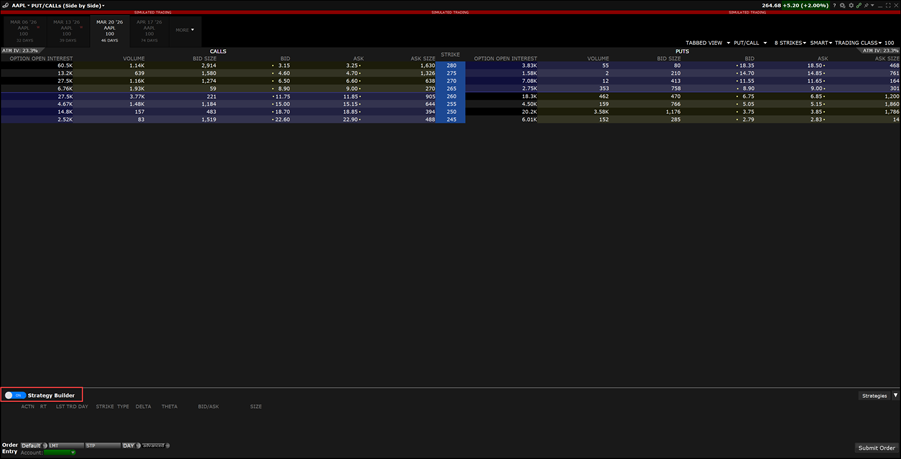
Toggle the Strategy Builder on in the bottom left corner.
-
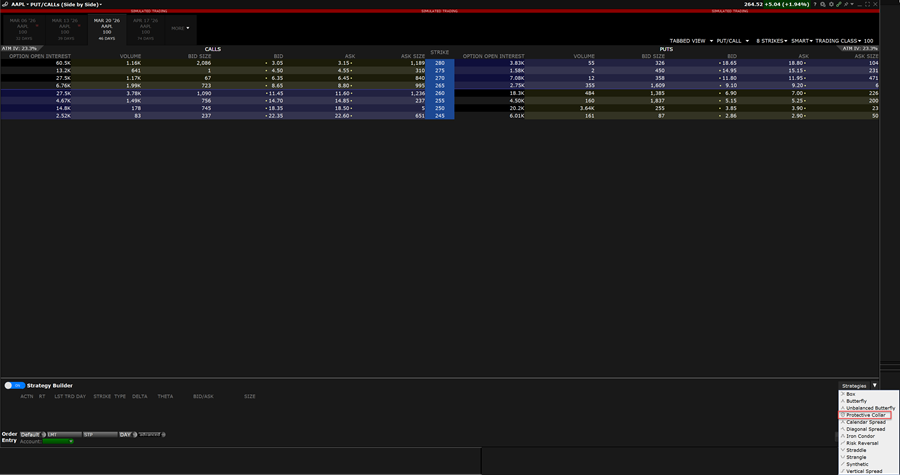
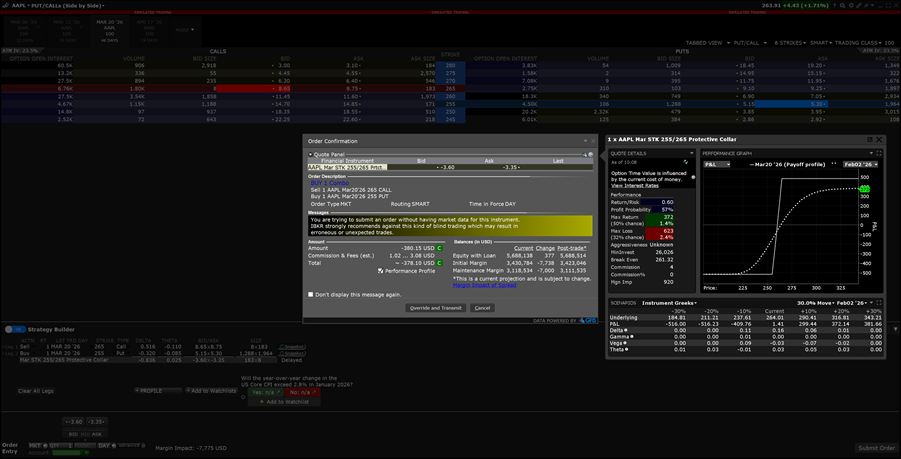
In the top right corner of the Strategy Builder, select the Strategies drop-down menu. Select the Protective Collar strategy.
-
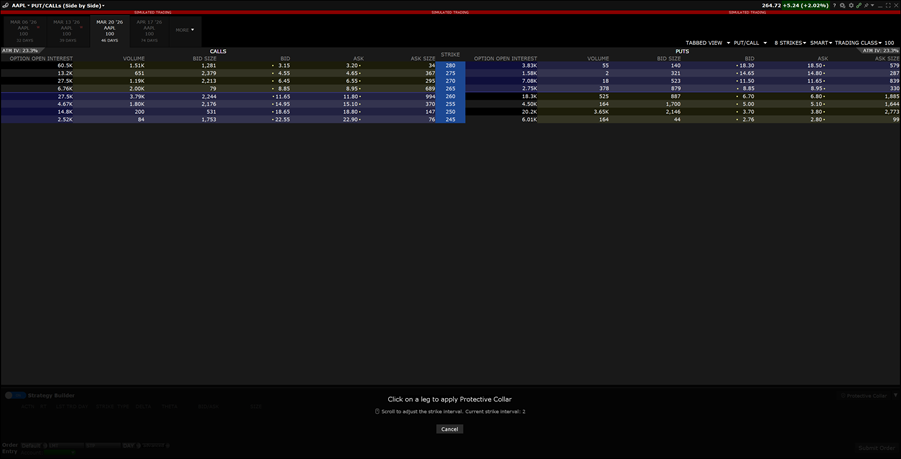
Select the legs from the Option Chain to apply the Protective Collar Option Strategy.
-
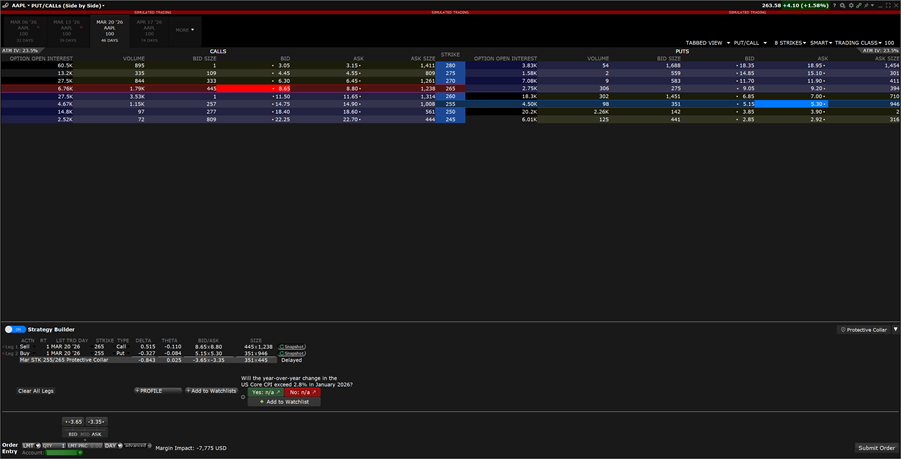
The order ticket will populate below the Option Chain. Make modifications as needed and click Submit Order.
-
An additional order preview will populate. Review the order and select Override and Transmit to place the order.
-
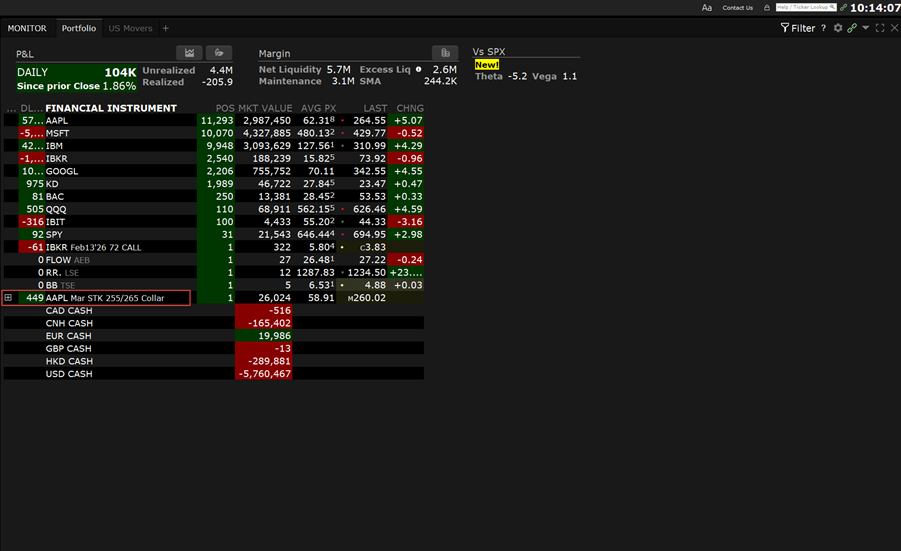
Navigate to your Portfolio to view this position.
-
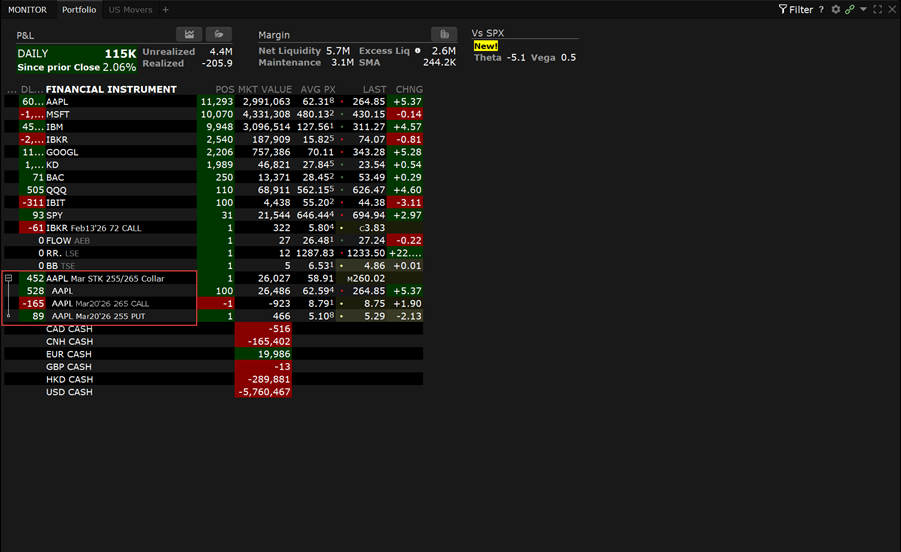
Click on the collar position to expand and view legs.
Additional Resources
-
Learn About Option Chain in Trader Workstation at IBKR Campus
-
Learn About Strategy Builder in Trader Workstation at IBKR Campus