Place a Trade in IBKR Prediction Markets
Instructions
To place an Event Contract trade, please take the steps outlined below.
-
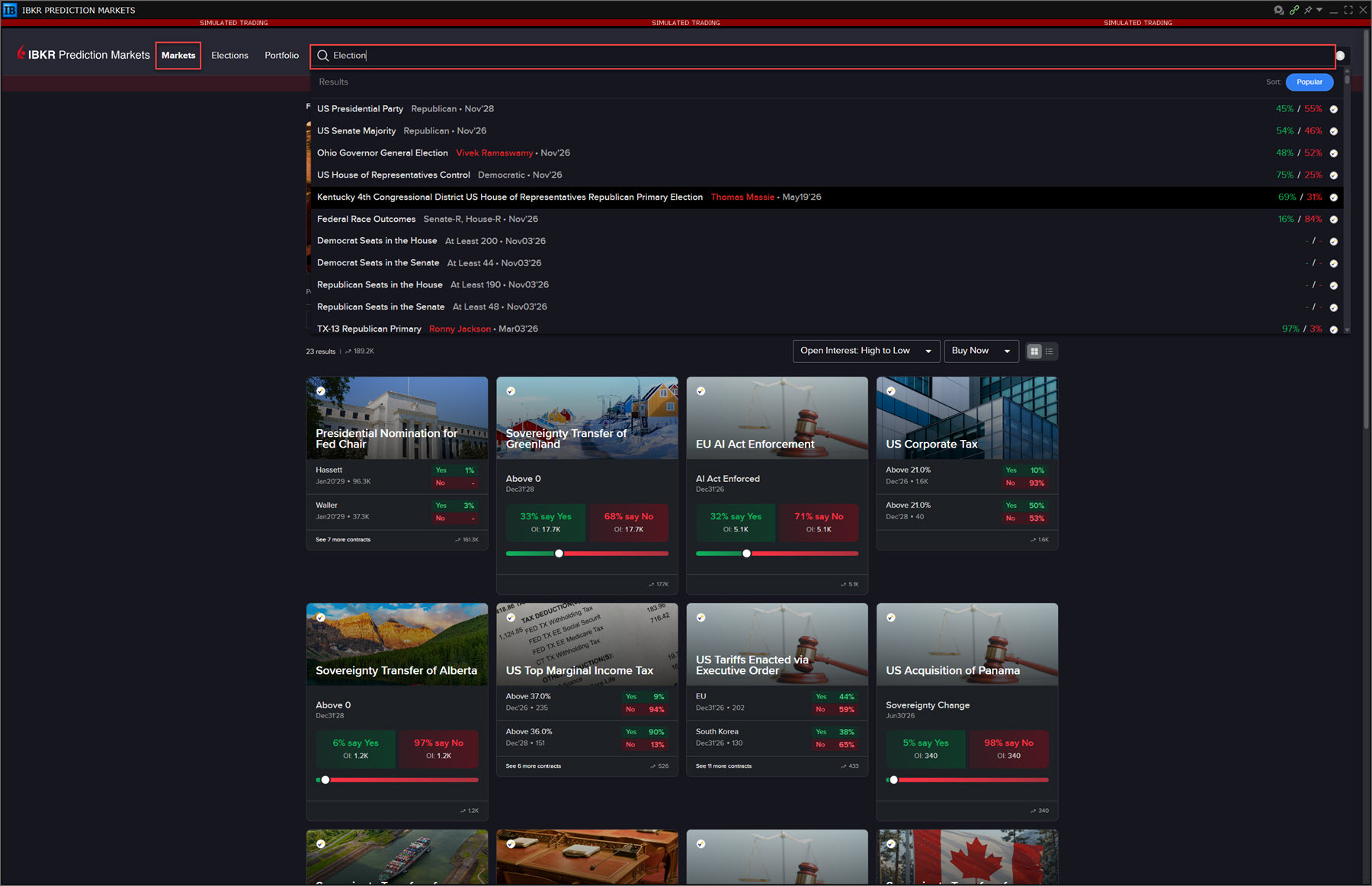
On the Prediction Markets window, click the Markets tab and use the search bar to type a description of the product (e.g. "cons" for consumer price index, "fed" for fed fund rate, etc).
-
Alternatively, click a contract populating on the home screen to buy or sell.
-
-
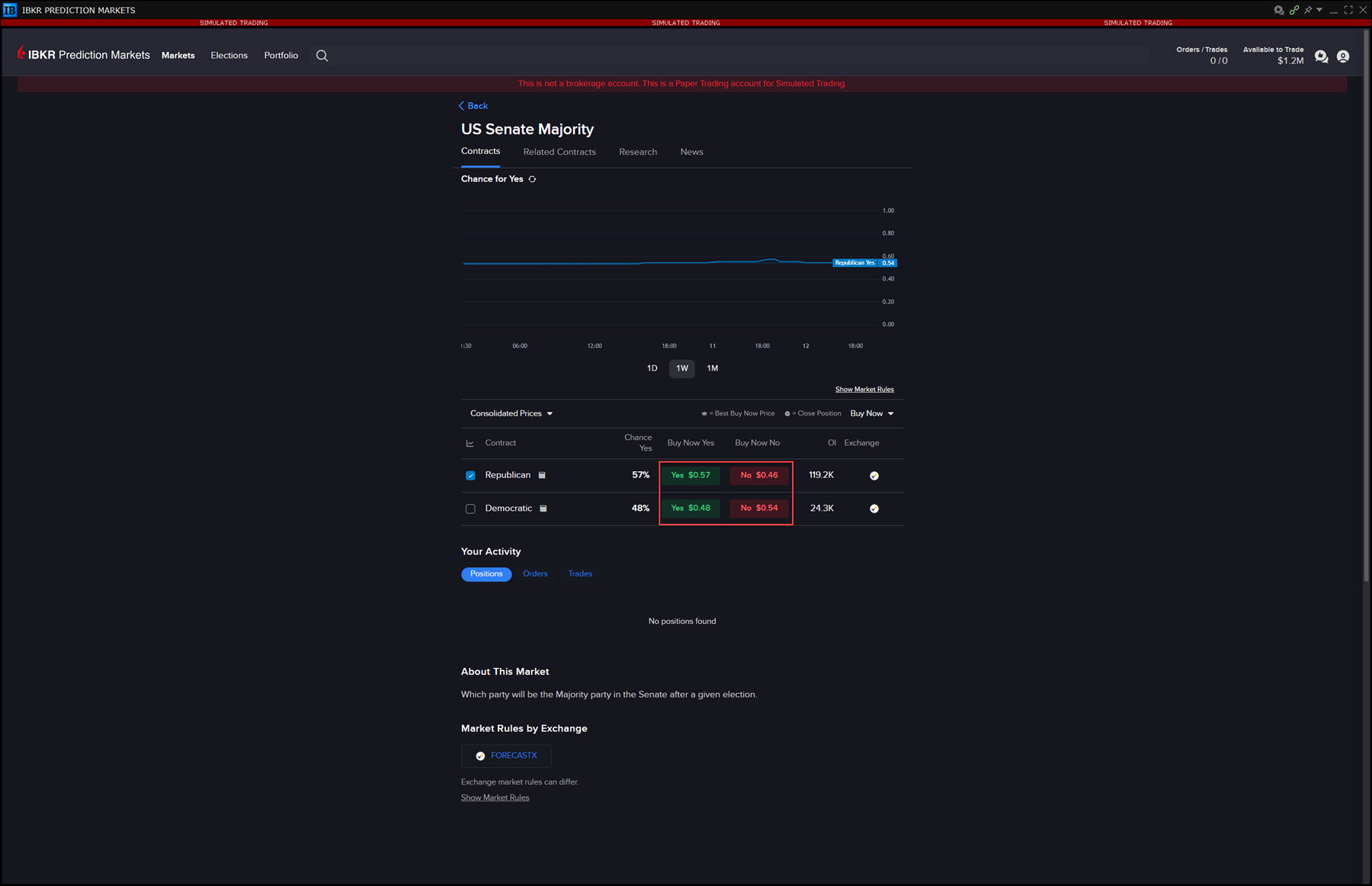
Click on an Event Contract from the Search results. A new screen will populate with additional information on the contract. Click Yes to Buy or No to Sell.
-
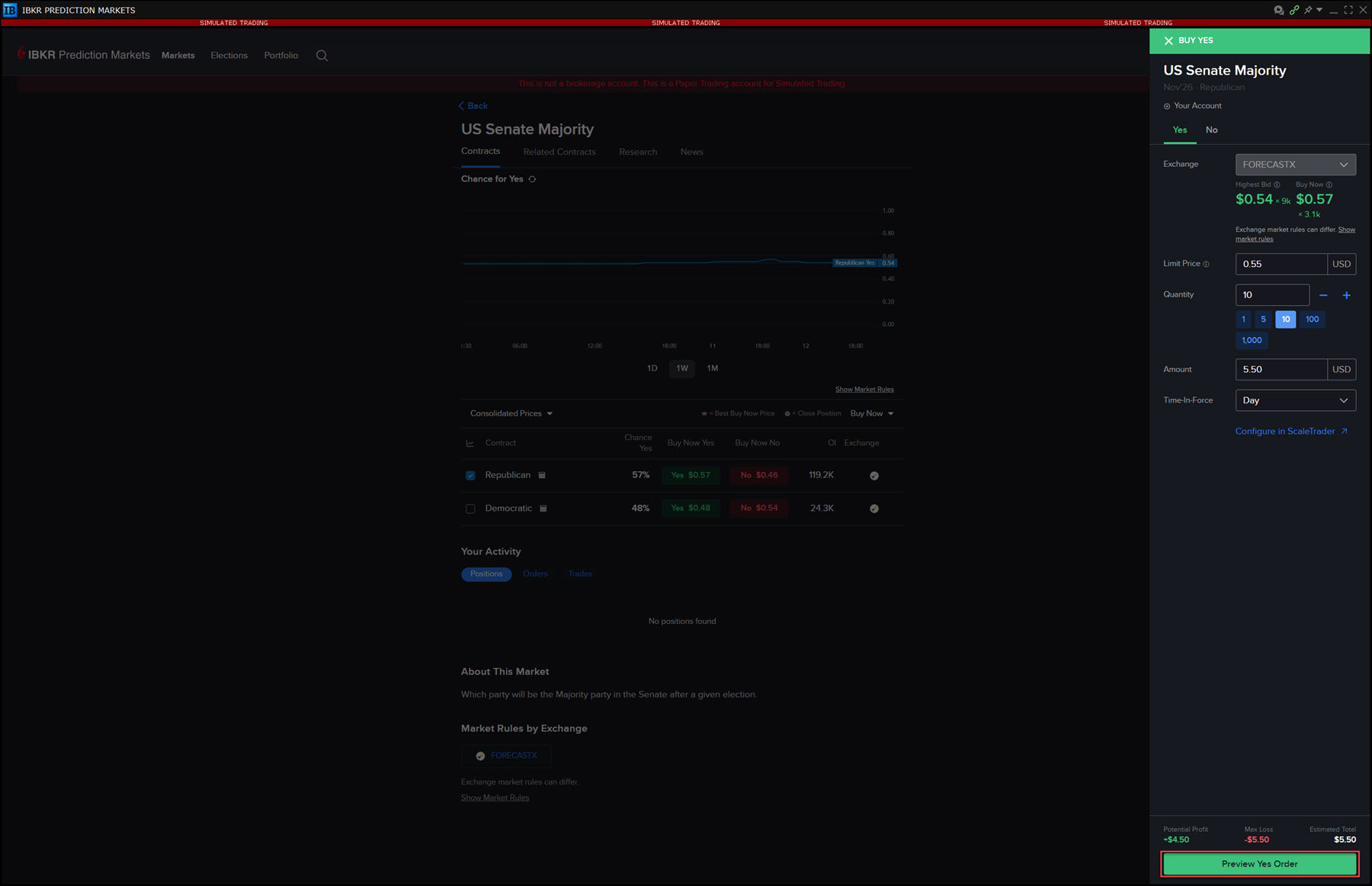
The Order Ticket will populate on the right hand side of the page. Enter the Order Parameters and click Preview Order.
-
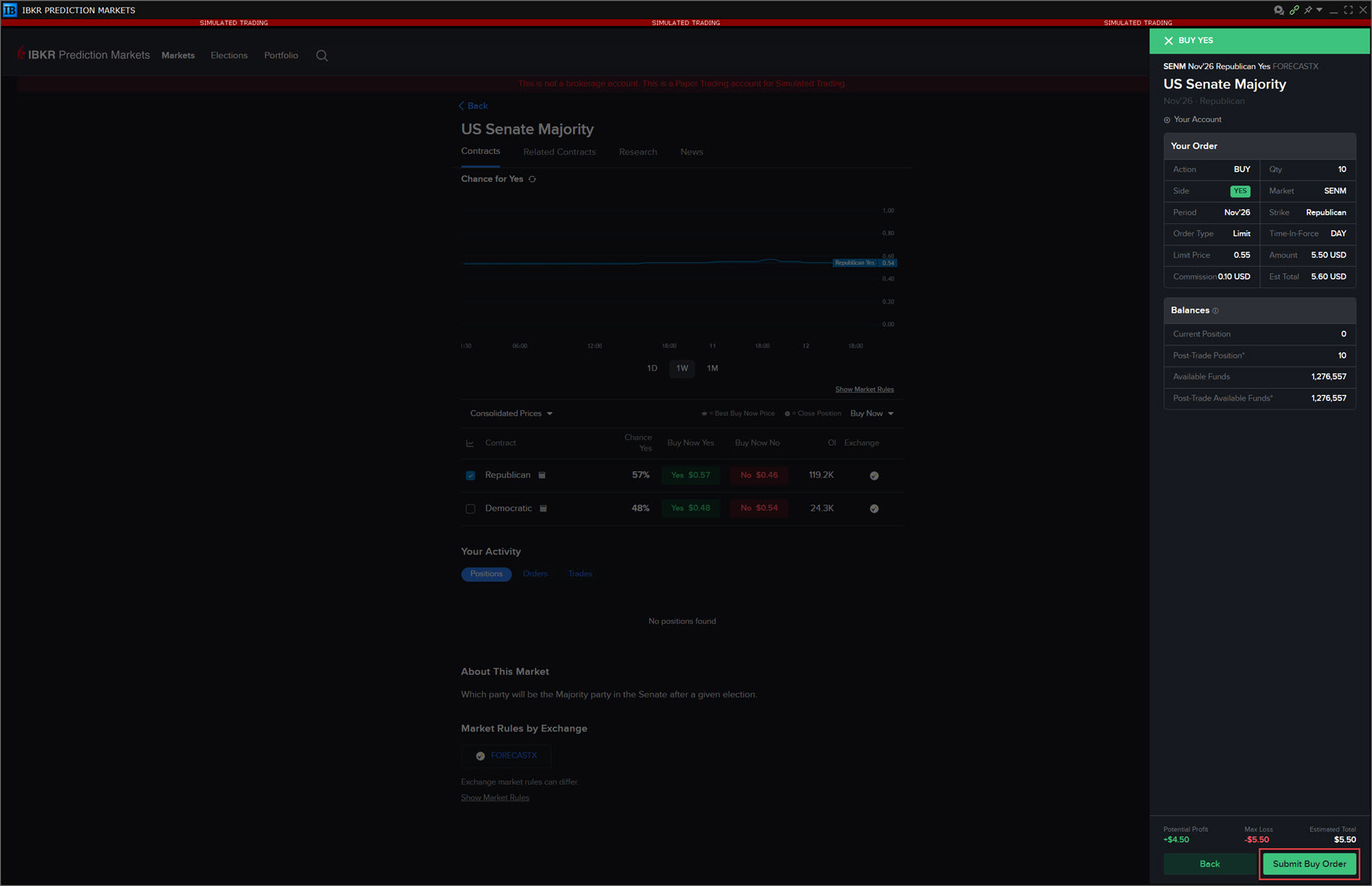
A preview of your order will populate on the screen. Press Submit Buy Order or Submit Sell Order to place this order.