View ForecastTrader Positions
Instructions
You may view your Event and Forecast Positions in both the IBKR Mobile and the ForecastTrader window. To do so, please take the steps outlined below.
ForecastTrader
-
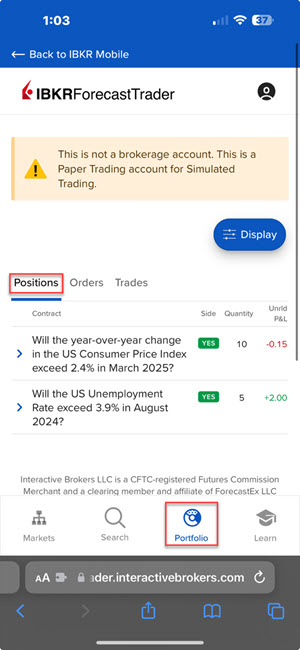
On the ForecastTrader screen, select the Portfolio tab and click Positions.
IBKR Mobile
-
Click the Portfolio
 icon at the bottom of your screen.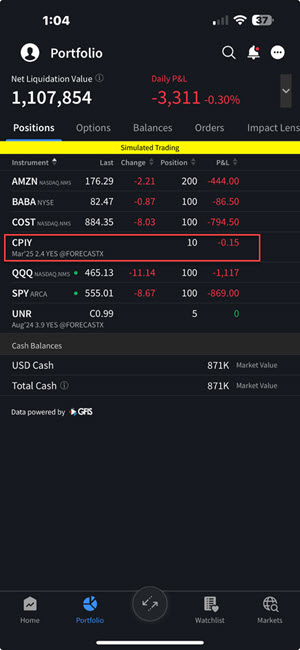
-
The Event and Forecast Contracts will be listed with your other positions.