Monitor your Account Information
Monitor your account activity, including account balances, margin requirements, available funds and Market Value details.
-
Tap the
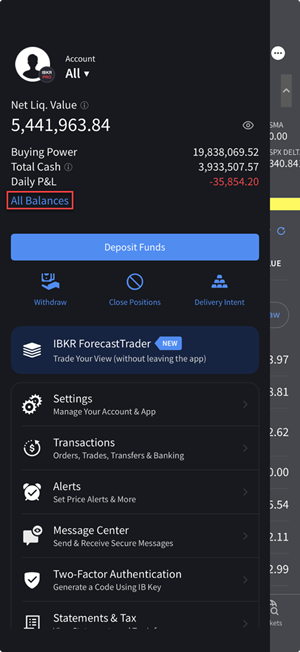
-
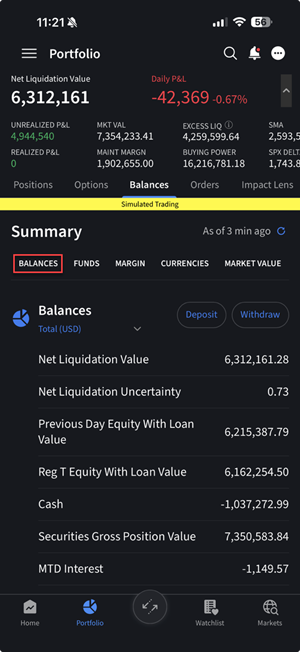
Balances: Shows your account balance for securities, commodities and in total. Tap the arrow next to Total in the Balances line at the top of the screen to switch between showing Total amounts for your account, amounts only in the Securities segment of your account, and amounts only in the Commodities segment of your account.
-
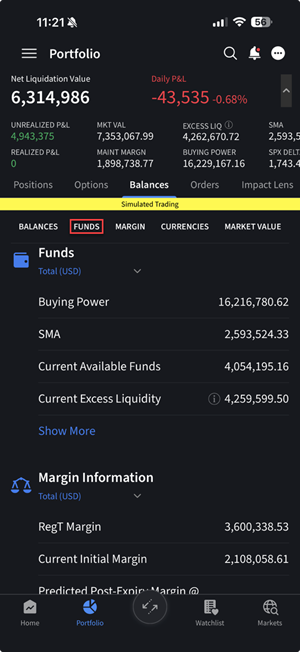
Funds: Shows you the state of your account including available funds, buying power and more.
-
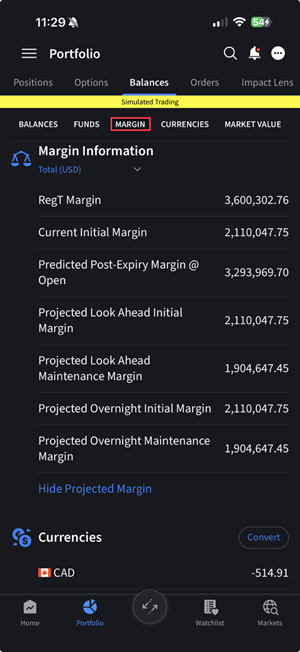
Margins: Shows current initial, maintenance, and projected margin requirements.
-
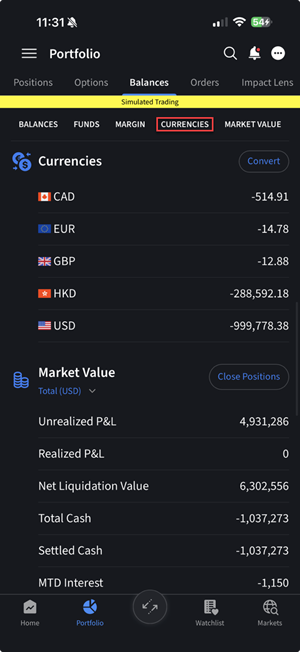
Currencies: Shows the different currencies in your account and lets you convert one currency for another or close a balance to USD.
-
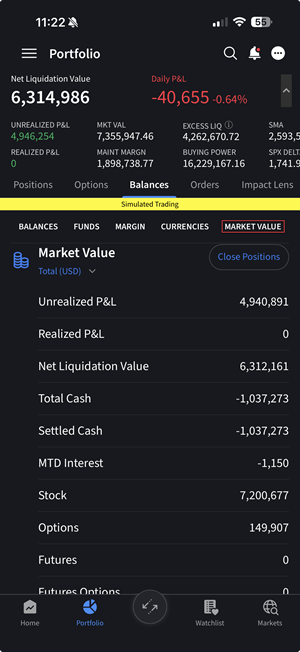
Market Value: Shows the total value for all assets by currency (sorted by asset type), plus the account's Net Liquidation Value, realized and unrealized P&L and more. Values shown in the Total in (USD) column reflect total value of your account in the account's base currency. Tap the double arrows next to Total to show values in that currency. Only currencies in which you hold positions will be available.