How do I change the layout of my Option Chain?
Instructions
Option Chain provides three different "views" with different layouts. Select the icon in the top left corner to select the views.
-
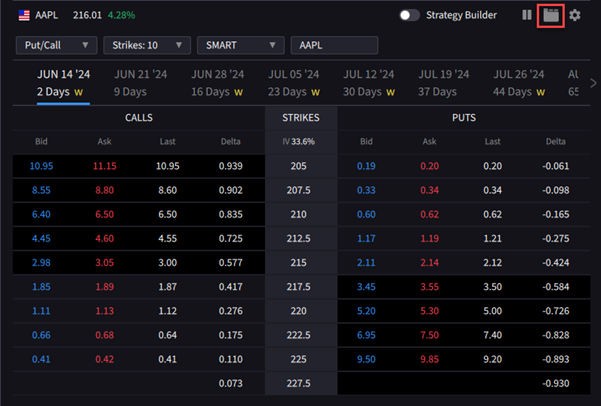
Tabs View: See a single expiration at a time using tabs along the top of the chain.
-
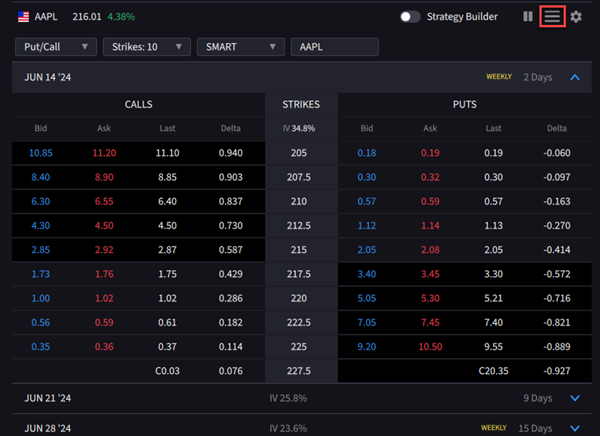
List View: See all expirations listed down the left-hand side of the Option Chain
-
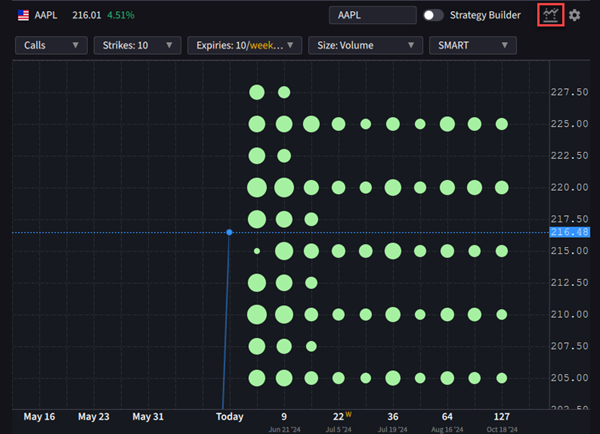
Lattice View: A graphical options chain view highlighting potential outliers in key metrics, such as Implied Volatility, Open Interest, Volume, or Last Price. Find out more.