Authorized Officer
Instructions
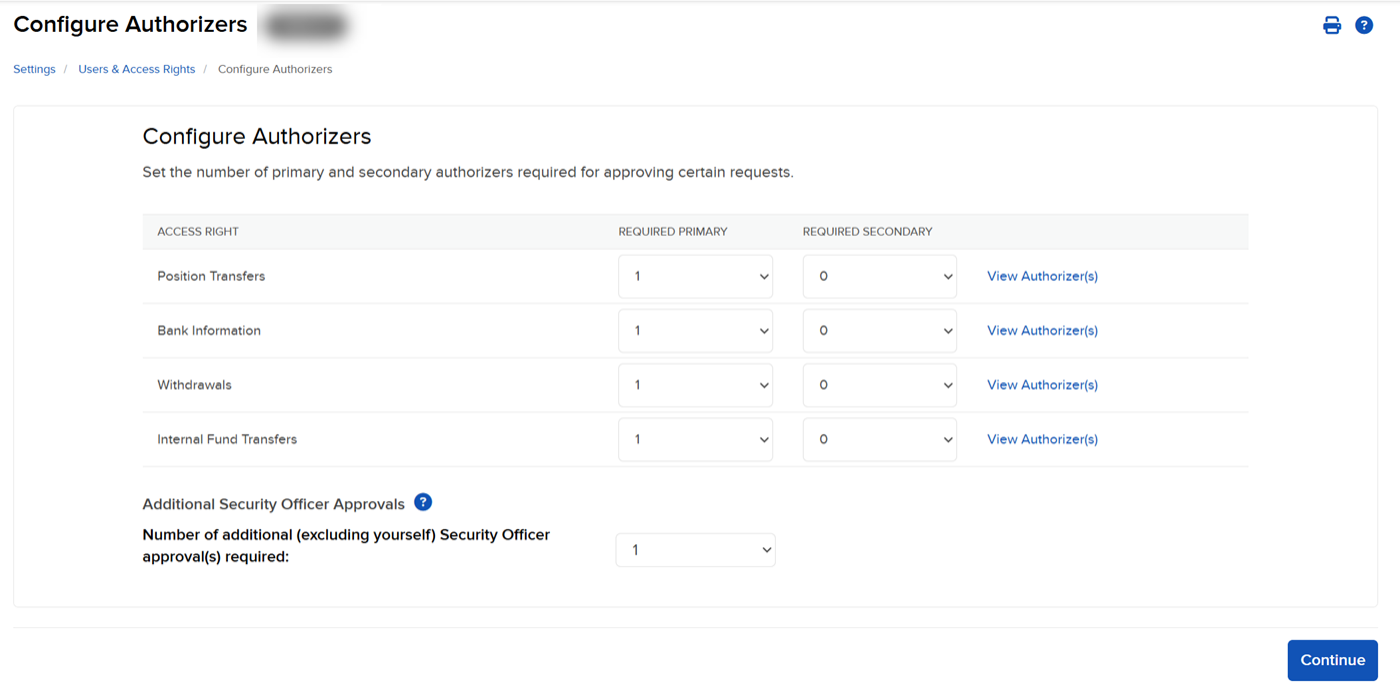
Implement an officer change request by selecting the Authorized Officer option.
-
Click the User menu (head and shoulders icon on the top right corner) > Settings > User & Access Rights..
-
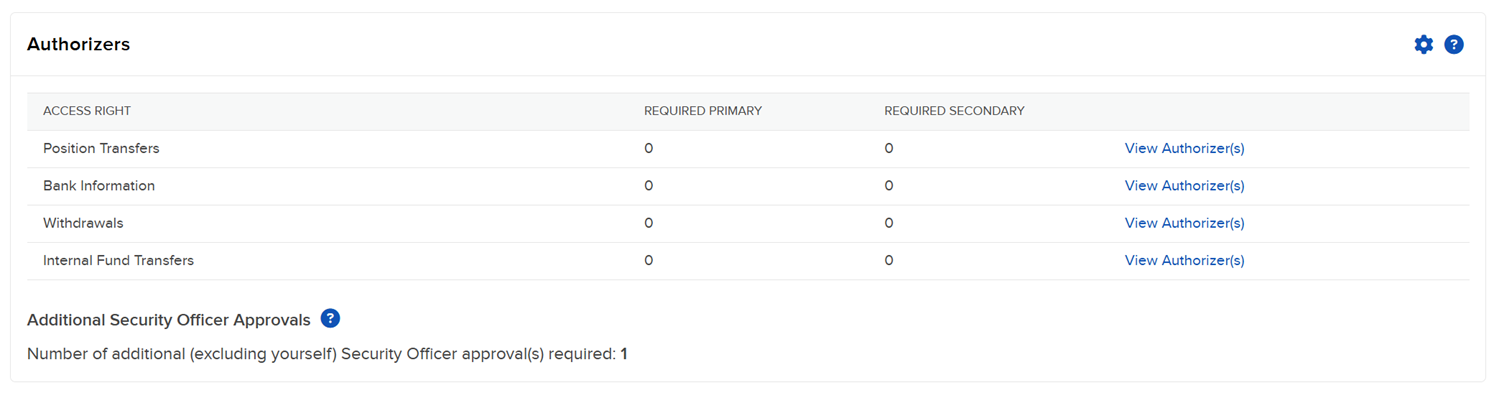
The Authorizers panel shows the users who are eligible to become the primary user on the account.
-
Configure an authorized officer by clicking the gear icon. You can view the current authorized officer or if a request is pending, the details of the pending change request.