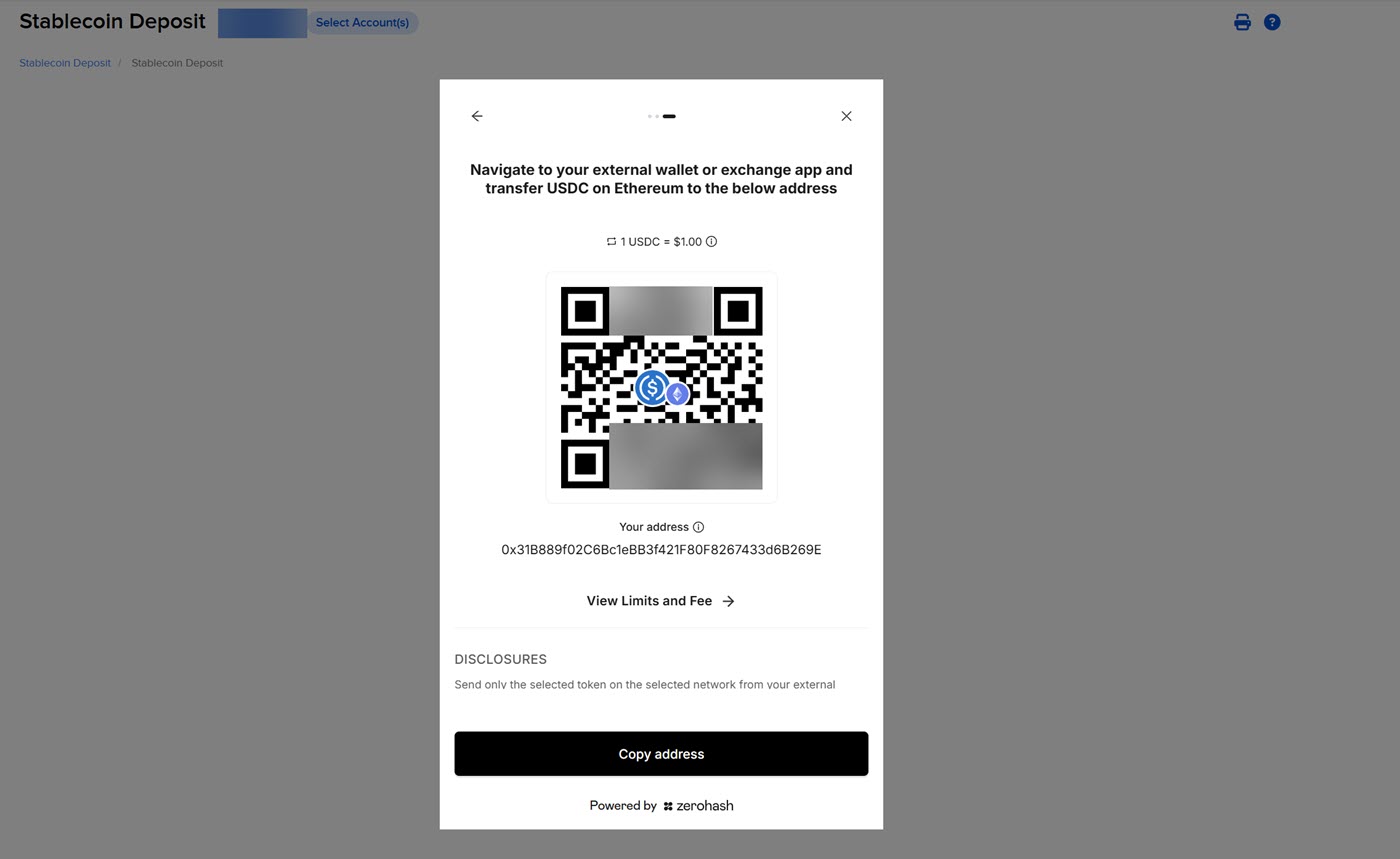
Fund with Stablecoin
Instructions
Fund with Stablecoin allows you to select from available coins from supported crypto exchanges and receive USD in your IBKR account. To initiate this transfer, follow the steps outlined below.
Note: This funding method is only available for clients with a USD base currency.
- Click the Transfer & Pay tab > Transfer Funds.
- Alternatively, click Menu in the top left corner > Transfer & Pay > Transfer Funds.
- If you are managing multiple accounts, use the Account Selector’s search function to choose the account you want, then click Continue.
-
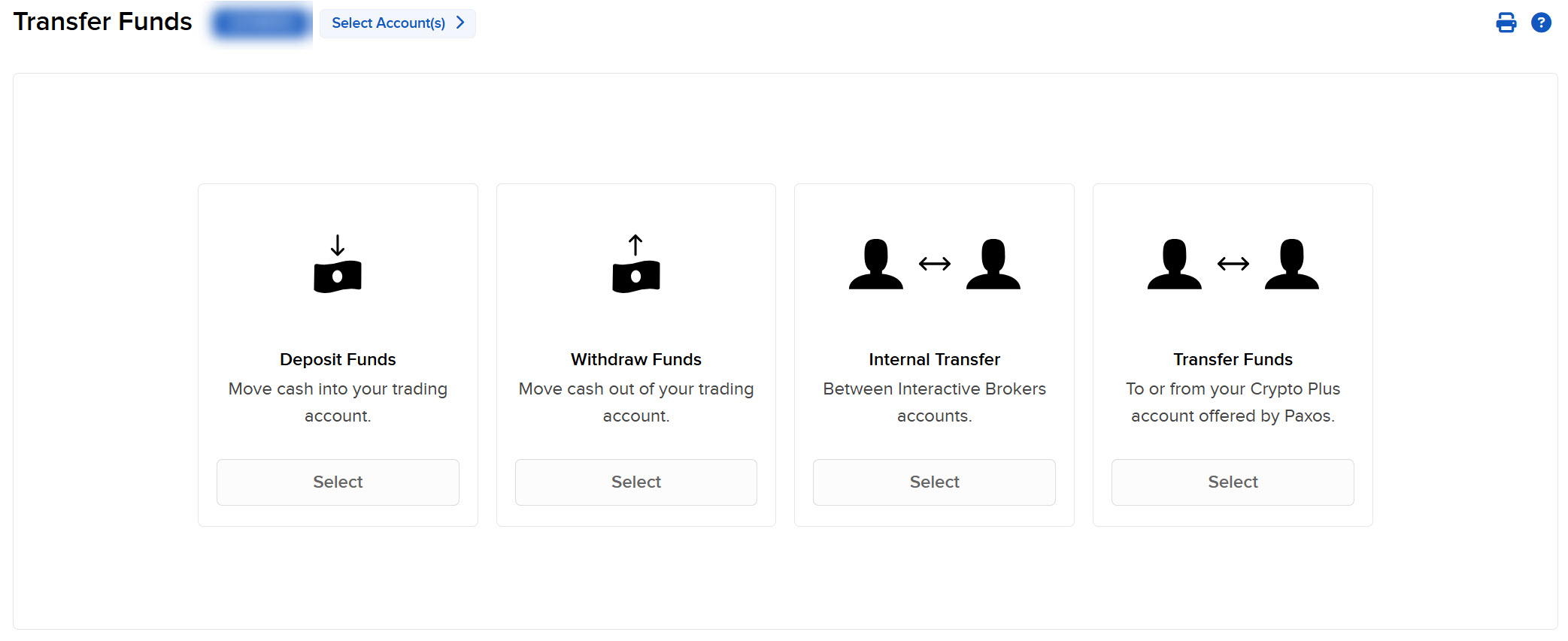
Select Deposit Funds.
-
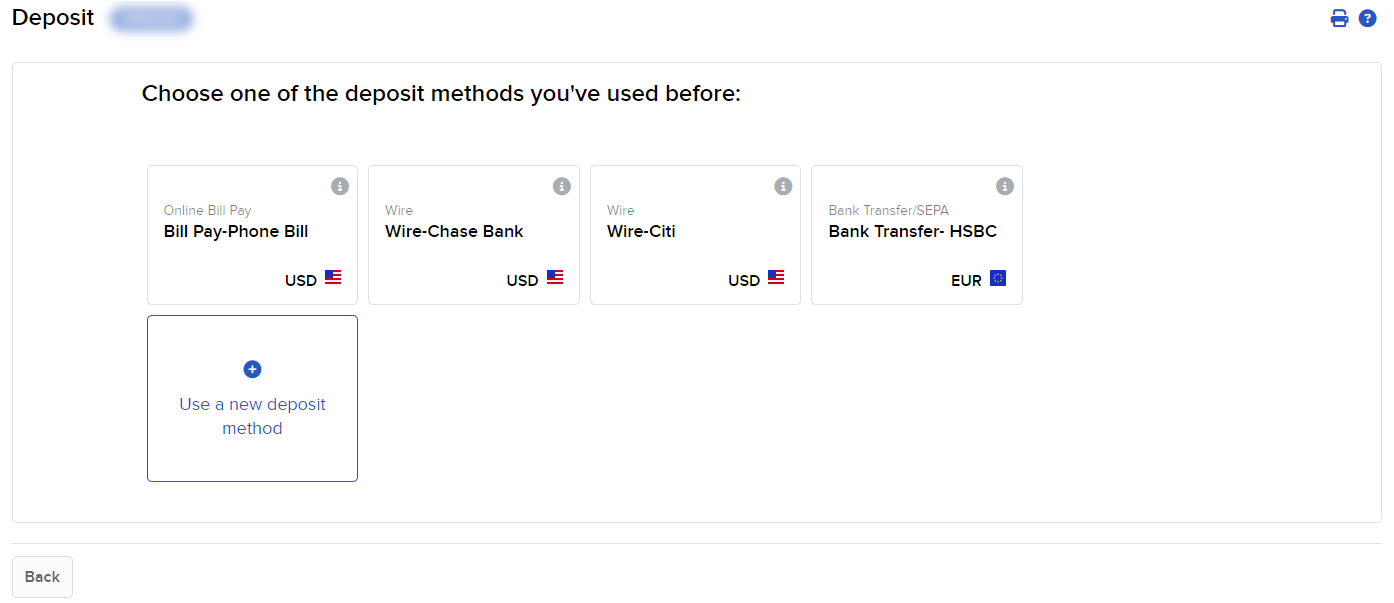
If prompted, select Use a new deposit method
-
Select United States Dollar (USD) from the currency drop-down menu.
-
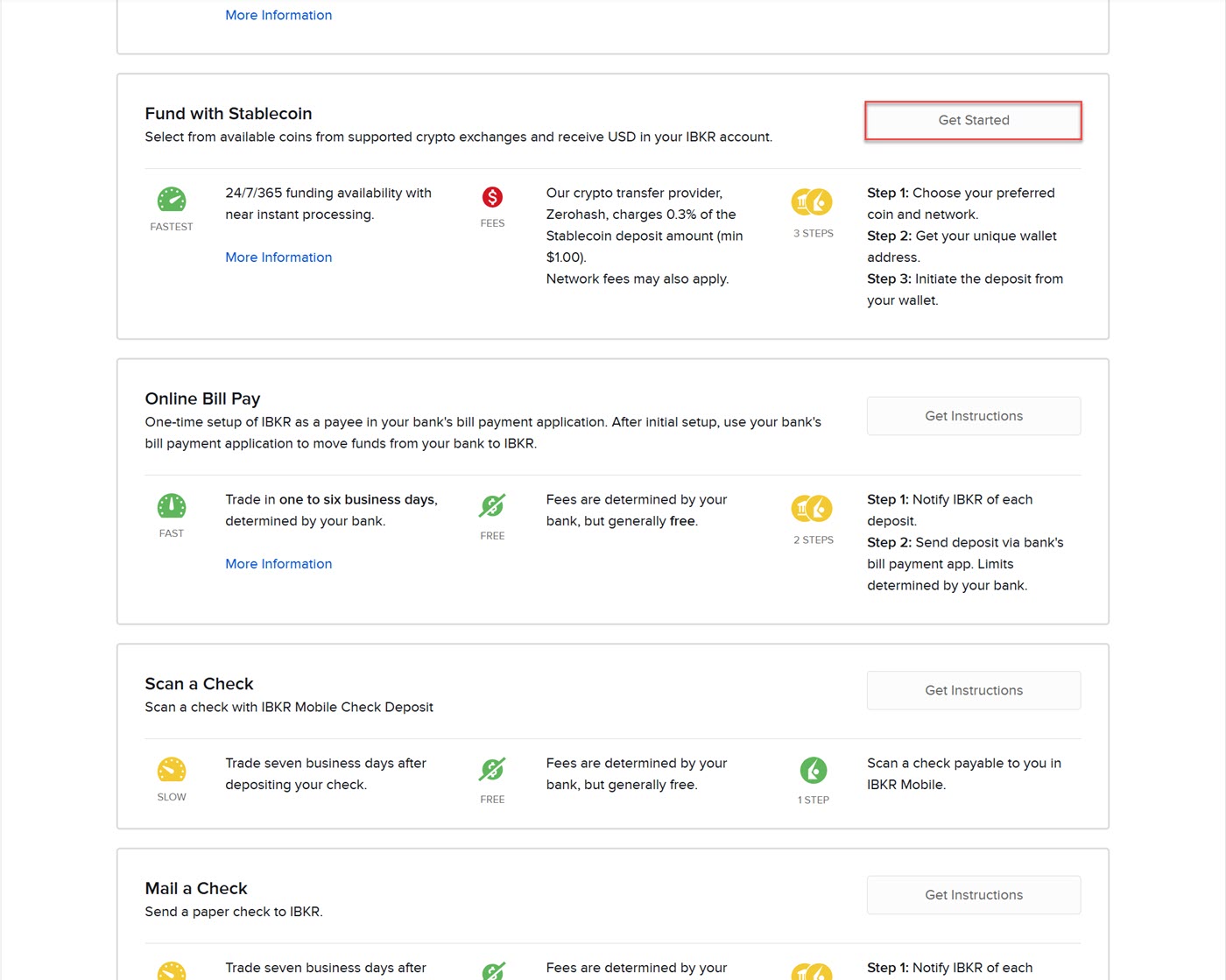
Select Fund with Stablecoin.
-
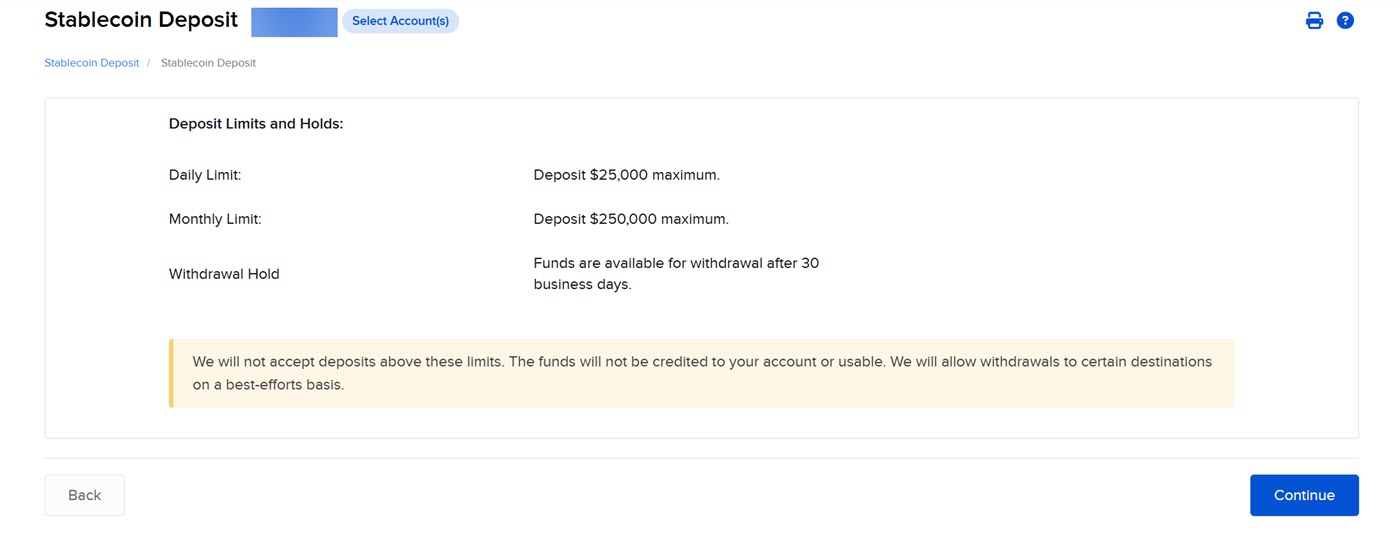
The Deposit Limits and Holds page will populate. Once read, click Continue.
-
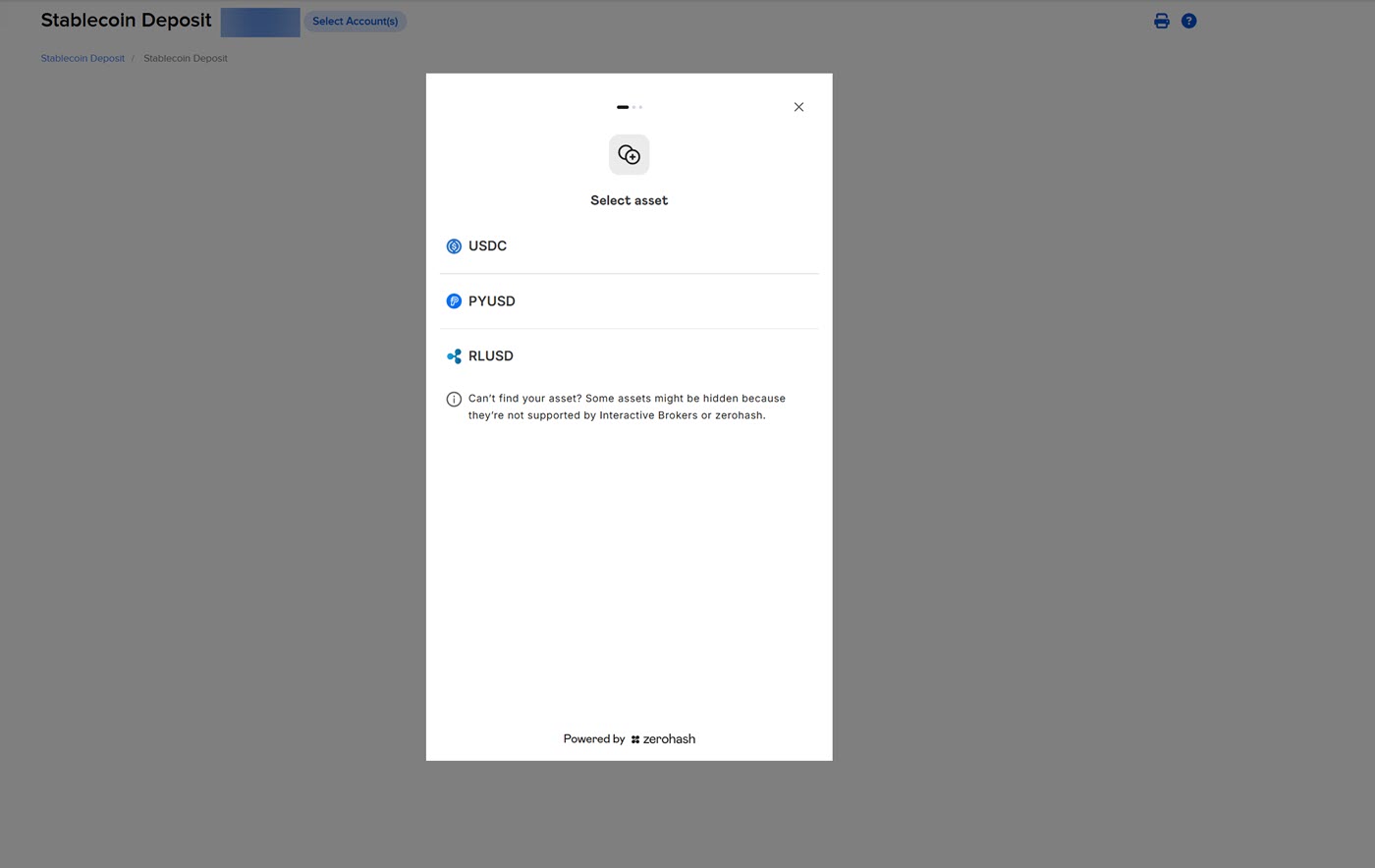
Select an Asset from the list provided.
-
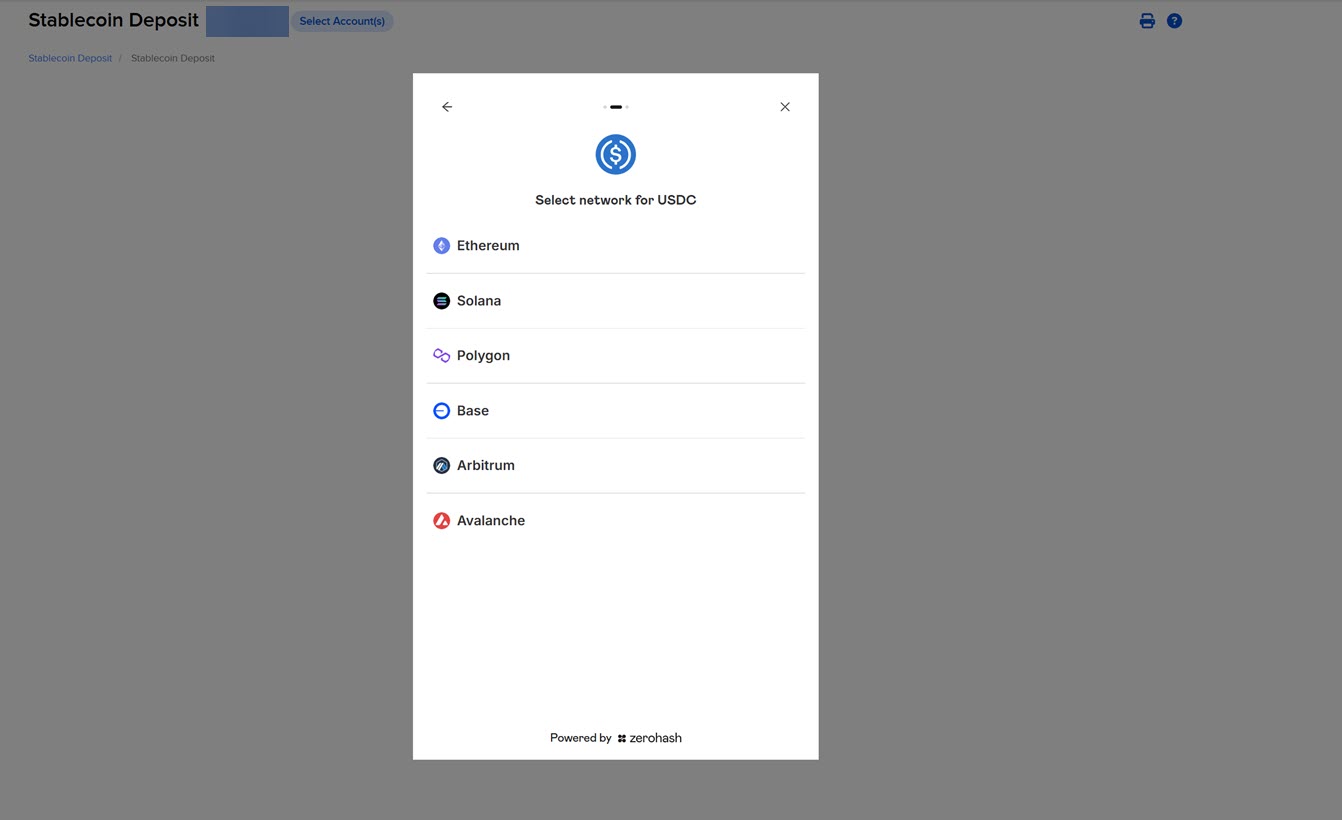
Select the Network from the list provided.
-
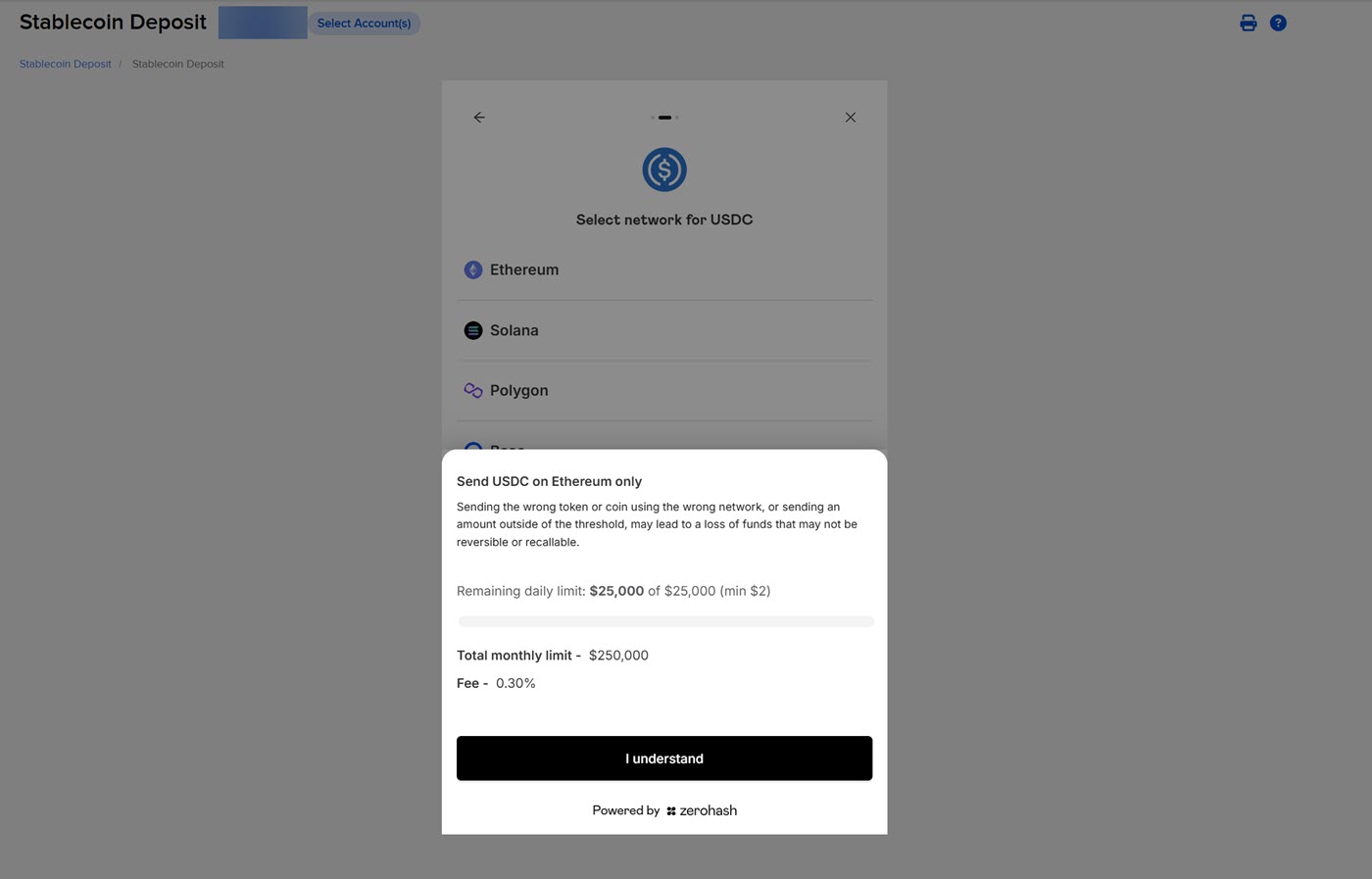
Read the prompt and click I understand.
-
Navigate to your external wallet or exchange app and transfer the stablecoin using the QR code, or by clicking Copy Address.