Remove or Modify a Beneficiary
Instructions
-
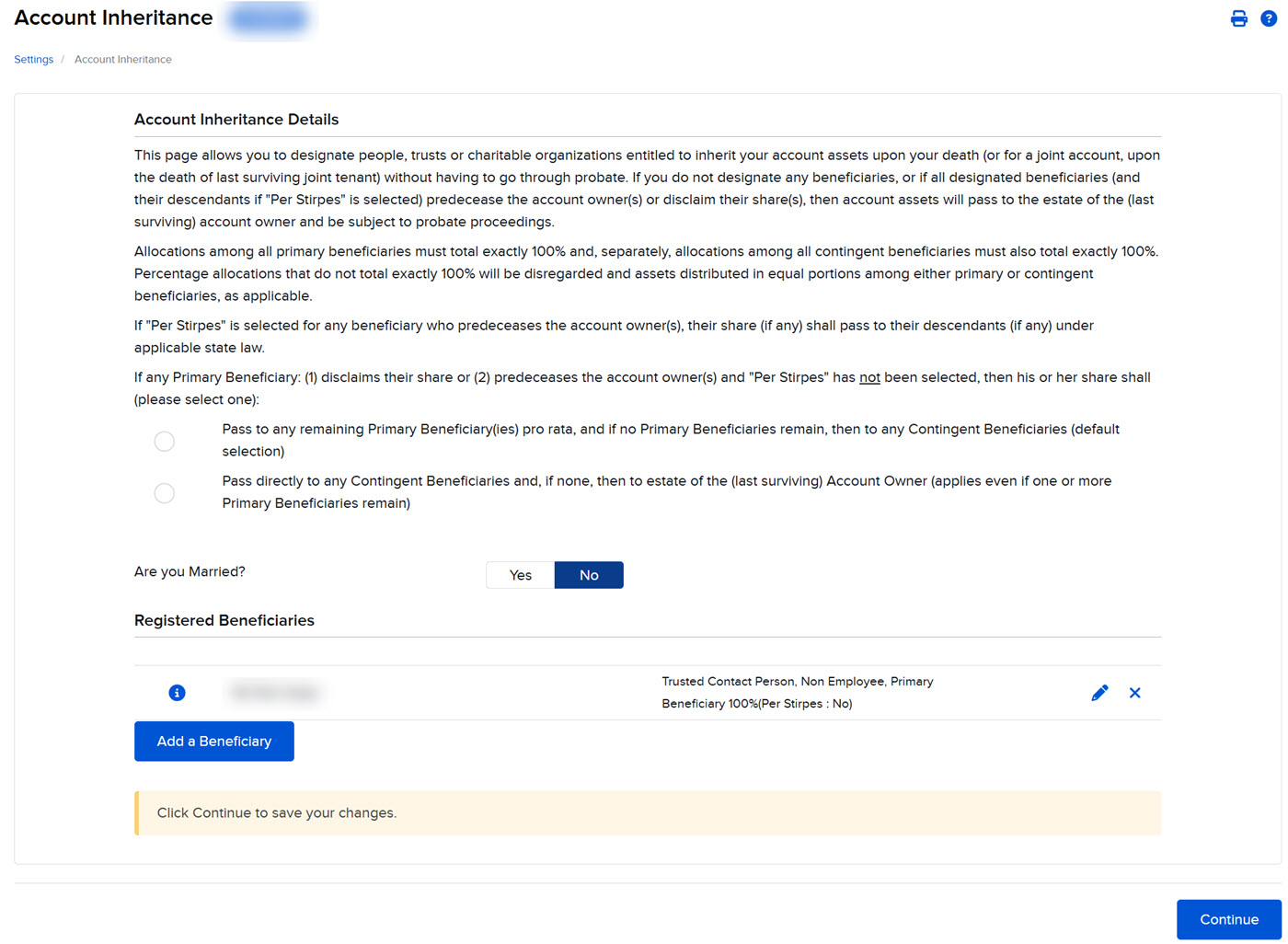
Click the User menu (head and shoulders icon in the top right corner) > Settings > Account Configuration > Account Inheritance.
-
To remove a beneficiary, on the Account Inheritance page click the X icon on the row listing the beneficiary.
-
To modify a beneficiary, on the Account Inheritance page click the pencil icon on the row listing the beneficiary, then modify the information as required and click Continue.
-
To view beneficiary information, click the "i" information icon.
If prompted, enter the confirmation number sent to your email address and click Continue.