Profile
Instructions
The Profile(s) panel on the Account Settings screen shows a list of all user profiles for the current account. Profiles let you modify information for individuals or entities associated with your account.
You can modify the following information:
- Name
- Date and country of birth
- Residential Address or Principal Place of Business Address
-
Country of Legal Residence
Note: You may change the Country of Legal Residence and remain in the same IB Entity as long as the new Country of Legal Residence is not considered a prohibited country.
- Marital status
- Number of dependents
- Account association
- Phone numbers
- Employment information
- Tax Identification Number
-
Trust Withdrawal Info
Specify whether the trust may withdraw from or deposit to the grantor and beneficiary.
User profiles are different from users that you add to your account through the Users and Access Rights process.
The Profile(s) panel lets you:
 View a Profile
-
Click the User menu (head and shoulders icon in the top right corner) > Settings > Account Profile
-
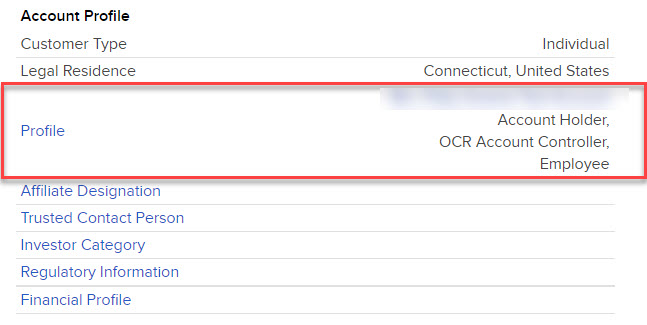
Click Profile
-
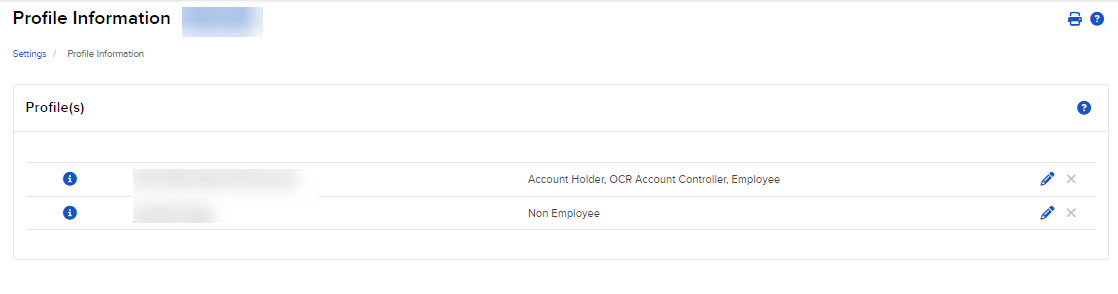
The Account Settings screen opens. The Profile(s) panel appears at the top.
-
In the Profile(s) panel, click the i icon next to the profile you want to view.
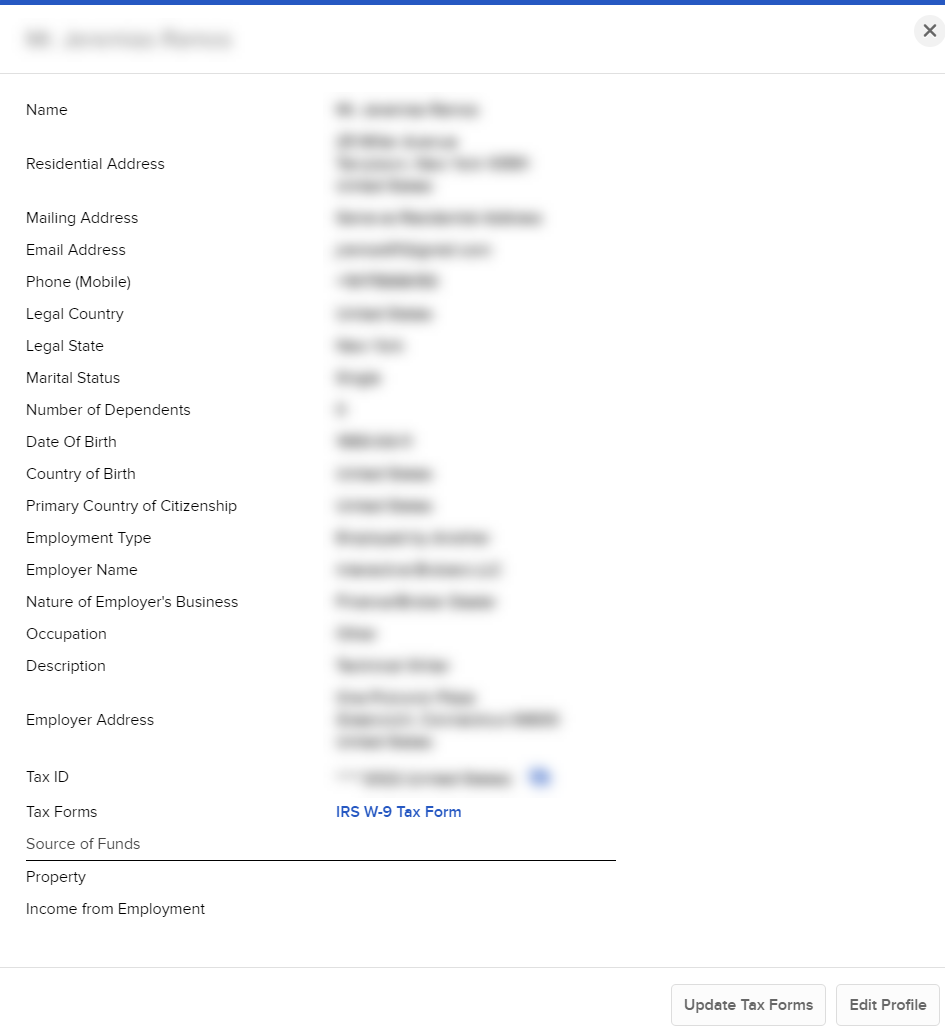
The profile opens in a pop-up window.
-
Click Close to close the pop-up.
Edit a Profile
-
Click the User menu (head and shoulders icon in the top right corner) > Settings > Account Profile.
The Account Settings screen opens. The Profile(s) panel appears at the top.
-
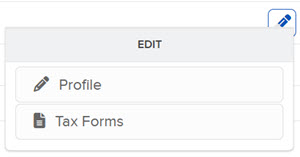
Click the Edit (pencil) icon for the profile you want to modify.
-
Click Profile or Tax Forms.
-
Profile information appears on a series of screens. Modify information as required, clicking Continue to advance through the screens.
-
Verify or update your information, then click Continue.
-
If you do not participate in the Secure Login System for two-factor authentication, you will receive an email with a confirmation number. Enter the confirmation number sent to you via email, then click Continue. If you have not received a confirmation number, click Request Confirmation Number to have a new confirmation number sent.
-
Click Ok.
Delete a Profile
-
Click the User menu (head and shoulders icon in the top right corner) > Settings > Account Profile.
- In the Profile panel, click the X next to the profile you want to delete.
- Click Yes to confirm.