Managing the Linked Account
After you have created a linked account, you can perform any action in Client Portal for that account as long as its status is Open. For example, you can modify trading permissions or transfer funds by first selecting the linked account.
To perform an action for a linked account, follow the steps below.
-
Log into Client Portal with the single username and password.
-
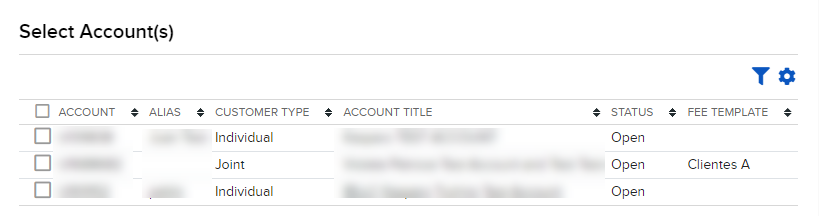
Select a linked account from the Account Selector.
-
Client Portal reloads with the selected linked account as the new active account.
-
Perform any action you wish for the selected account by selecting an item from the Client Portal menus.