Account Transfer
Instructions
Follow the steps below to transfer all assets from your account to an eligible destination account.
-
Click the User menu (head and shoulders icon in the top right corner) > Settings > Account Configuration.
-
Select Account Transfer.
-
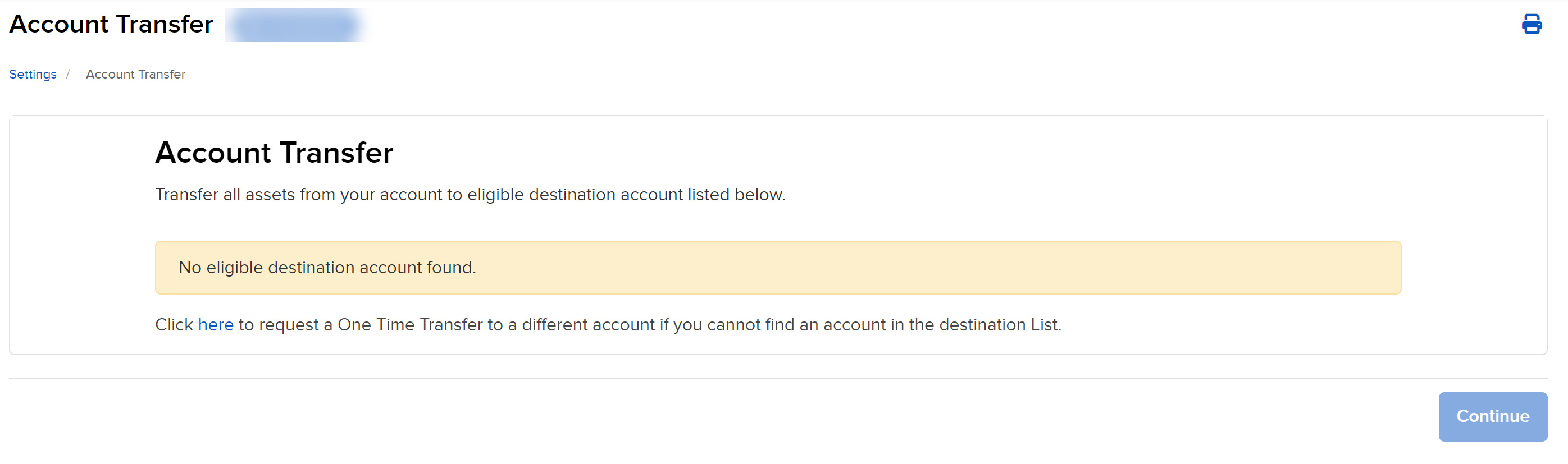
All eligible destination accounts will populate below. Select the destination account and press Continue to complete the request.
-
Select the Transfer Type in the drop down menu
-
Full Account Transfer
-
Position Transfer
-
Cash Transfer
-
-
Enter the destination account and the destination account user name and click continue.