Calendar
Instructions
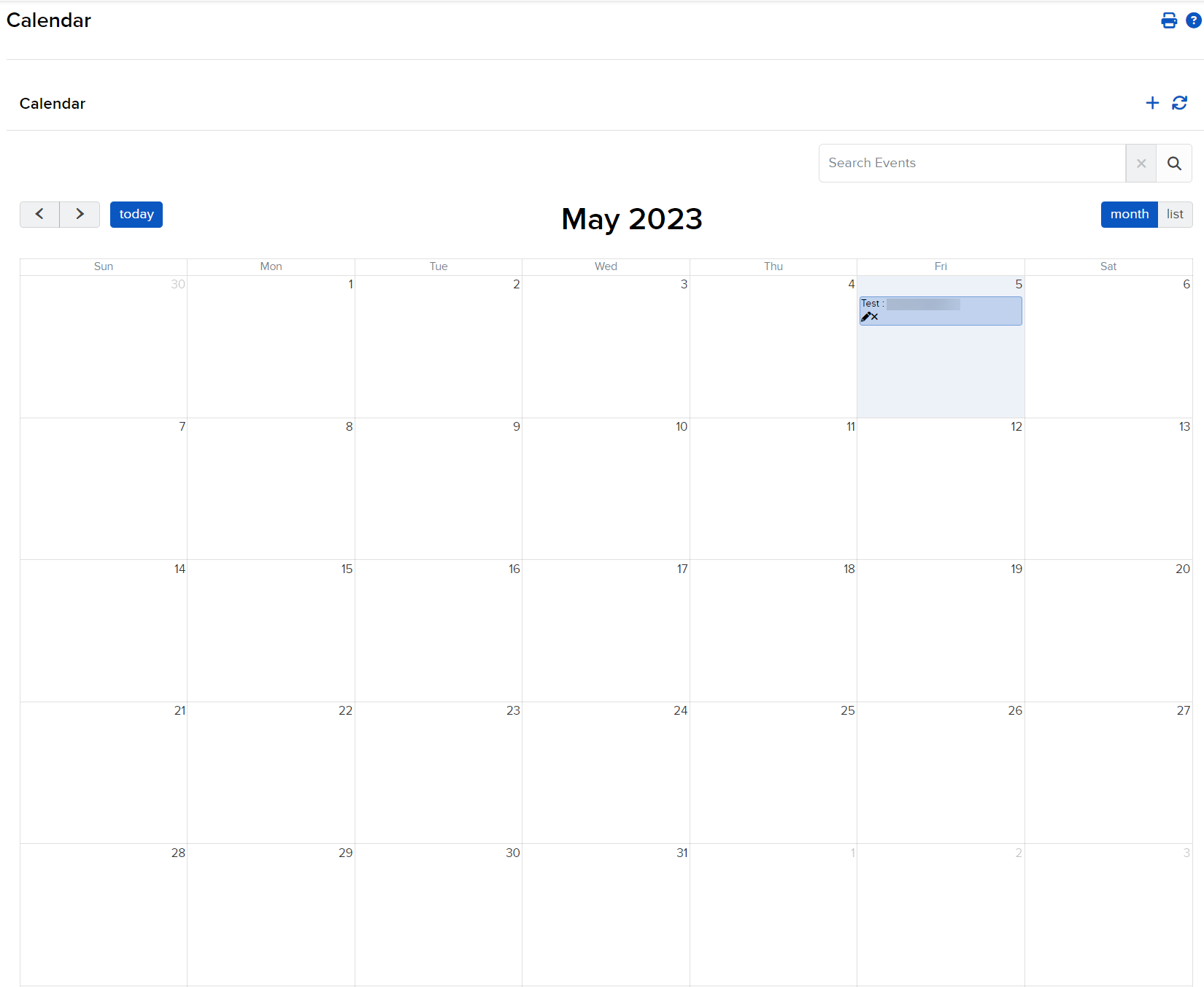
The Calendar tab shows all scheduled events. You can:
-
Click Menu in the top left corner > Administration & Tools > Calendar.
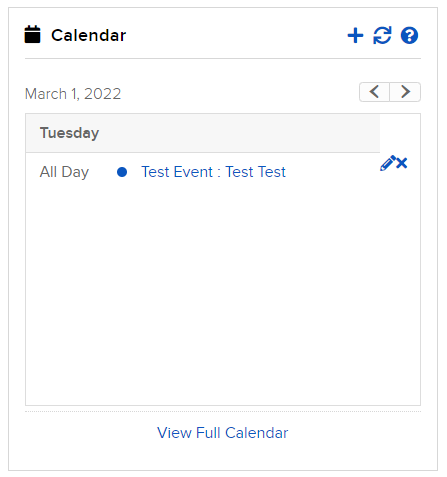
You can also access a mini calendar view from the Home page.