Message Center Preferences
Instructions
You can configure the following Message Center preferences:
- Set your preferred and secondary languages for message.
- Tell us how to deliver inquiry ticket updates and general notices.
- Set your email security level.
- Click Support (question icon) > Message Center.
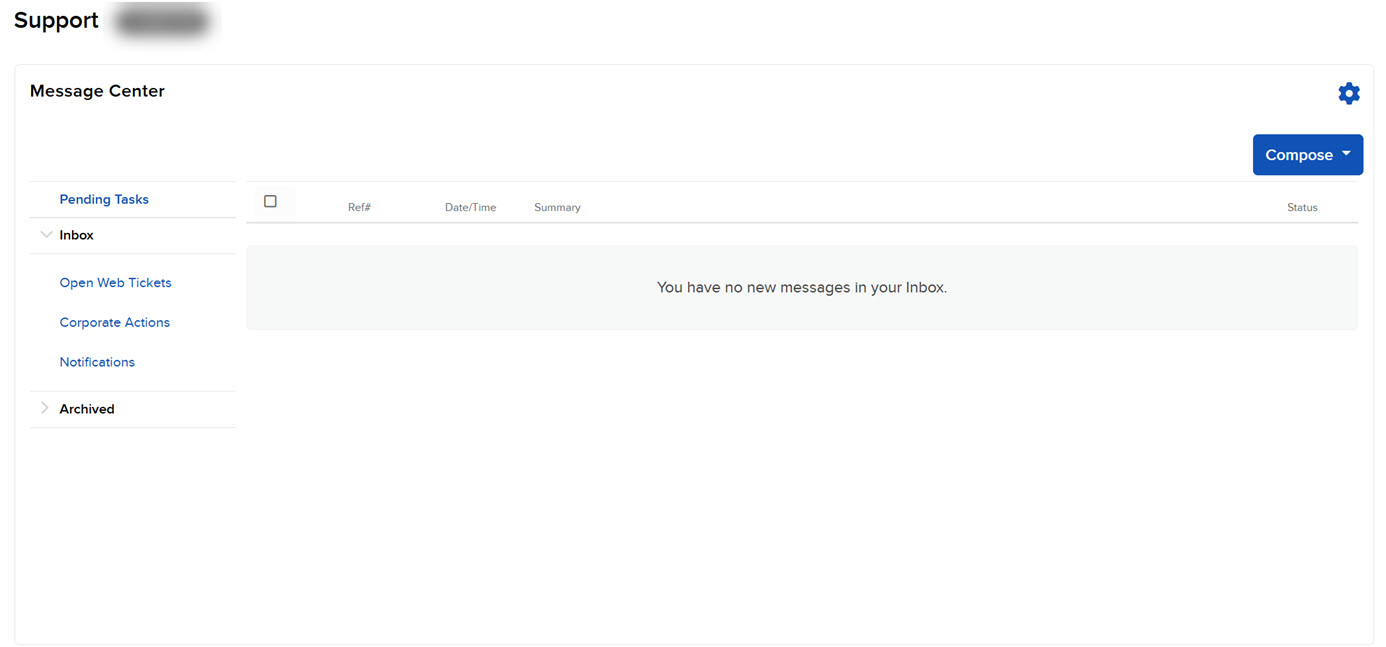
- Click the Preferences (gear) icon on the right side of the Message Center.
The Message Preferences window appears.
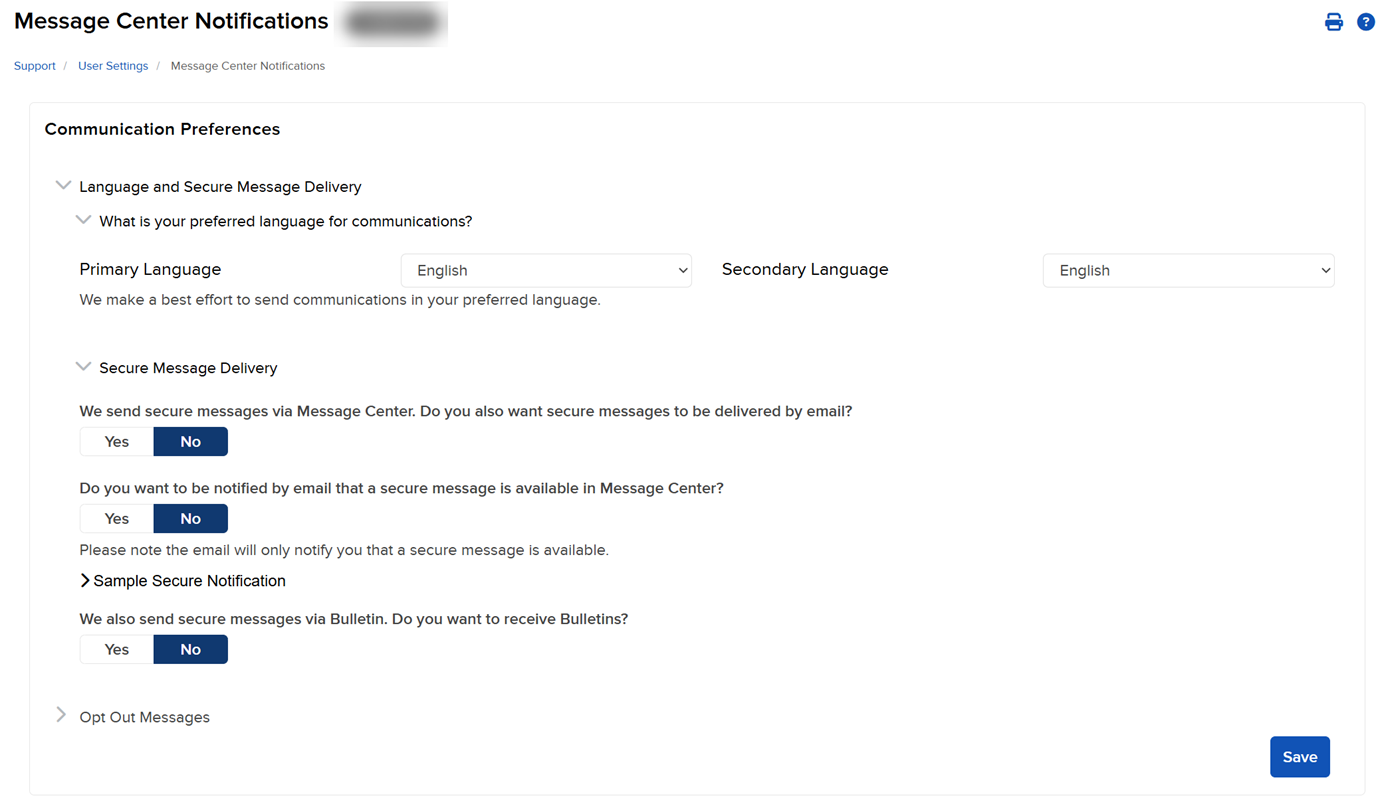
- Select a Preferred and Secondary Language for messages using the drop-downs.
- For ticket inquiries, select one or more notification methods:
- Message Center
- Trader Workstation
- SMS/Text Message
- General notices, set select one or more notification methods.
-
Select Opt Out Messages to view messages or IBFYI's you have unsubscribed to and to opt back in.

-
To opt in select Opt In and confirm that you would like to receive this message type.
-
- Click Save to save your changes.
Additional Resources
-
Learn About Support Center Tools at IBKR Campus