Life Events
Instructions
You can add up to 10 life events. Follow the steps below.
-
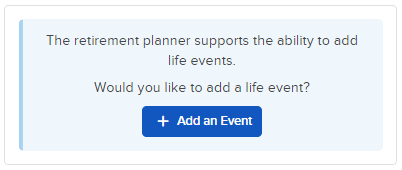
In the bottom left corner, click + Add an Event
-
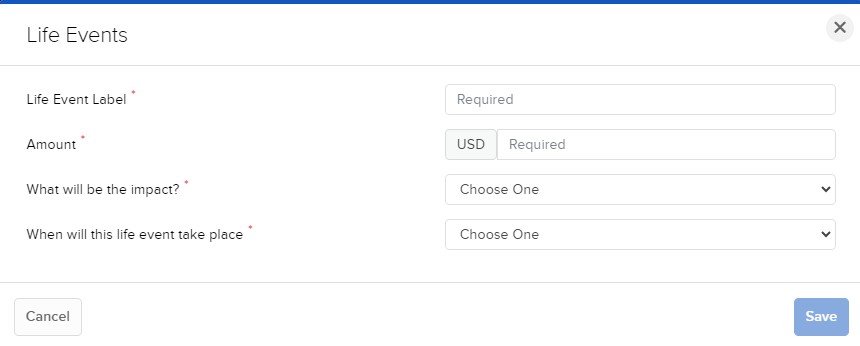
Enter the Life Events information.
-
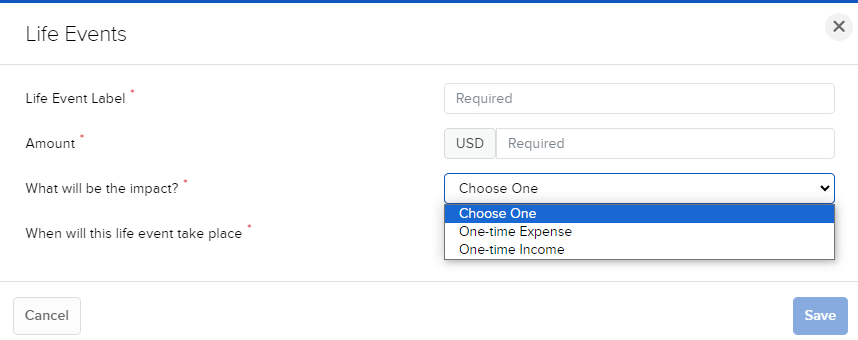
To the right of "What will be the impact?" select One-time Expense or One-time Income.
-
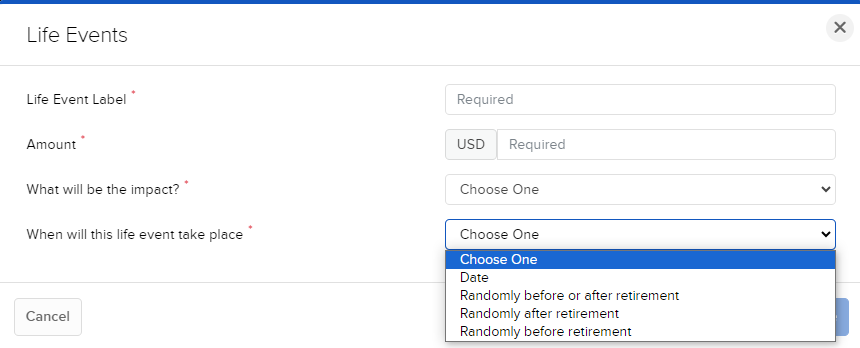
To the right of "When will this life event take place?" select either Date, Randomly before or after retirement, Randomly after retirement, or Randomly before retirement.
-
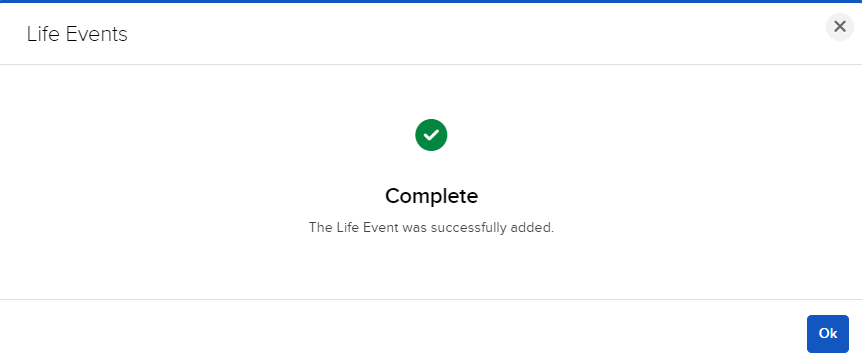
Press Save when ready.
-
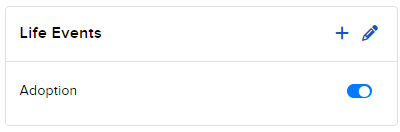
You will now be navigated back to the Retirement Planner home page where you can view and edit your Life Events.
-
Click the + icon to add additional Life Events.
-
Click the pencil icon to edit the current Life Events.
-
Click the toggle icon to include or exclude a Life Event.