View Positions in Real Time
Instructions
To view real time positions in the Org Portal, please take the steps outlined below.
-
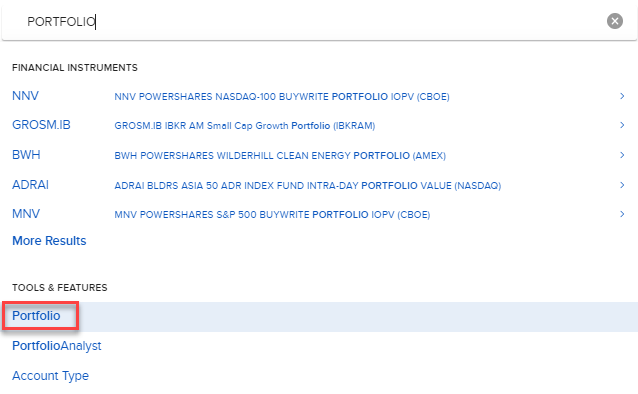
Select the Symbol or Site Search bar at the top of any page in the Org Portal.
-
Type Portfolio in the Search box and press Enter on your keyboard
-
Select the Portfolio option under Tools & Features.
 View Positions
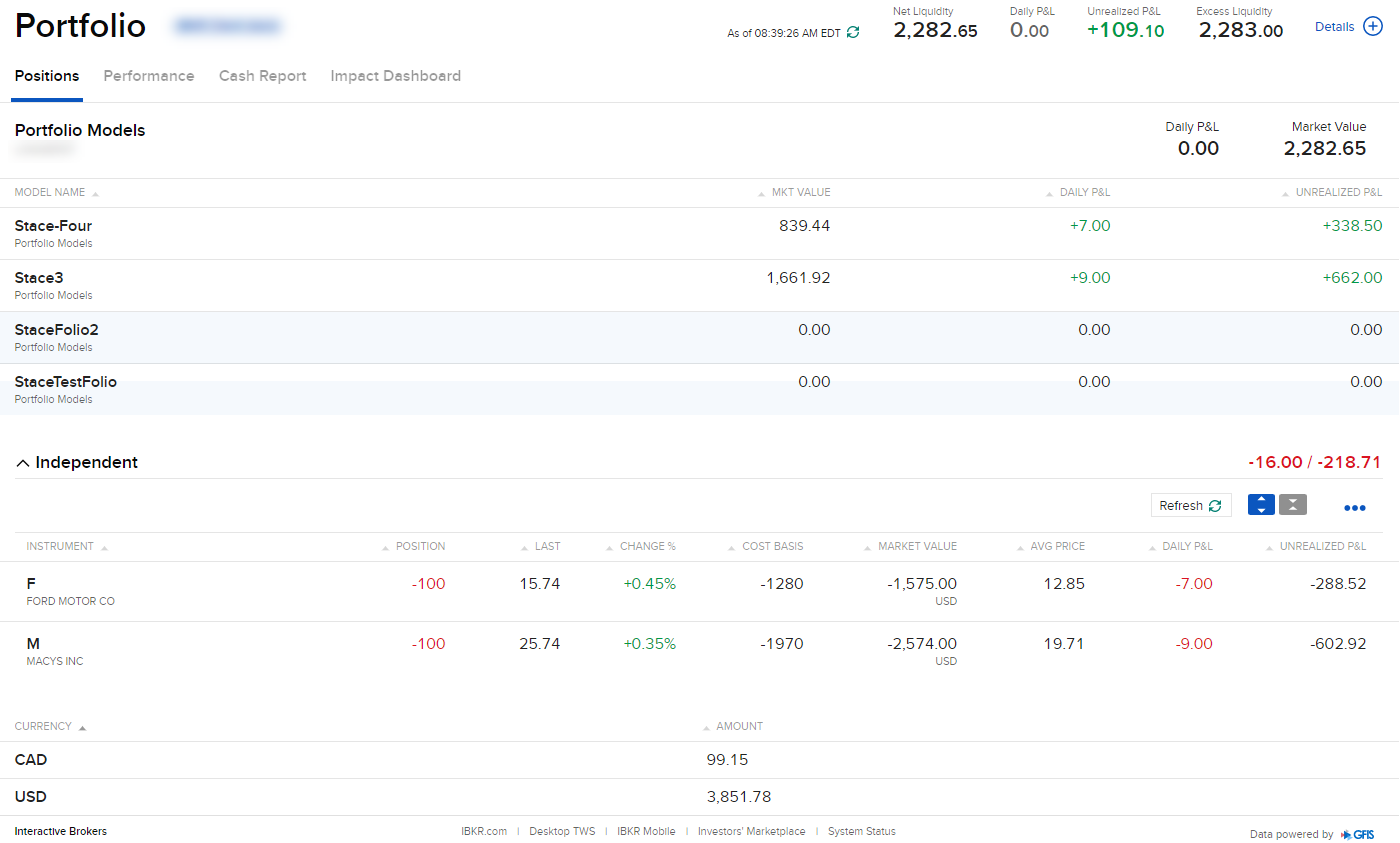
See each position, the last traded price, the % change in price and the current market value of each position. Add or remove columns by clicking the ellipsis menu (three dots) on the right of the portfolio positions menu. Review a chart and quote details for an asset by selecting the asset from the portfolio list.
View Performance
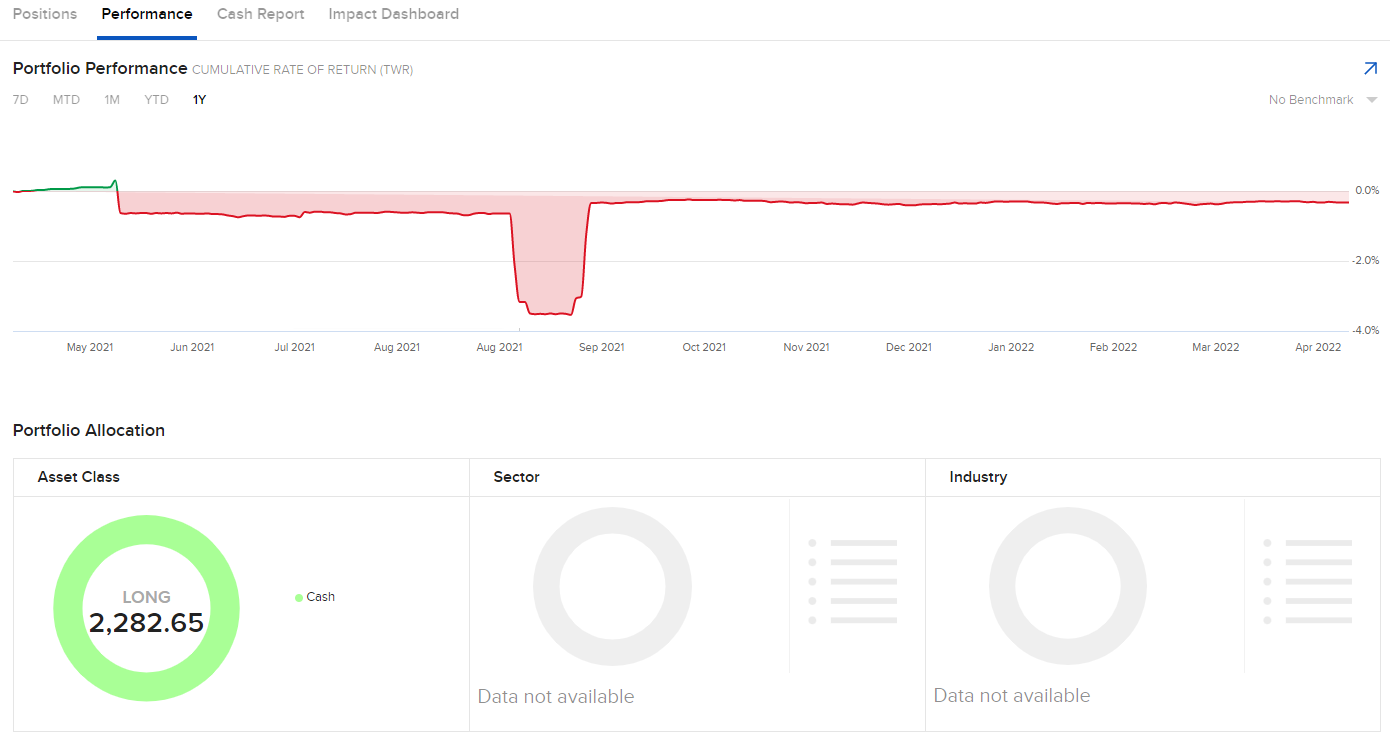
View your portfolio performance. Sort the timeline by selecting seven day, month to date, one month, year to date or one year.
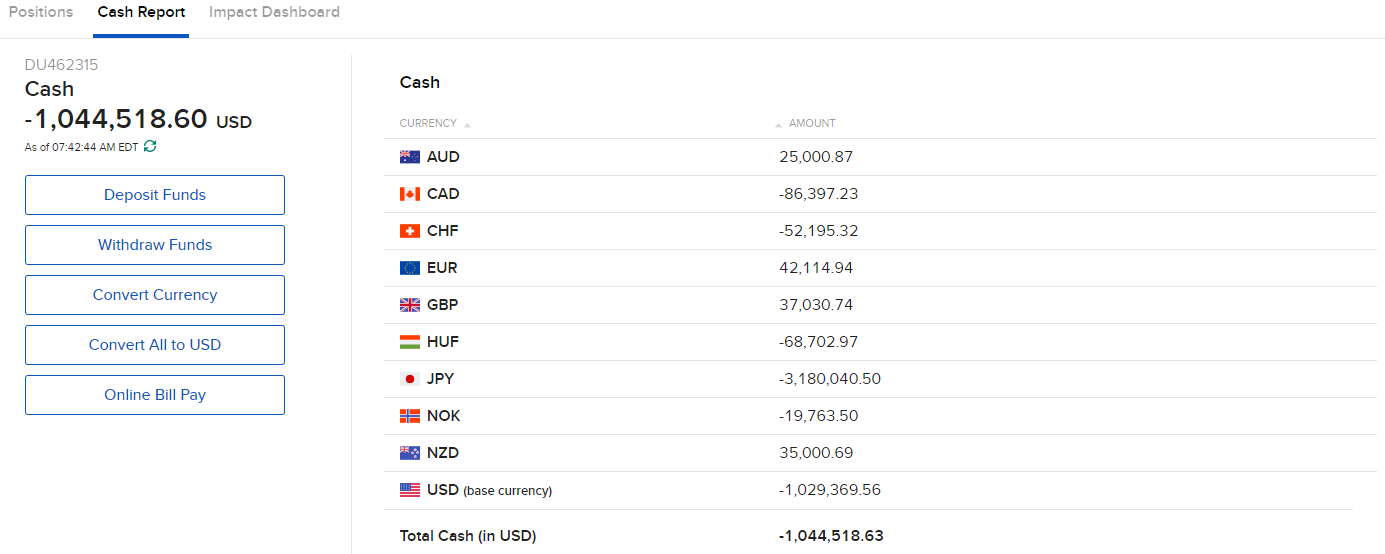
View Cash Report
View a cash summary of your account by currency. From this menu you can also deposit funds, withdraw funds, convert currency and pay bills.
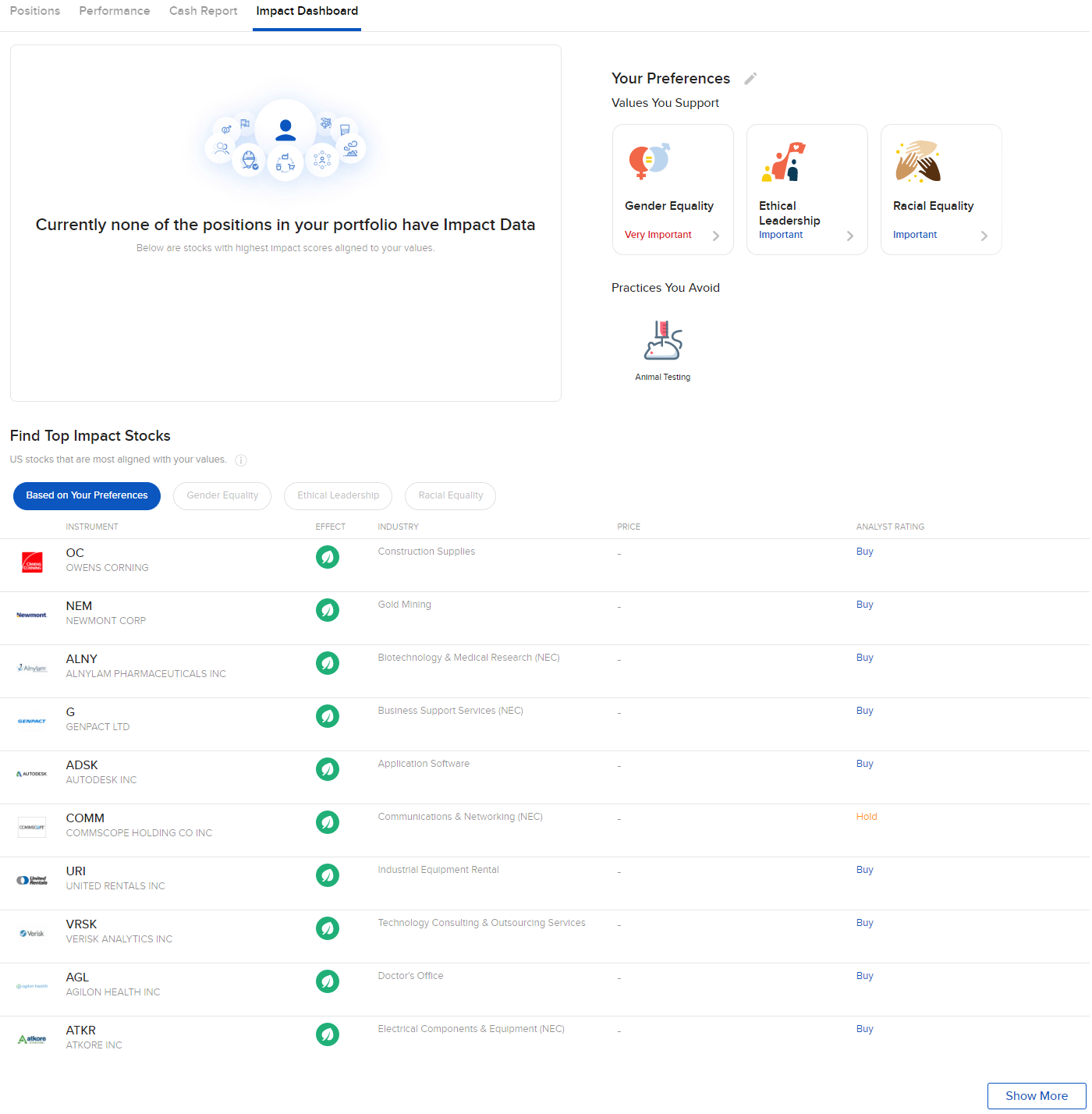
View Impact Dashboard
The Impact Dashboard allows clients to select their personal investment criteria from 13 Impact values and principles, including:
|
|
|
|
|
|
|
|
|
|
|
|
|
Clients can also exclude investments based on 10 categories:
|
|
|
|
|
|
|
|
|
|