Option Wizard
Instructions
The Option Wizard allows investors to access over 30 market centers to trade options. This feature prompts the investor to answer a few questions on either the price or volatility associated with the stock and identifies some standard strategies based on the investor’s parameters. To access this, please take the steps outlined below.
-
Click the Trade tab followed by Option Chain.
-
Alternatively, click Menu in the top left corner > Trade > Option Chain.
-
-
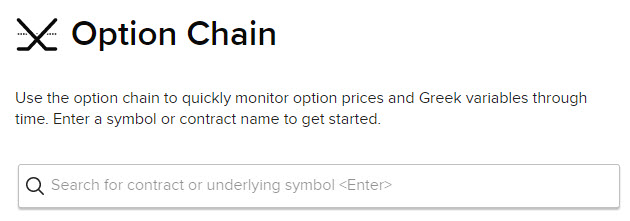
Enter a symbol or contract name to get started.
-
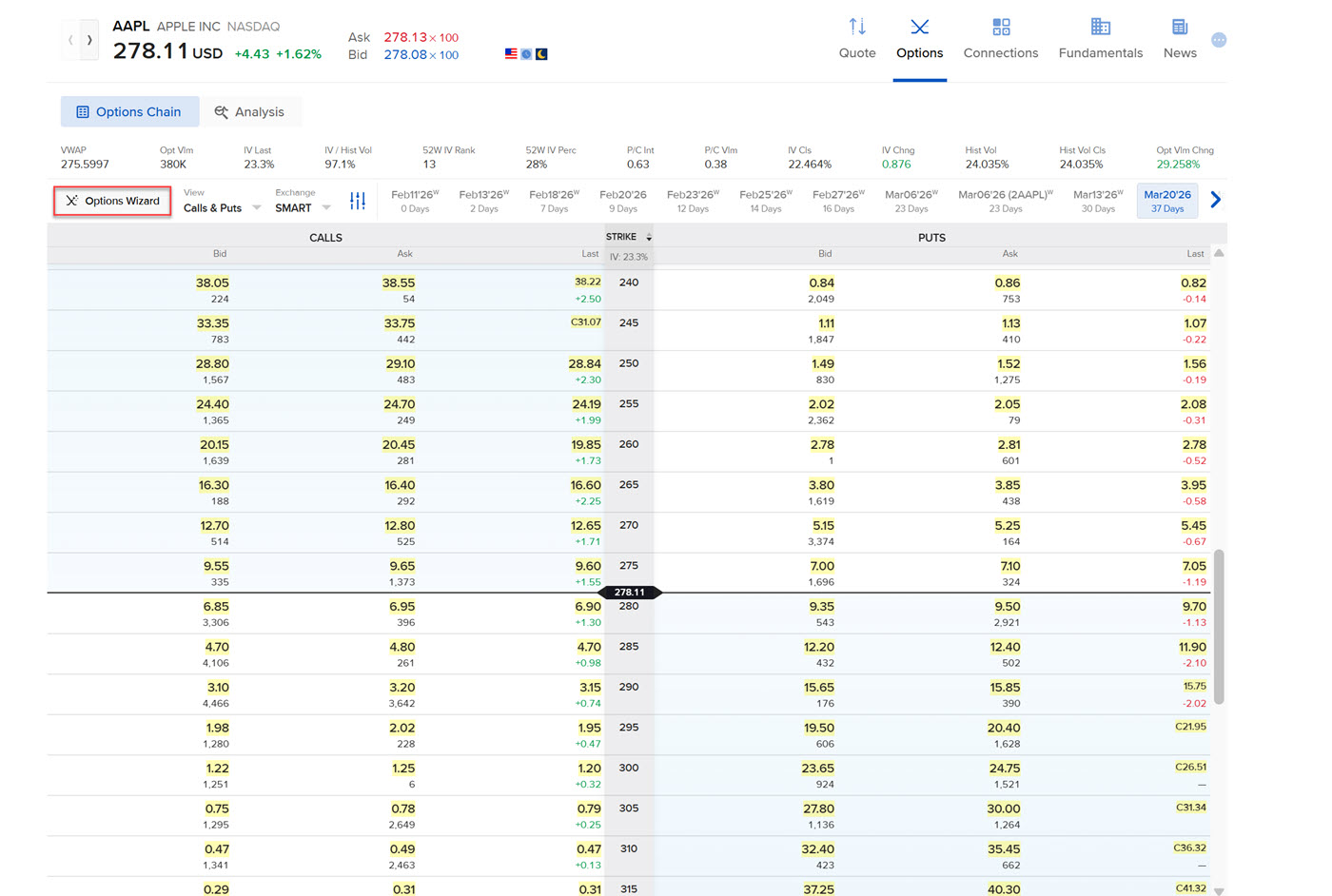
Click the Option Wizard button.
-
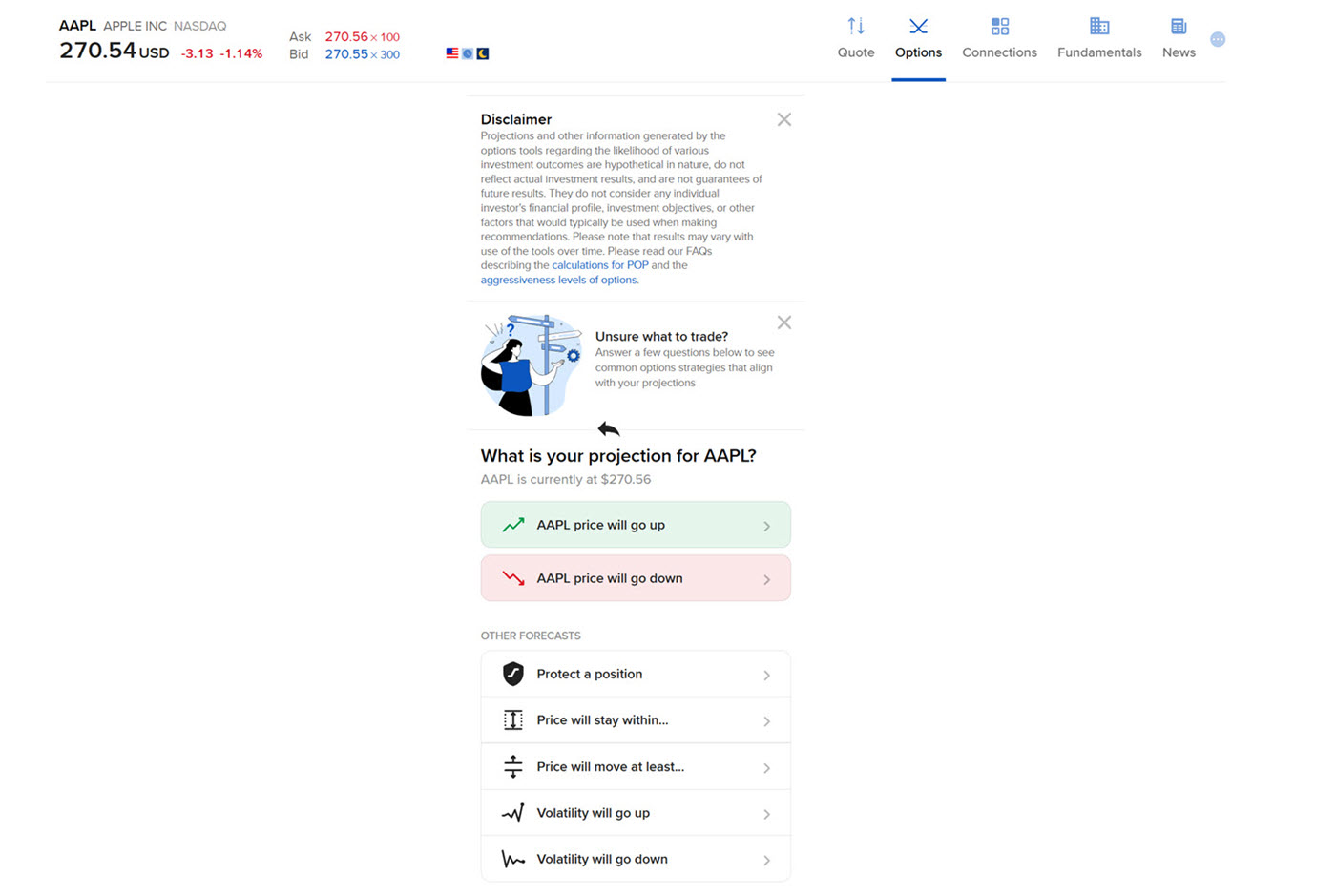
Click whether you'd like to predict:
-
The price will go up
-
The price will go down
-
The price will stay within a range
-
The price will go up and/or down by a certain amount or percent
-
Volatility will go up
-
Volatility will go down
-
Protect a Position
-
-
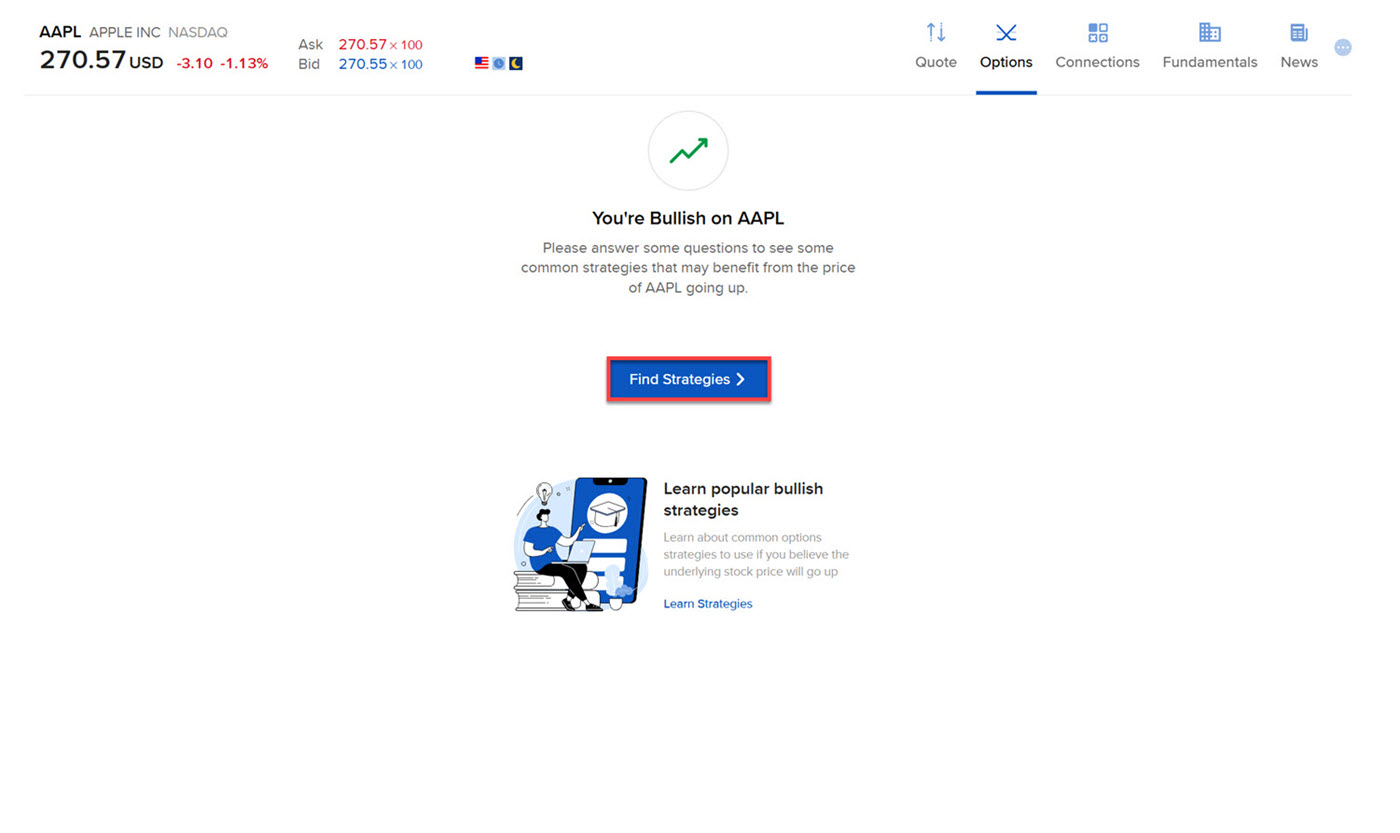
Once you have selected your prediction, select Find Strategies.
-
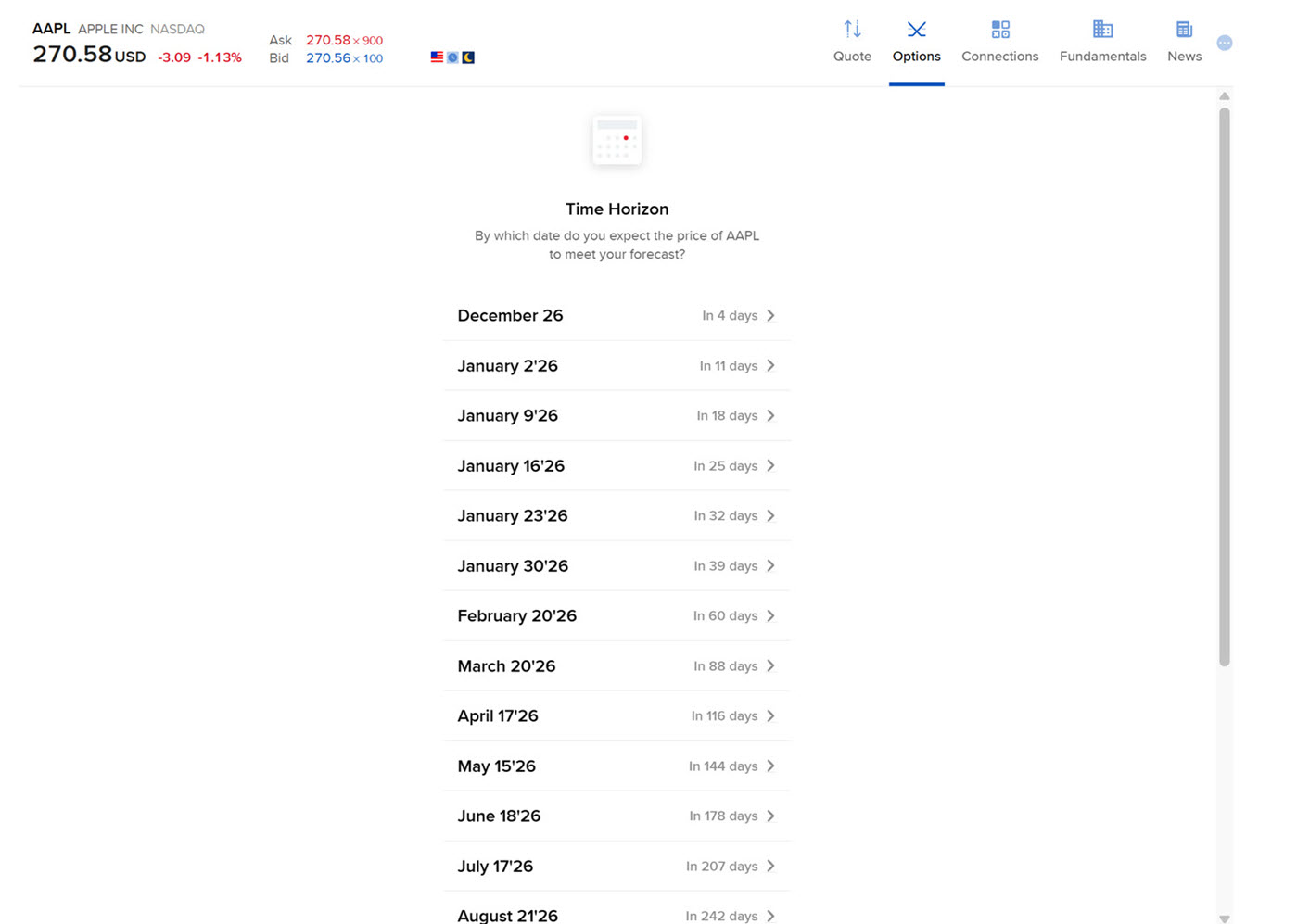
Choose the time horizon in which you believe this event will occur.
-
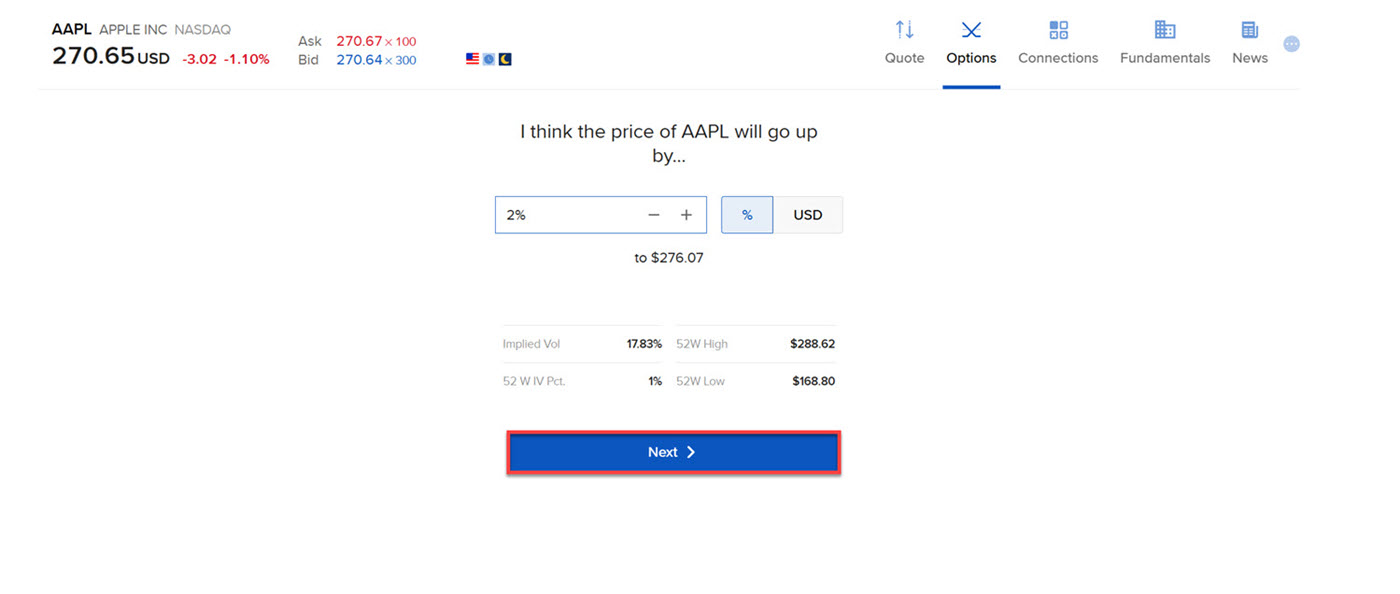
Choose the price at which the asset will move. Click Next.
-
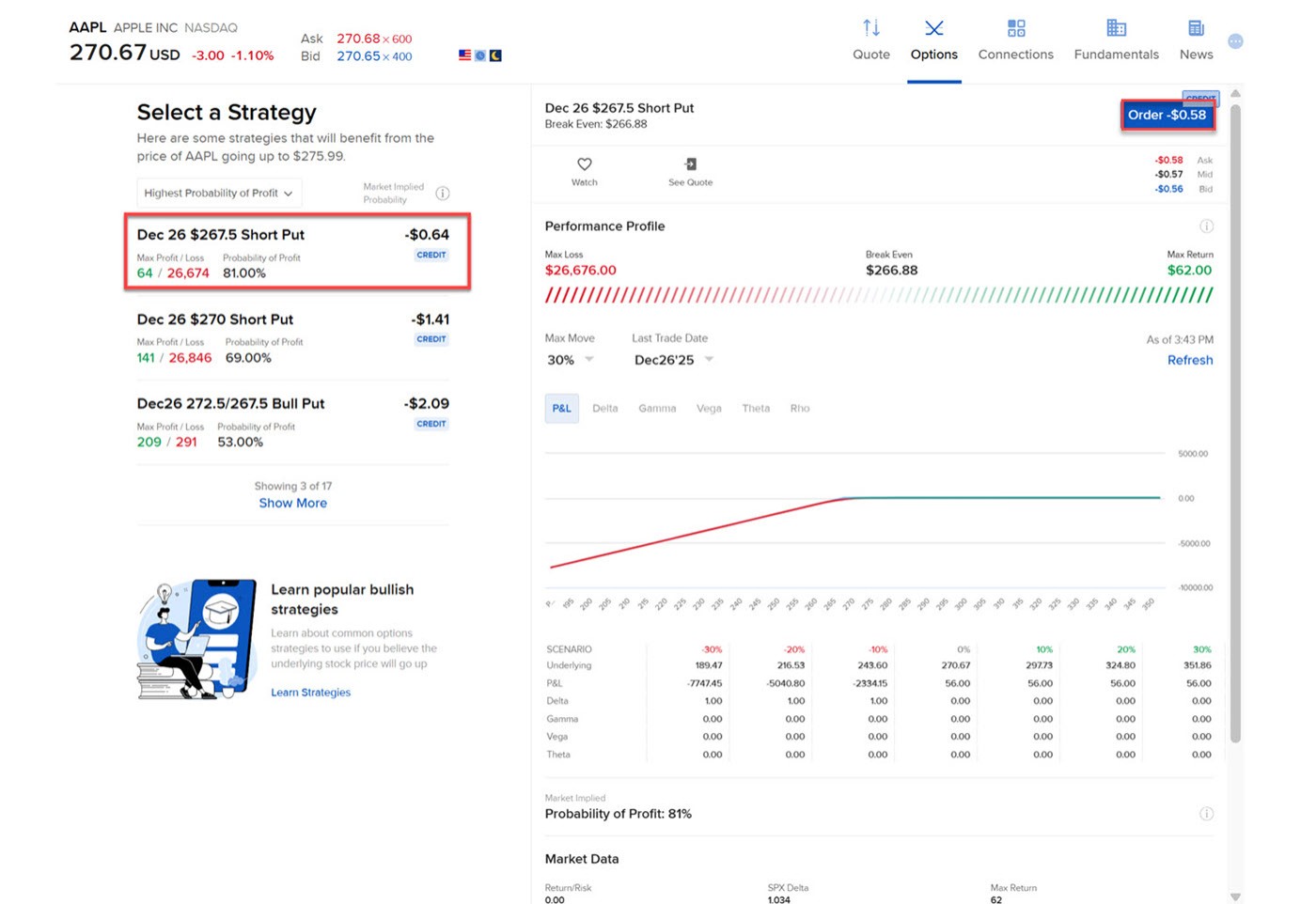
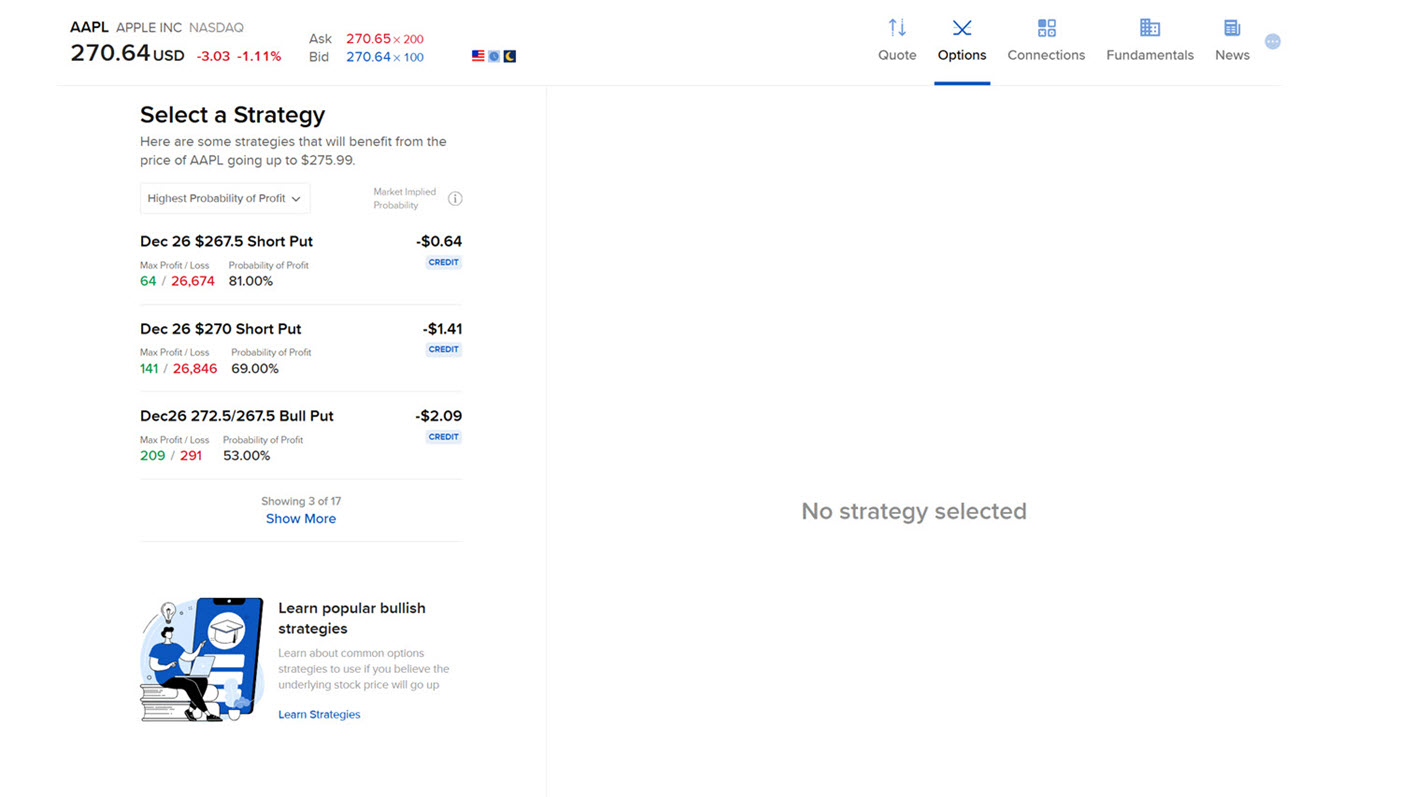
The Option Wizard will identify strategies that could benefit if the price of the underlying moves the same way as the investor believes.
-
Click a desired strategy from the left hand side. The page will populate with the order. Click the Order button in the top right corner to Submit.