Trade Settings
Instructions
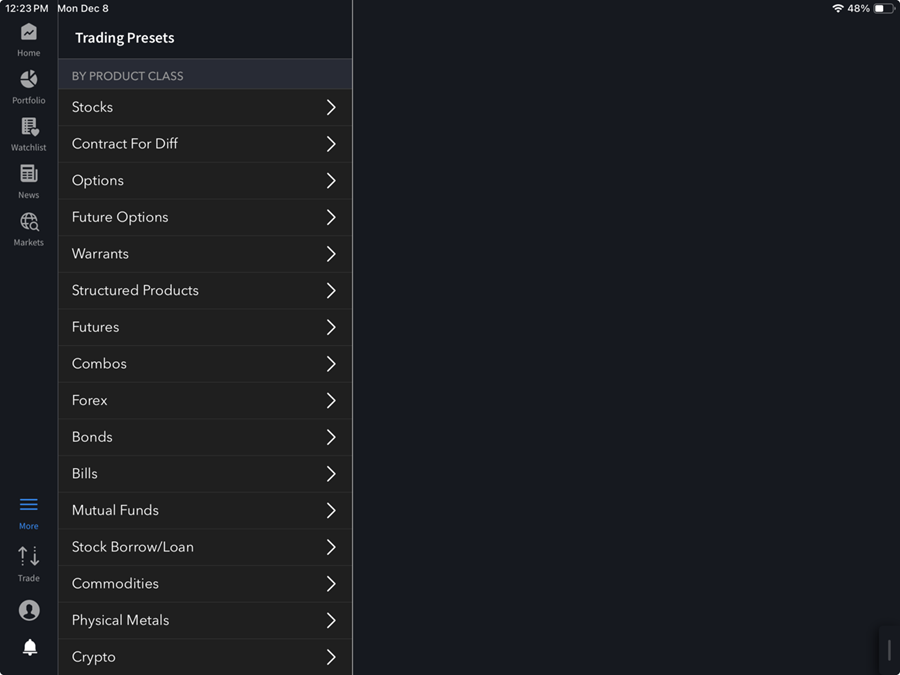
The Trading setting allows you to customize your default order values for each asset class. To do so, please take the steps outlined below.
-
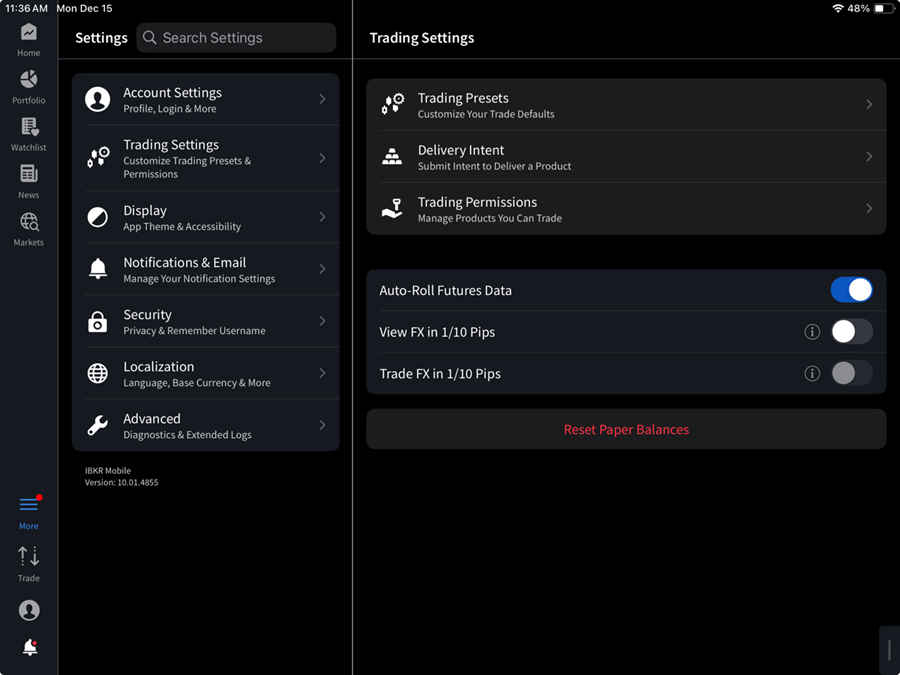
Click the More menu and select Settings > Trading Settings.
-
Adjust the Trading Presets
-
Under Trading Presets click on an asset class to edit the default order values.