Sitemap
Instructions
The Sitemap section of
We offer a "For You" section, which will provide shortcuts based on user activity by looking at tools and common contracts users look at. To navigate to this tool, please take the steps outlined below.
-
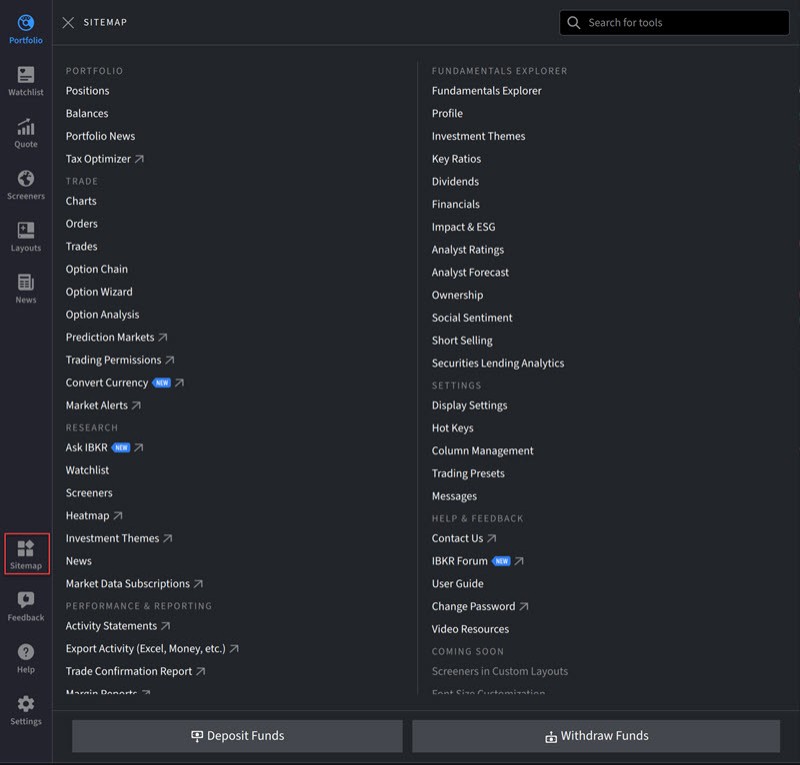
Open
-
Select one of the options populating on the Sitemap to navigate to that tool or function.
-
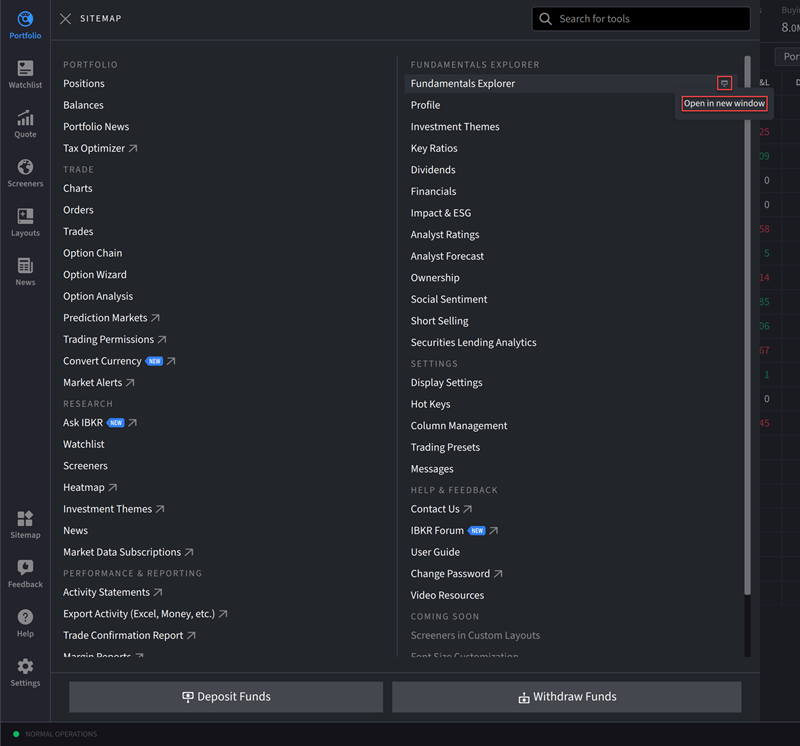
To launch and operate individual tools independently from the main platform interface, hover your cursor over a tool and select the Window icon.