Press Releases
The Press Releases window allows you to search for a product and view recent press releases. To do so, please take the steps outlined below.
Instructions
-
From the left-side panel click the Quote
 icon.
icon. -
Click the News tab along the top of the Quote page.
-
Click the three dots button followed by Press Releases tab.
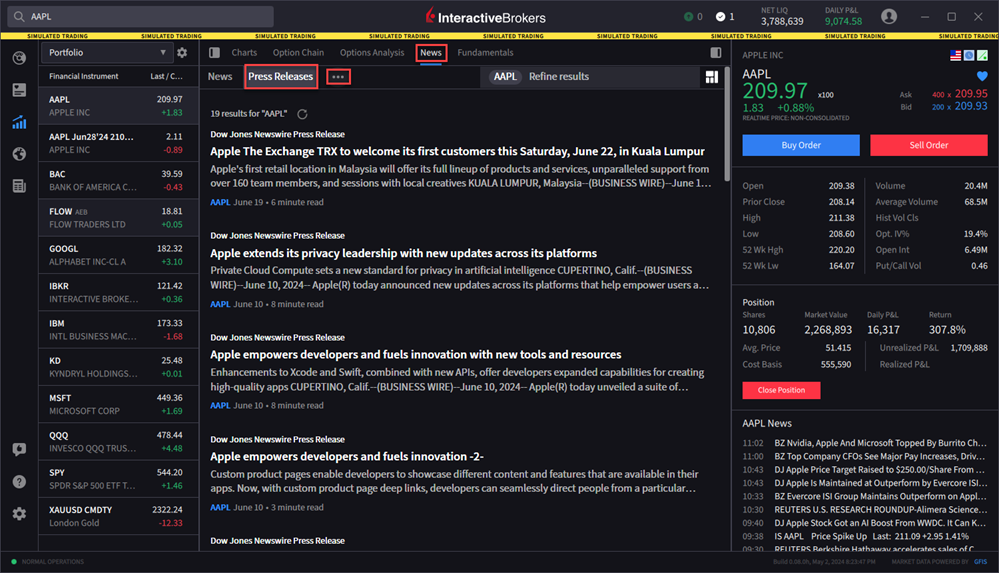
-
Your Portfolio will populate on the left-hand side. Click a product from your portfolio, or search for a product using the search bar in the top right corner.
-
The Press Releases will populate on your screen.
-
To refresh this news, click the refresh icon at the top of the window.
