Messages
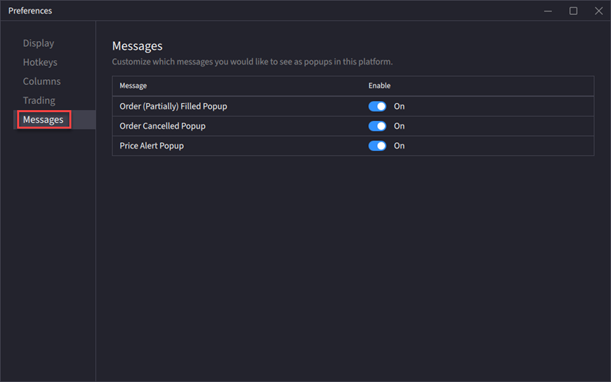
The Messages setting allows you to customize which messages you would like to see as pop-ups in the
Instructions
-
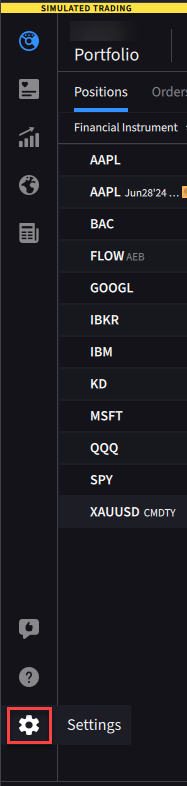
Click the Settings Icon.
-
Click the Messages tab.
-
Click the toggle button to enable the messages settings.