Contact Us
Instructions
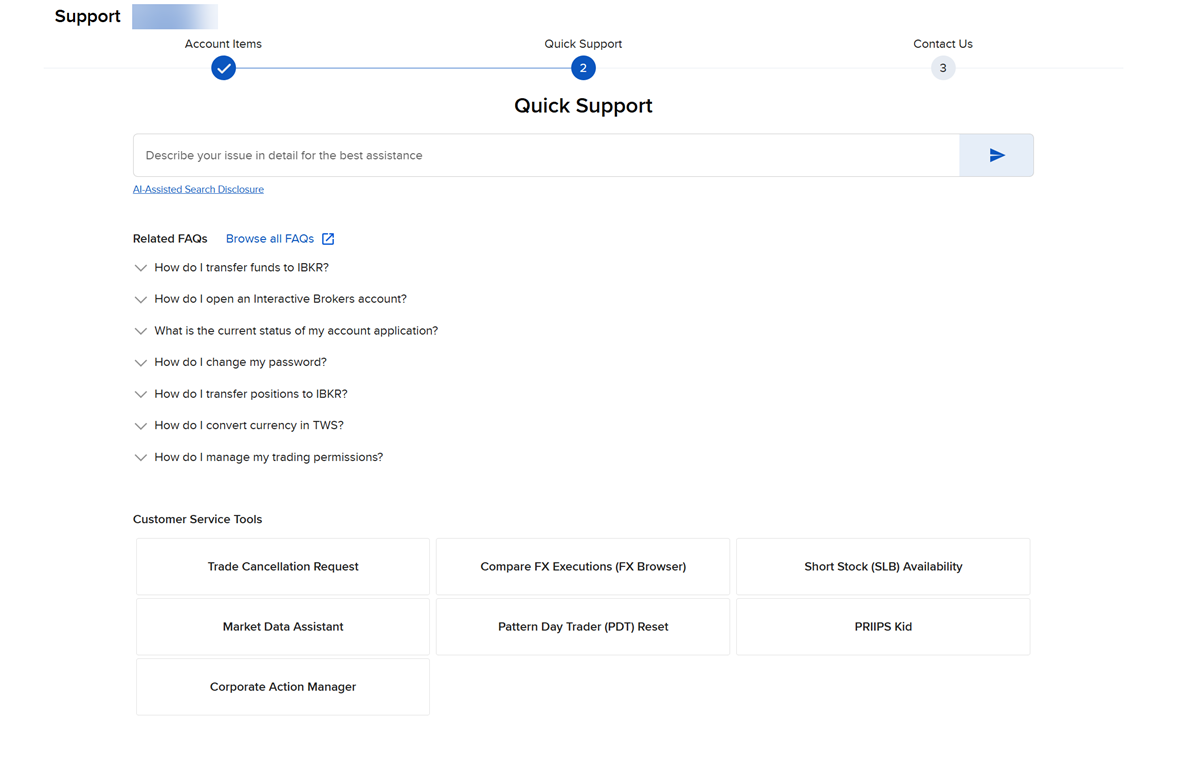
The Contact Us Icon opens the Support page within the Portal and gives you quick access to Client Services. You can create a support ticket, select Customer Service Tools, or search a topic for quick support. To do so, please take the steps outlined below.
-
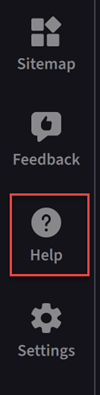
Click the Help menu in the bottom left corner of your screen.
-
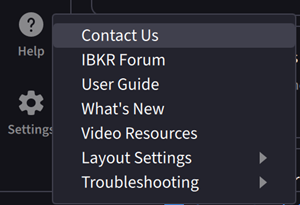
Select Contact Us.
-
The Client Portal Support page will populate in your web browser.