Ask IBKR
Instructions
Ask IBKR is an AI-powered tool that delivers instant portfolio insights through natural language inquiries. Categories of queries include:
- Portfolio Metrics: Compare performance against benchmarks, identify valuation changes over time, and highlight periods of outperformance or underperformance.
-
Allocation Analysis: Analyze sector exposure, compare returns across asset classes, and assess performance by instrument type.
-
Holdings Exploration: Identify top positions, review geographic allocations, and locate dividend-paying securities.
-
Activity Tracking: Review trade history, monitor interest and fees, and analyze cash inflows and outflows.
There are two ways to access this tool:
-
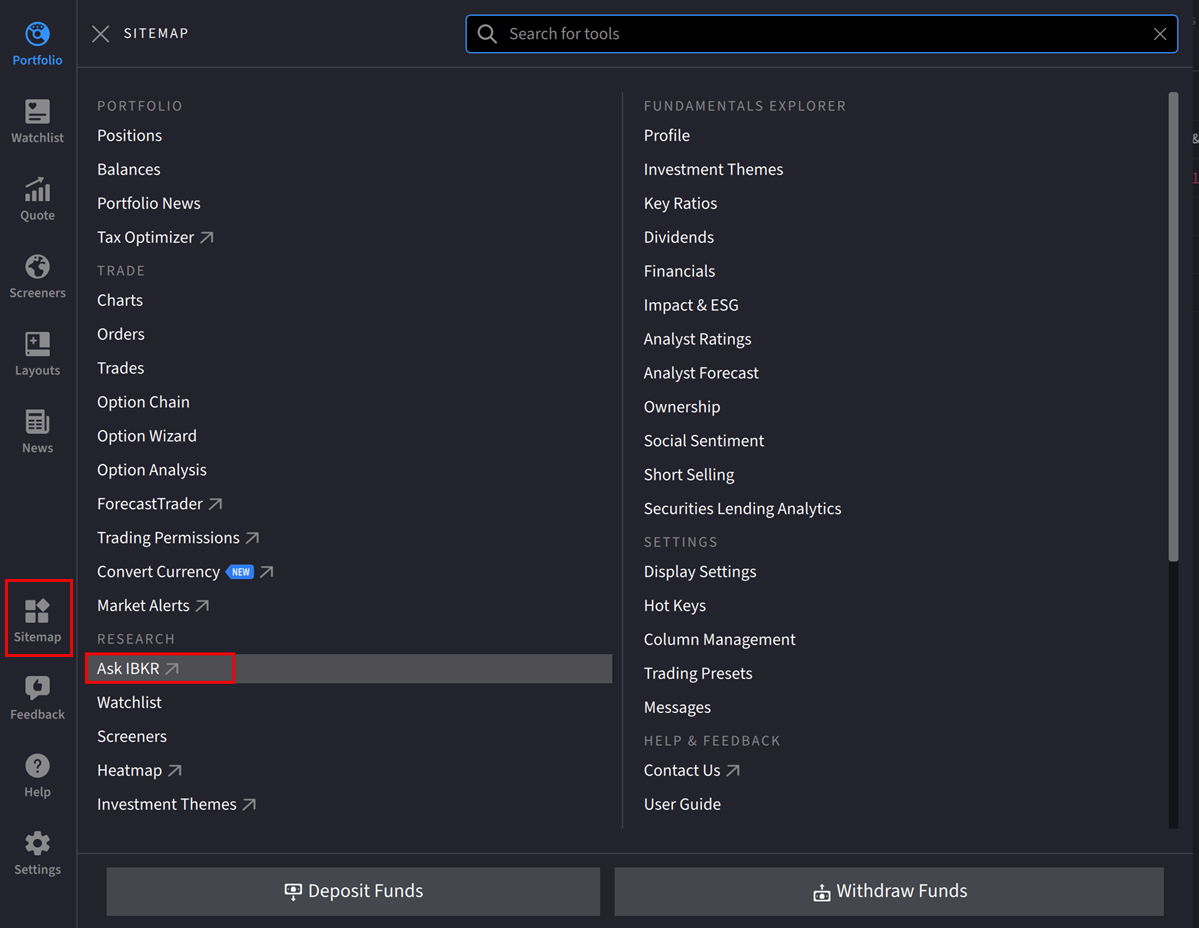
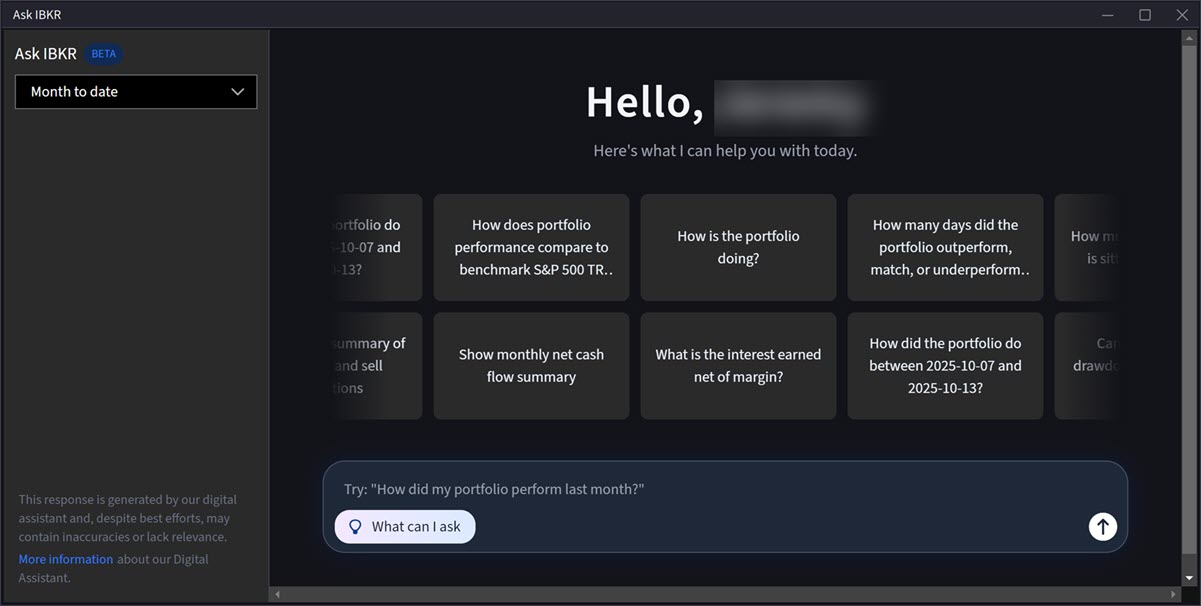
Navigate to Sitemap > Ask IBKR. The Ask IBKR tool will populate as a new window on your screen.
or
-
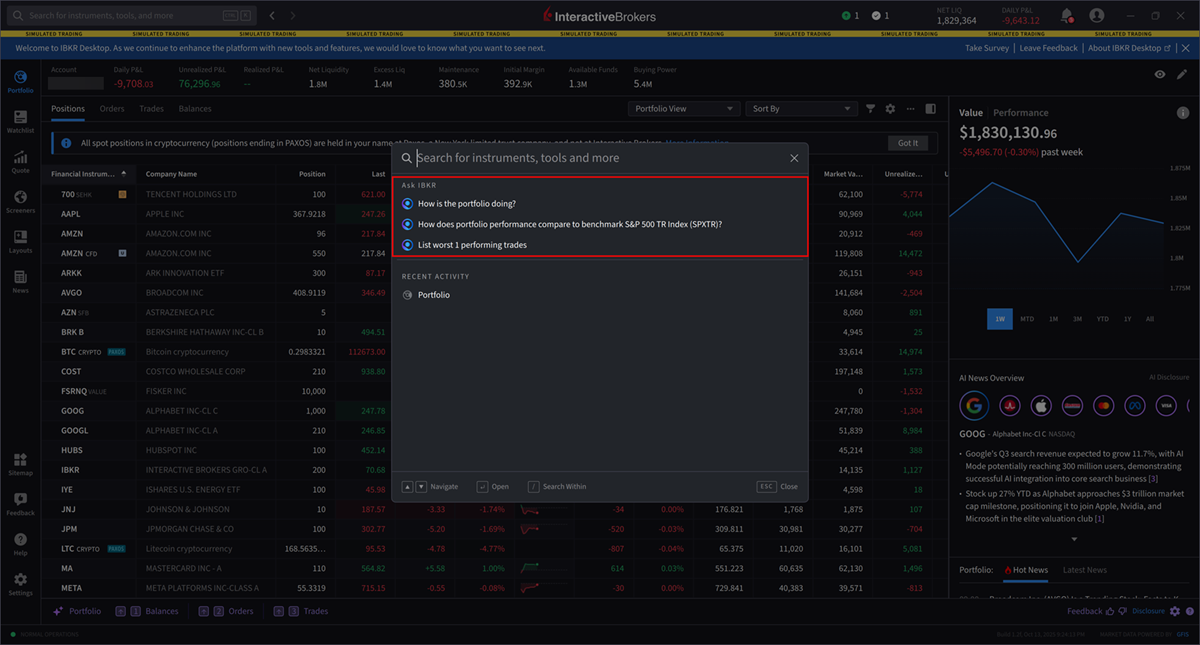
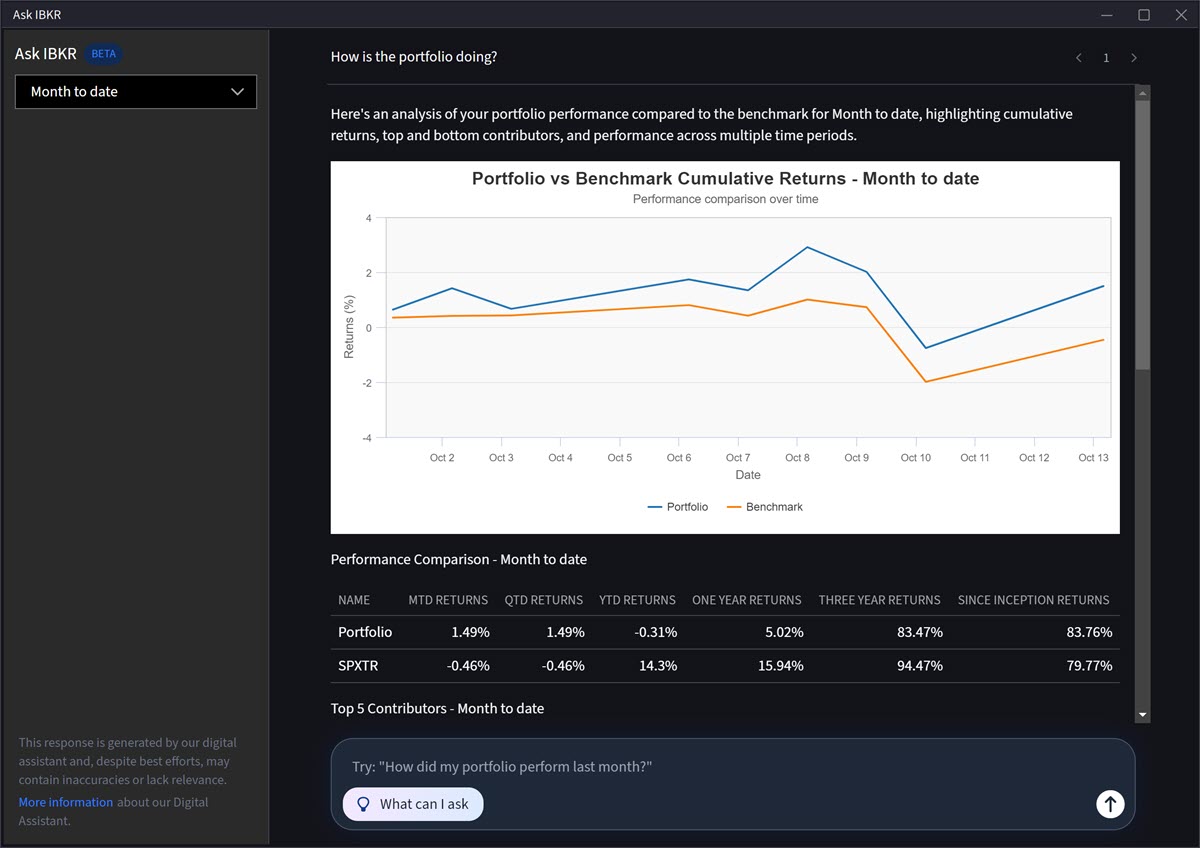
Click the Search bar in the top left corner of any screen. The Ask IBKR section will appear with a populated list of questions. Click one of these questions, or search for additional portfolio insights.
-
Highlight your cursor over the graph to view portfolio performance on specific days.
-
To view additional Ask IBKR portfolio insights, click the search box at the bottom of the screen and type the desired question.