Activity
Instructions
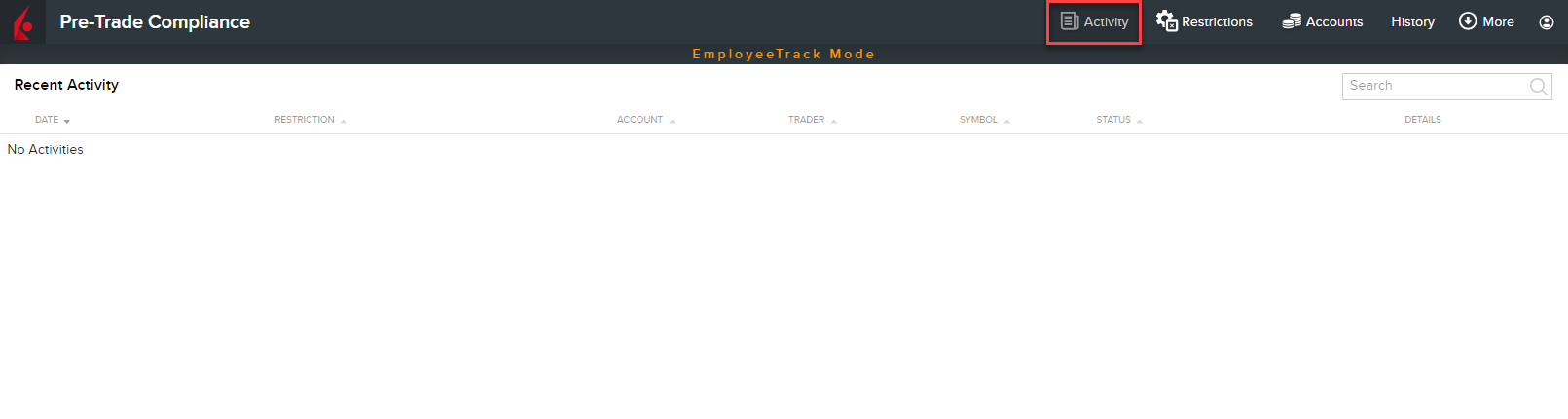
Use the Activity window to view holding restrictions that have been triggered. To do so, please take the steps outlined below.
-
Select the Activity button in the top right corner of the Pre-Trade Compliance Tool.
-
From the Recent Activity list, view restriction activity. Potential status for restrictions includes:
-
Holding Violation - Notifies you that a Holding Restriction has been triggered.
-