Reporting
Instructions
From the User Settings page you can configure delivery settings for the following reports:
- Statements Delivery
- Flex Queries Delivery
 Configure Statements Delivery
- Select Settings > User Settings.
-
In the Reporting section, click the configure icon next to Statements Delivery.
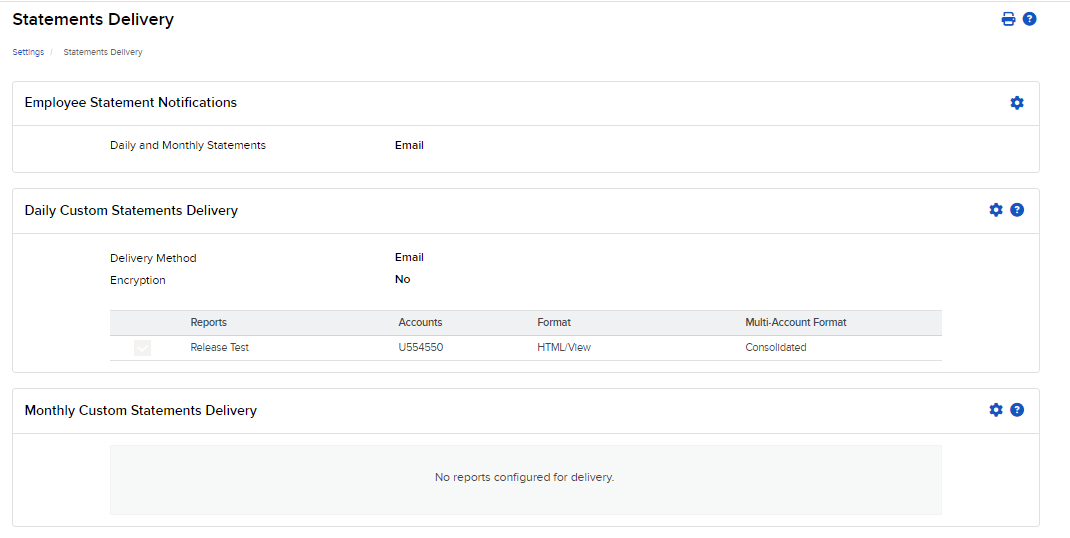
- Click the configure icon to edit the settings.
- Choose an option from Daily Activity Statement:
- Email with Attachment
- Message Center
- Disable
- Choose an option from Monthly Activity Statement:
- Email with Attachment
- Message Center
- Choose an option for Daily Trade Report:
- Email with Attachment
- Disable
- Click Continue and then OK.
Configure Flex Queries Delivery
- Select Settings > User Settings.
-
In the Reporting section, click the configure icon next to Flex Queries Delivery.
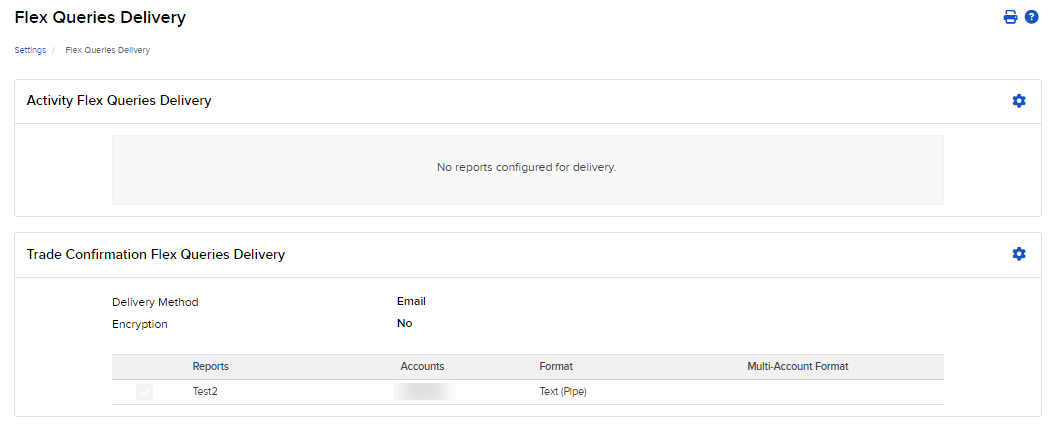
- Click the configure icon to edit the settings.
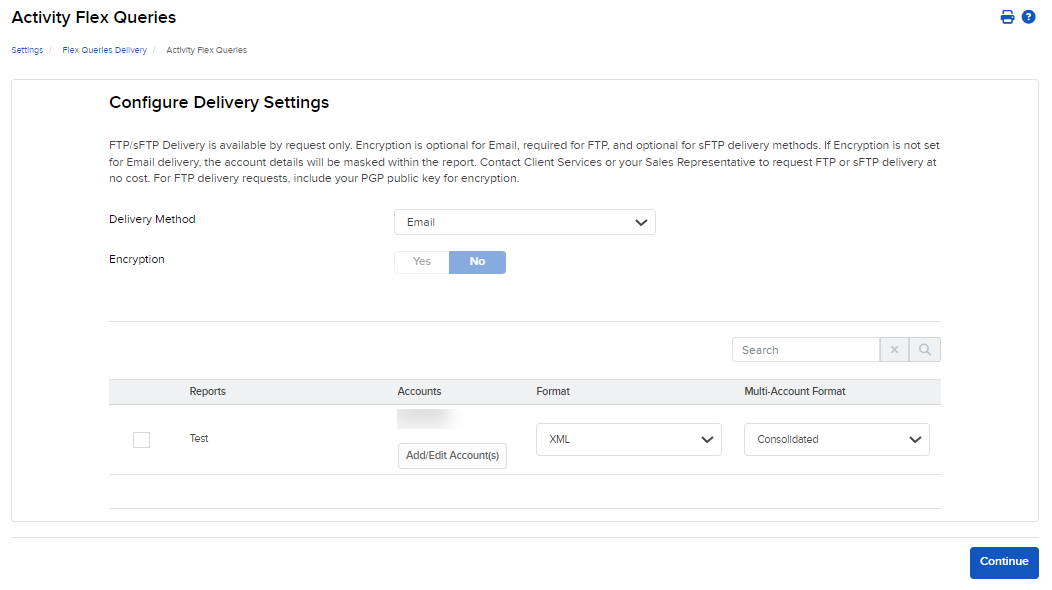
- For Delivery Method, choose Email or FTP.
- For Encryption, click Yes or No.
- Click Continue.