Delete a User
You can delete users from the Account Settings page.
- Click Settings > Account Settings.
- In the Users & Access Rights panel, click the configure icon.
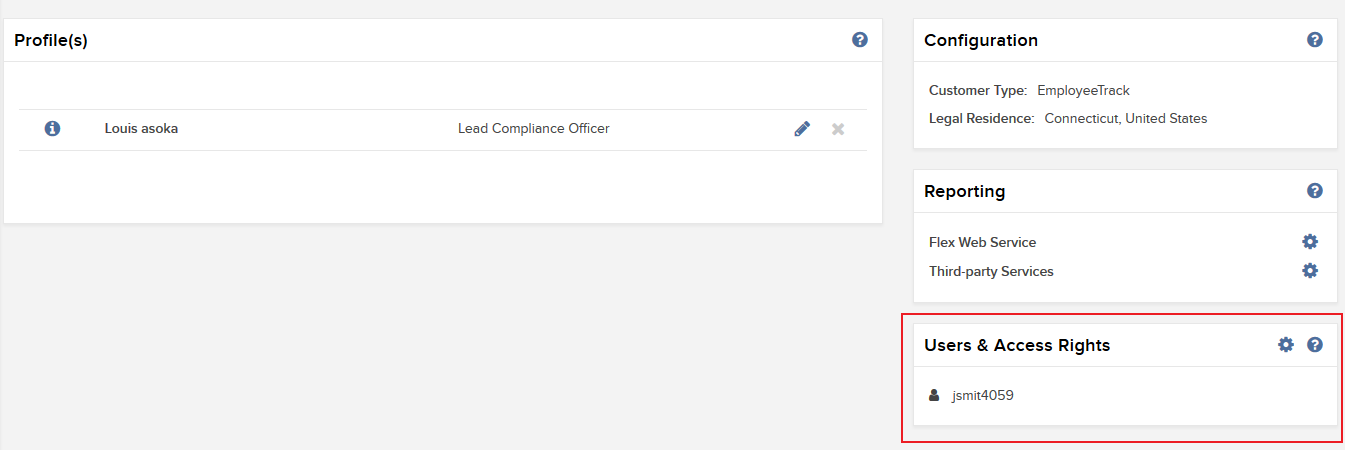
The Users & Access Rights page opens.
- In the Users section, click the X for the user you want to delete.
Client Portal access for the user is disabled instantly and Trading Access is disabled by the next calendar day.