Sharing Your Digital Security Card+ (DSC+) with Multiple Users
Instructions
A common physical security device can be used to access multiple accounts, as long as the user identification information of the accounts is identical. Use the Security Device Sharing page to share your security device with different users.
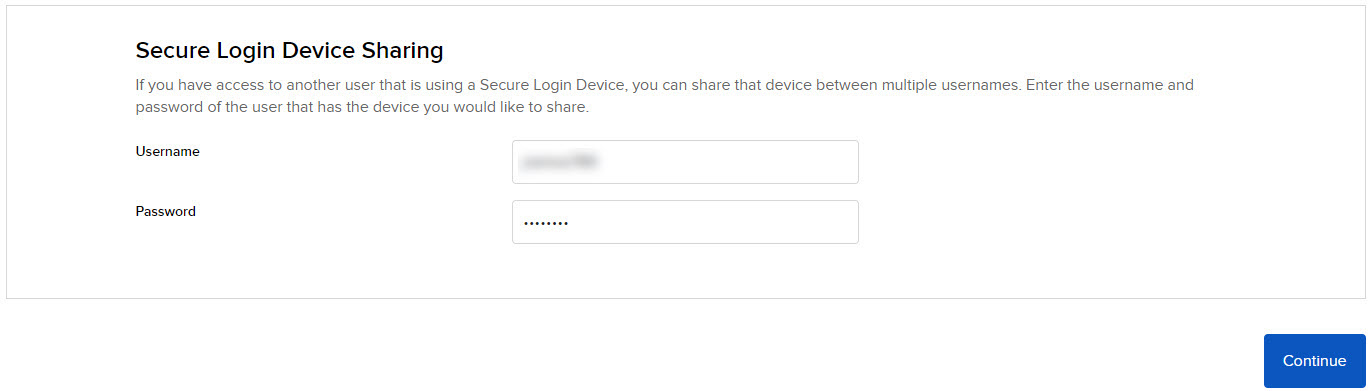
This page is identical to the one which appears after you have selected "I already have access to a Secure Login Device under a different username" option on the main Secure Login System page.
Sharing Your DSC+ with Multiple Users
-
Click Settings > Security > Secure Login System > I already have access to a Secure Login Device under a different username.

-
Enter the username and password of the user with whom you want to share the security device in the fields provided.
-
As noted on the page, the security device that you want to share must be of equal or greater security strength than the requesting user’s current security device.
-
-
Authenticate with your Digital Security Card+.
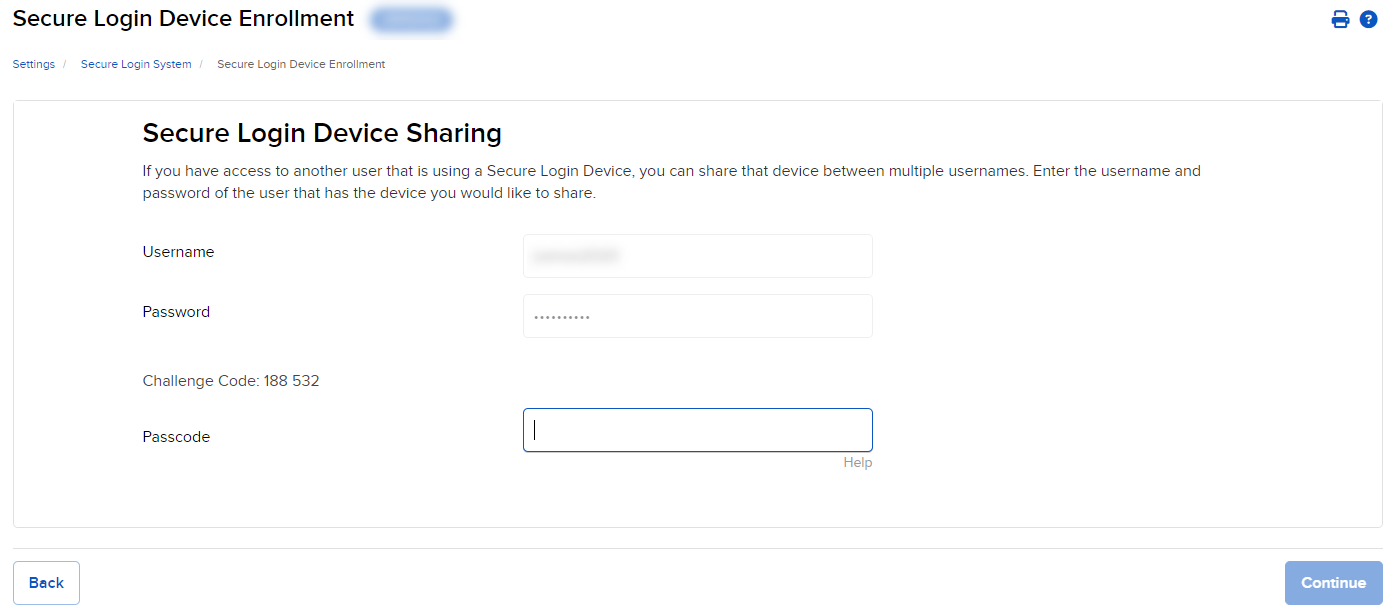
- Turn on your device by pressing the button until the PIN> display appears.
- Using the numbers keyboard on the card, enter the 4-digit PIN code you specified at the time you requested the device, then press the OK button.
- When the CHALLNG> display appears on the device, enter the 6-digit Challenge Code from the login screen, then press the OK button.
- A response code will appear. Enter the 8-digit response code into the login screen. Select the Continue button to proceed.