Manage Administrators
Instructions
Use this page to view, add, or remove account Administrators. Administrators have access to your trading account through reporting functions, including Statements.
-
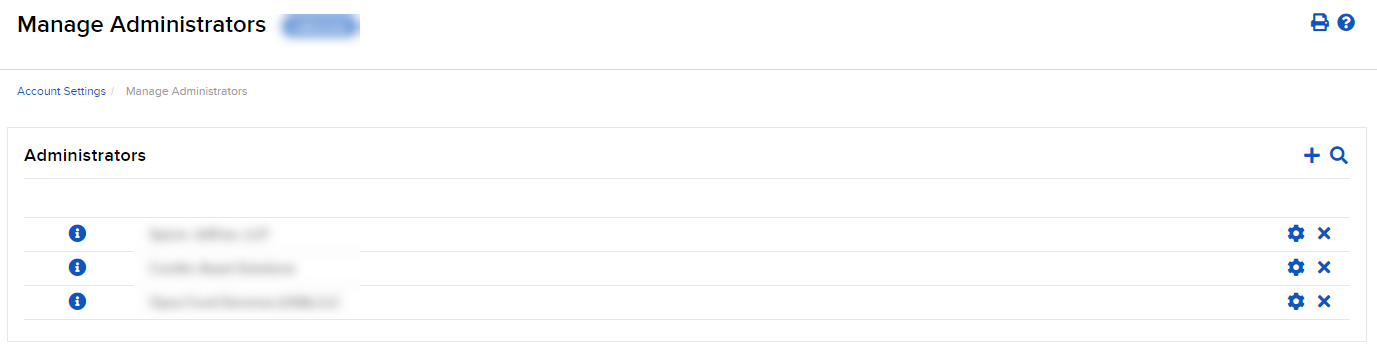
Click the User menu (head and shoulders icon in the top right corner) > Settings > Account Configuration > Manage Administrators.
-
Click the + icon to Add Administrator.
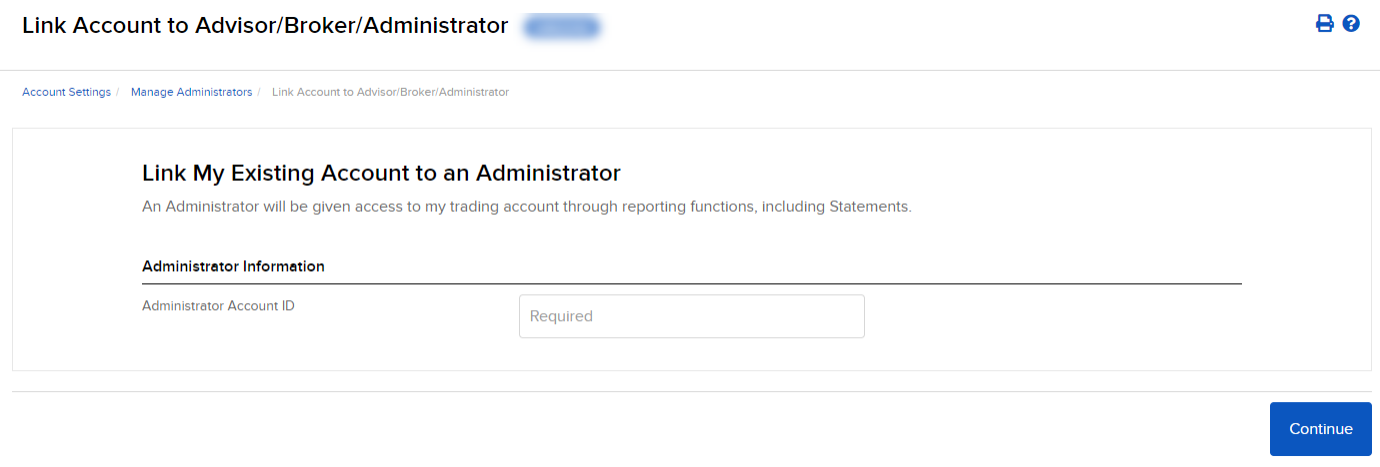
The Add Administrator screen opens.
-
Type the account ID of the Administrator you want to add, then click Continue.
-
Your link request will be sent to the Administrator, who will be listed in the Pending Administrator section of the Manage Administrators page. Once the Administrator accepts your request, they will be linked to your account, and you can assign them client/fund/sub accounts.
 To View Administrators
-
Click the User menu (head and shoulders icon in the top right corner) > Settings > Account Configuration > Manage Administrators.
-
Select the "i" icon to the left of the Administrator you would like to view.
Search For Administrators
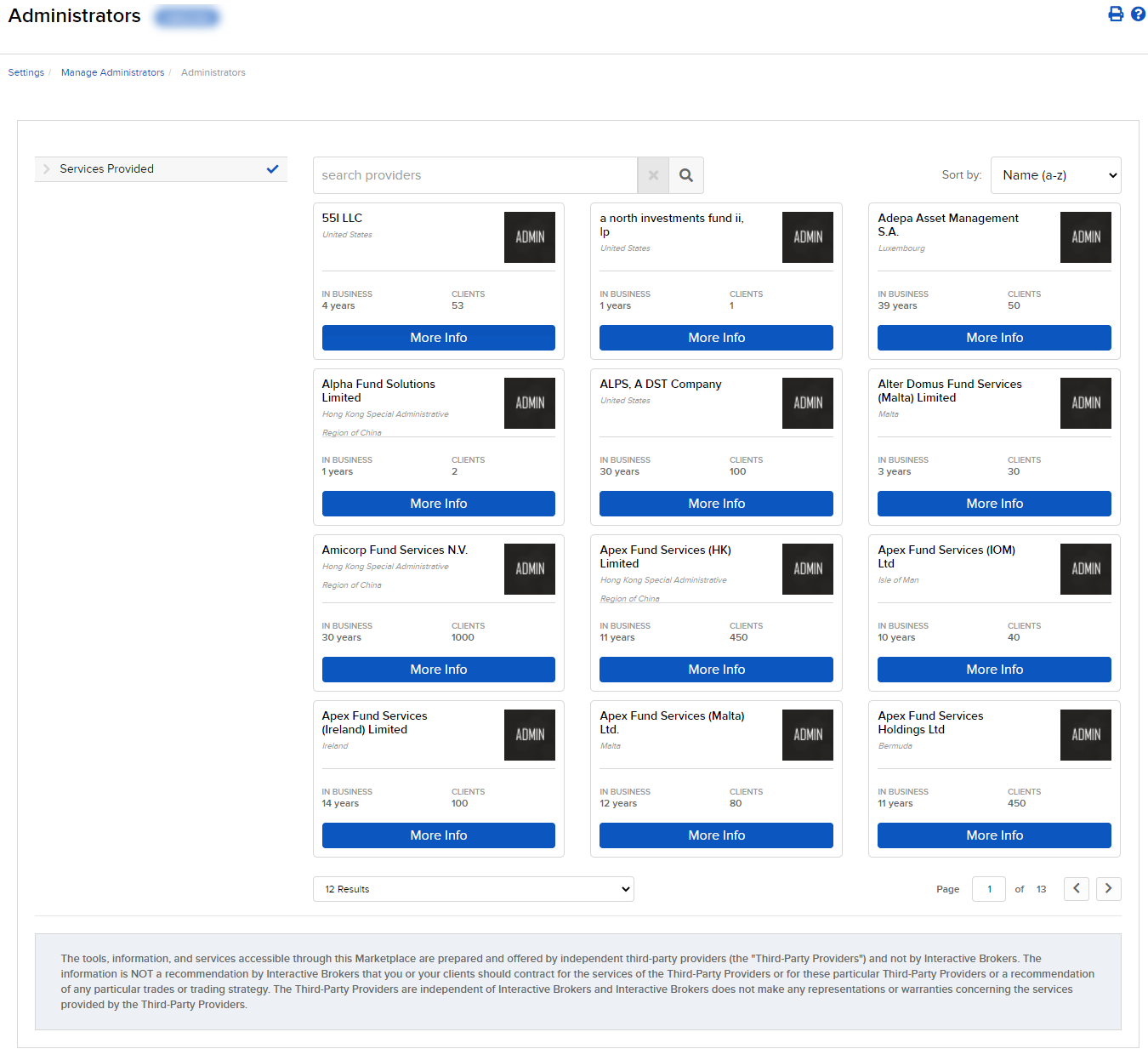
Search for administrators by using the Search icon. You will be directed to the Administrator Marketplace.
Remove Administrators
Remove an administrator by selecting the X icon next to their name.