Adding Another User to an Active IB Key
Instructions
 Android Devices
You can add an additional user to your IBKR Mobile - IB Key if IB Key Authentication is already activated on your Android device.
-
Open the IBKR Mobile app.
-
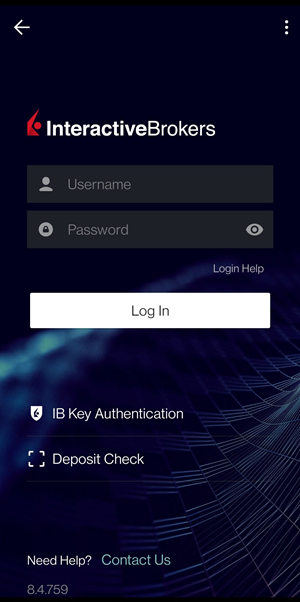
Tap on IB Key Authentication (If the app opens on the home screen, TAP on I have an Account followed by IB Key Authentication).
-
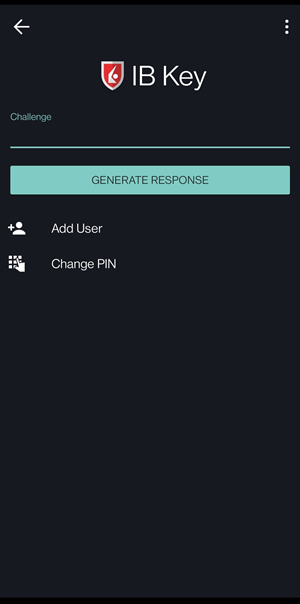
Tap Add User:
-
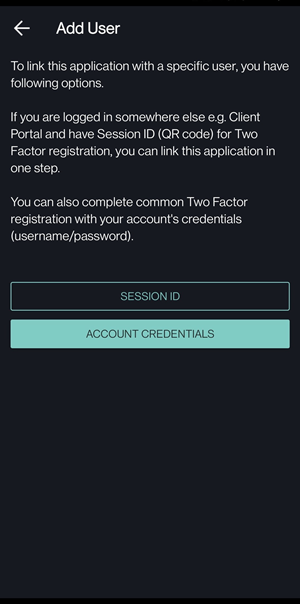
Read the instructions and select Account Credentials.
-
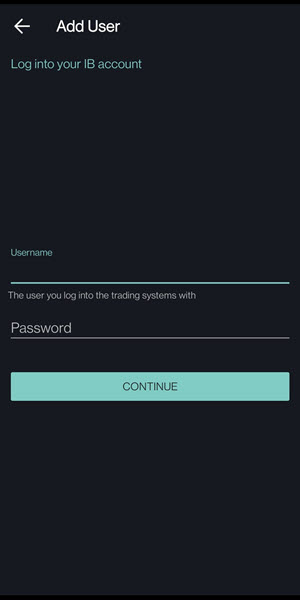
Enter the new user’s username and password, then tap Continue.
-
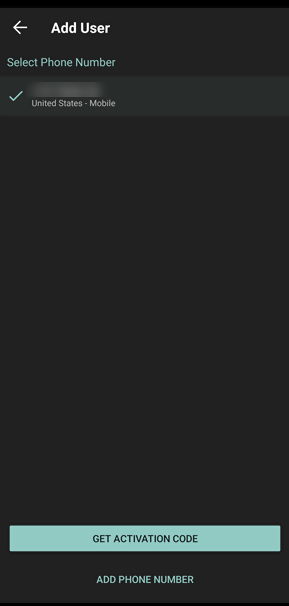
Tap on Get Activation Code.
-
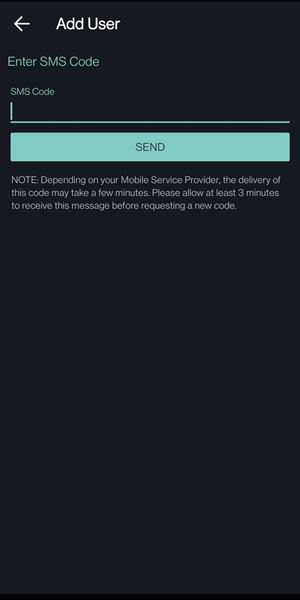
Enter the authentication code sent to the mobile number associated with the user and tap Send.
-
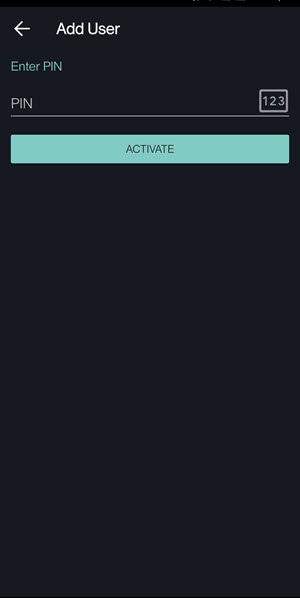
Enter the existing IB Key PIN you use to secure the IBKR Mobile app.
-
If successful, you will see a confirmation screen.
-
Tap Continue to complete the process.