Notifications
Instructions
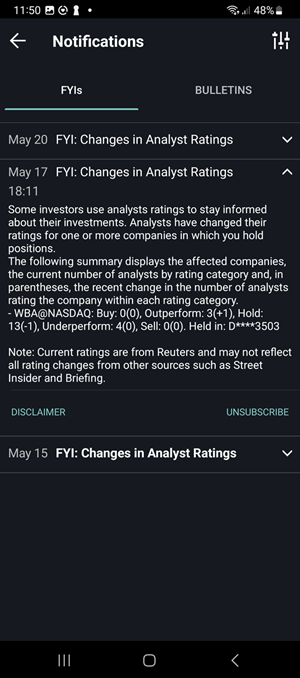
View FYIs and bulletins from the Notifications screen.
-
From the top right corner of most screens, tap
 to open the Notifications screen
 -
Tap FYIs or Bulletins at the top of the screen.
- Tap an FYI to expand and read the full content.
-
To configure which FYIs you will see, tap the configure wheel icon in the top right corner.