Company Information and News
Instructions
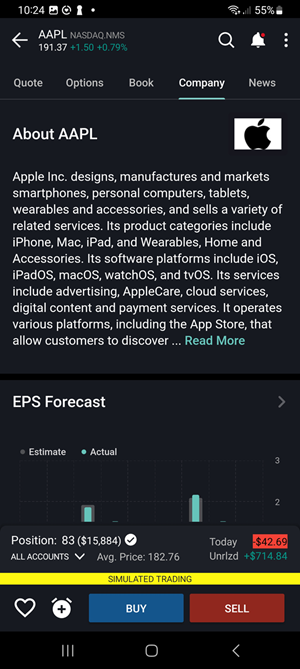
See company information and news related to a specific instrument from the Quote Details screen.
-
Tap a financial instrument from any tool (Portfolio, Watchlist, Scanner, etc) and then tap again to display Quote Details.
-
Select the Company or News tab to view the information you want to see.
-
Tap a News headline to view the full article.