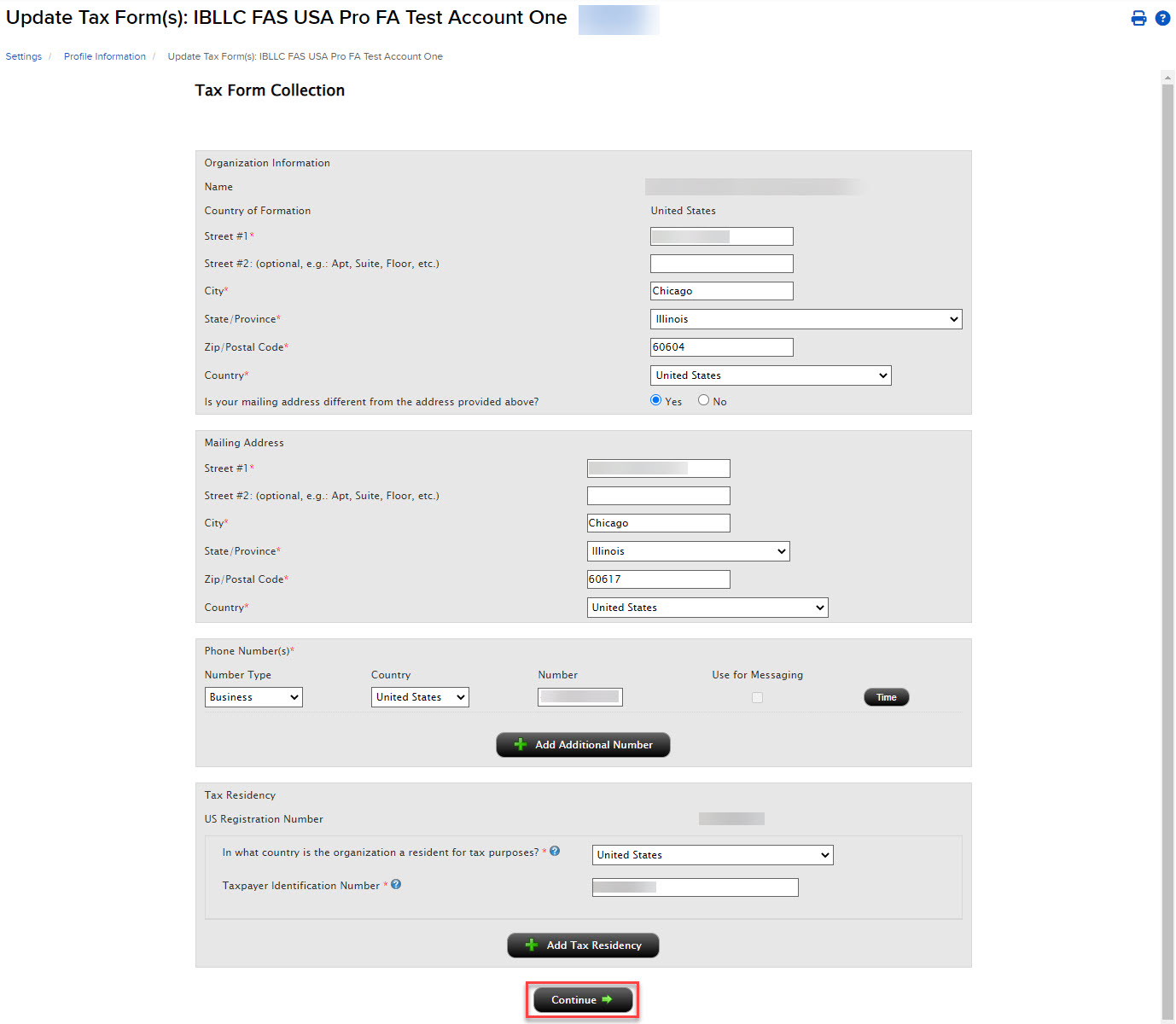
Update Tax Forms
Instructions
The Tax Form Collection page lets account holders review and update important tax-related information. Account holders who are legal residents and citizens of the U.S. (the U.S. is your country of organization formation and organization registration) can fill out or update IRS Form W-9 (Request for Taxpayer Identification Number and Certification). Account holders who are neither a legal resident nor citizen of the U.S. can fill out or update IRS Form W-8.
To update tax forms:
- Click the User menu (head and shoulders icon in the top right corner) > Settings > Account Profile
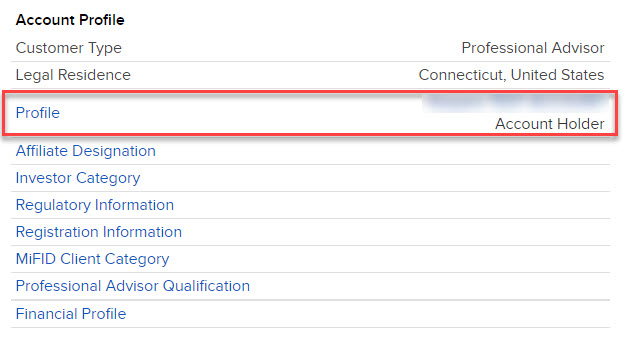
-
Click Profile.
-
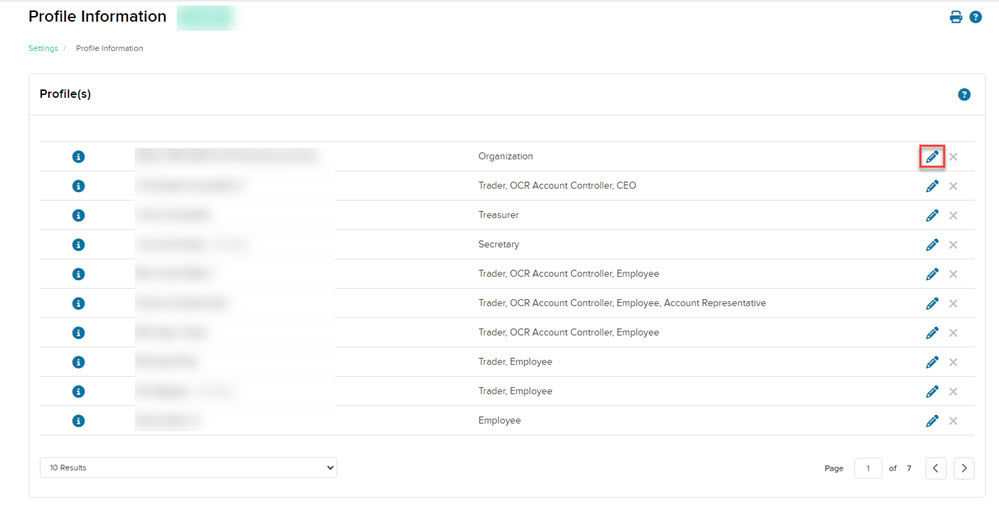
Click the edit (pencil) icon to the right of the entity.
-
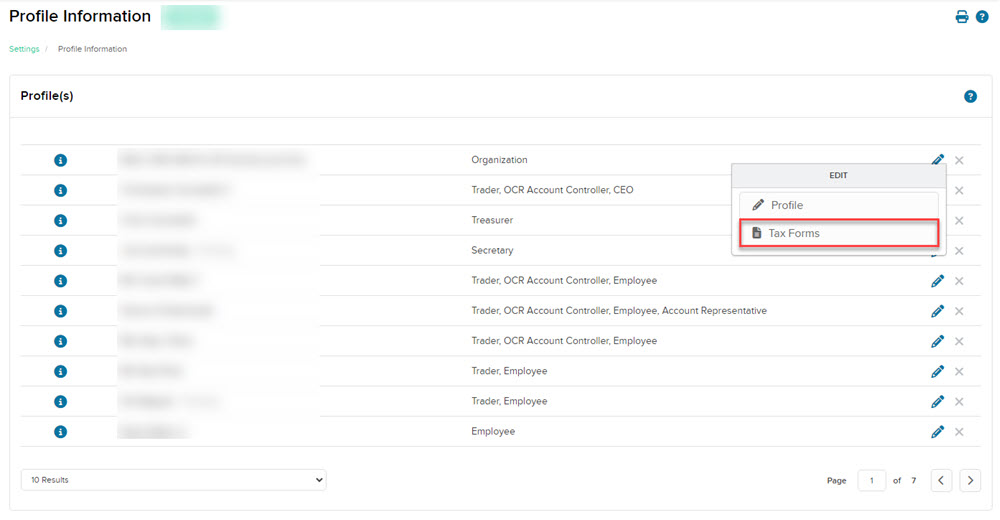
Click Tax Forms.
-
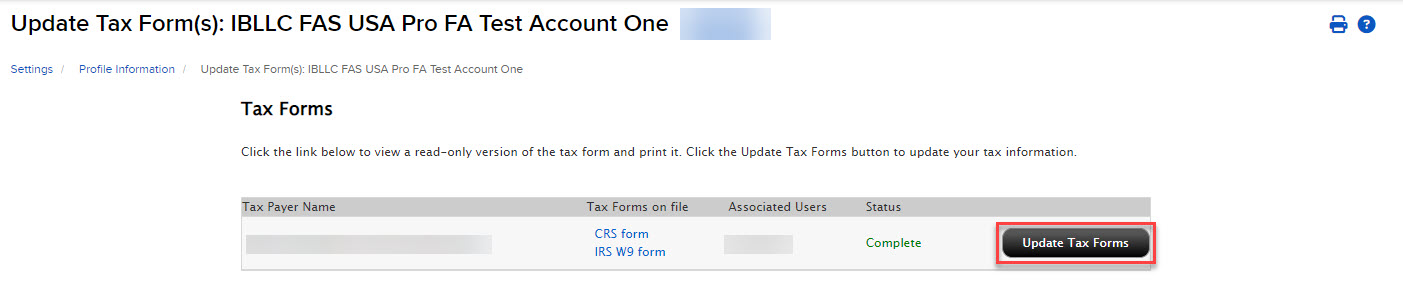
Click the Update Tax Forms button for any forms that need to be updated.
-
Make changes as needed and click Continue to proceed to the next page.