Transfer Positions
Instructions
The Transfer Positions screen lets you transfer positions to and from your account. Portal supports Incoming and Outgoing position transfers.
To complete a transfer, follow the steps outlined below.
-
Click Transfer & Pay in the top left corner and select Transfer Positions.
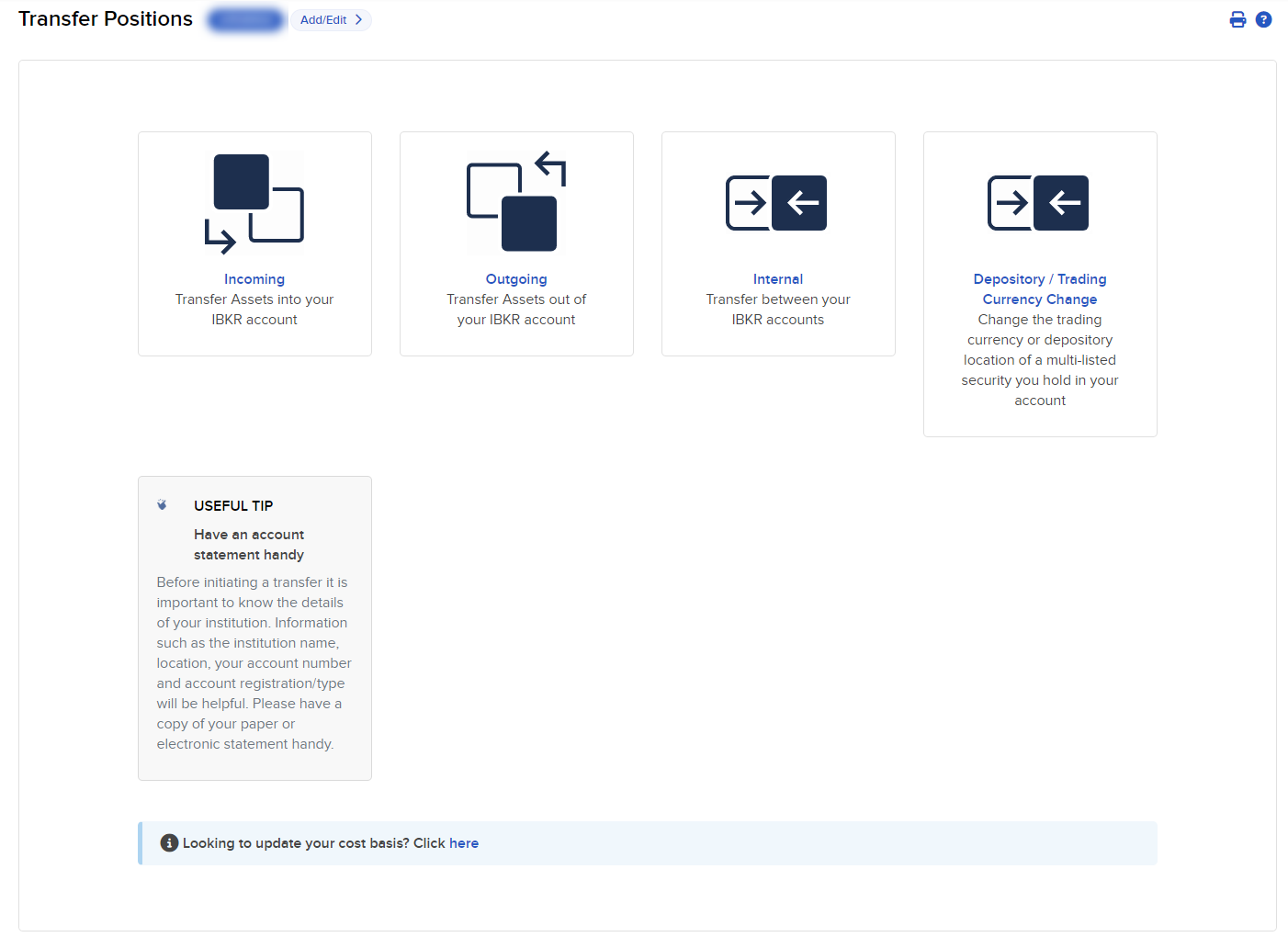
Inbound position transfers:
- Automated Customer Account Transfer Service (ACATS)
- Account Transfer on Notification (ATON) for Canadian securities
- DRS - Transfer Shares Held at Transfer Agent
- DWAC - Deposit/Withdraw at Custodian
- Free of Payment (FOP) for US stocks
- Internal Position Transfer
- Transfer Positions Between Master and Sub Accounts
- Crypto Deposit
Outbound position transfers:
- DRS - Deliver Shares to the Issuer's Transfer Agent / Registrar
- DWAC - Deposit/Withdraw at Custodian
- Free of Payment Transfer of US Securities
- Internal position transfers
- Position Transfer Between Master and Sub Accounts
When you request an ACATS, ATON or FOP position transfer, you have the option of creating and/or using a Position Instruction.