Transaction History
Instructions
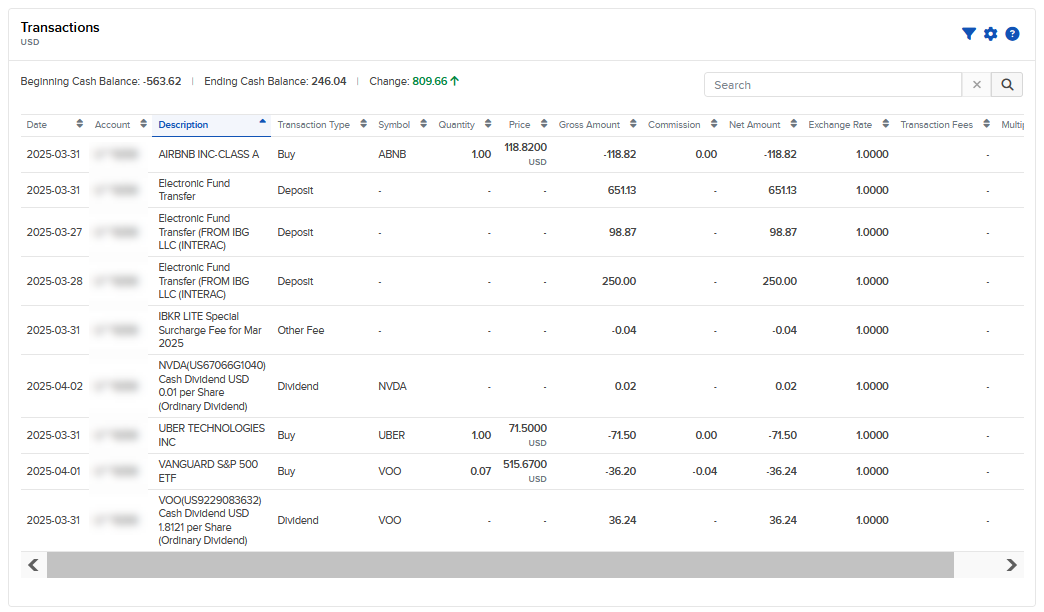
The Transaction History section gives you a complete view of all your transactions in one convenient location. Use it to quickly view, search, and filter your transaction history across all trades, dividends, and transfers. To access it, follow the steps below.
-
Click Statements & Reporting in the top left corner and select Transaction History.
-
Select a time period:
-
7D - 7 Days
-
MTD - Month to Date
-
1M - 1 Month
-
YTD - Year to Date
-
1Y - 1 Year
-
Custom - Custom Date Range
-
-
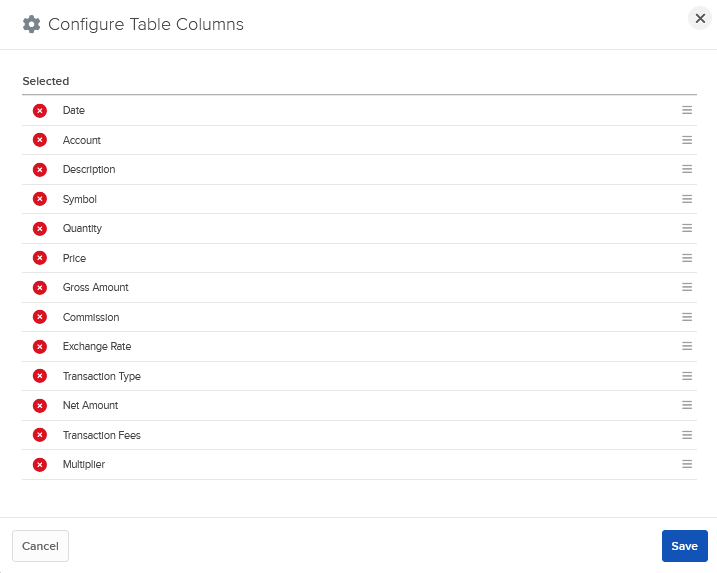
Add or remove table columns by selecting the configure wheel icon.
-
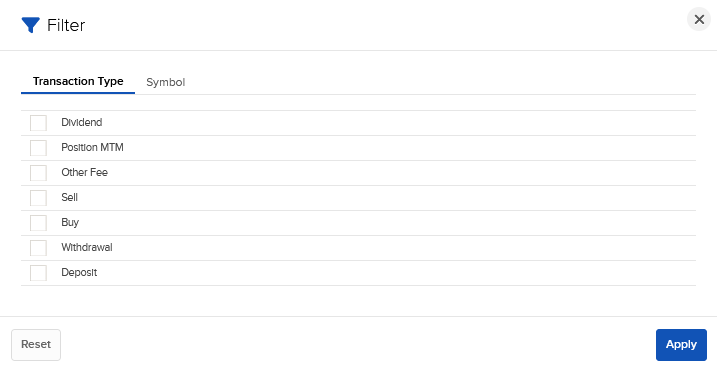
Click the filter icon to filter the page by Transaction Type or Symbol.