Saved Information
Instructions
When you set up a deposit/deposit notification or withdrawal on the Fund Transfers page, you will be prompted to save the information about your financial institution so it can be reused. The information will be saved under a name you enter, and can be viewed on the
View Saved Information Details
You cannot edit saved information. To change it, delete it from the Saved Information screen, then enter new information as part of your next transaction request.
-
Click Transfer & Pay in the top left corner and select Saved Information.
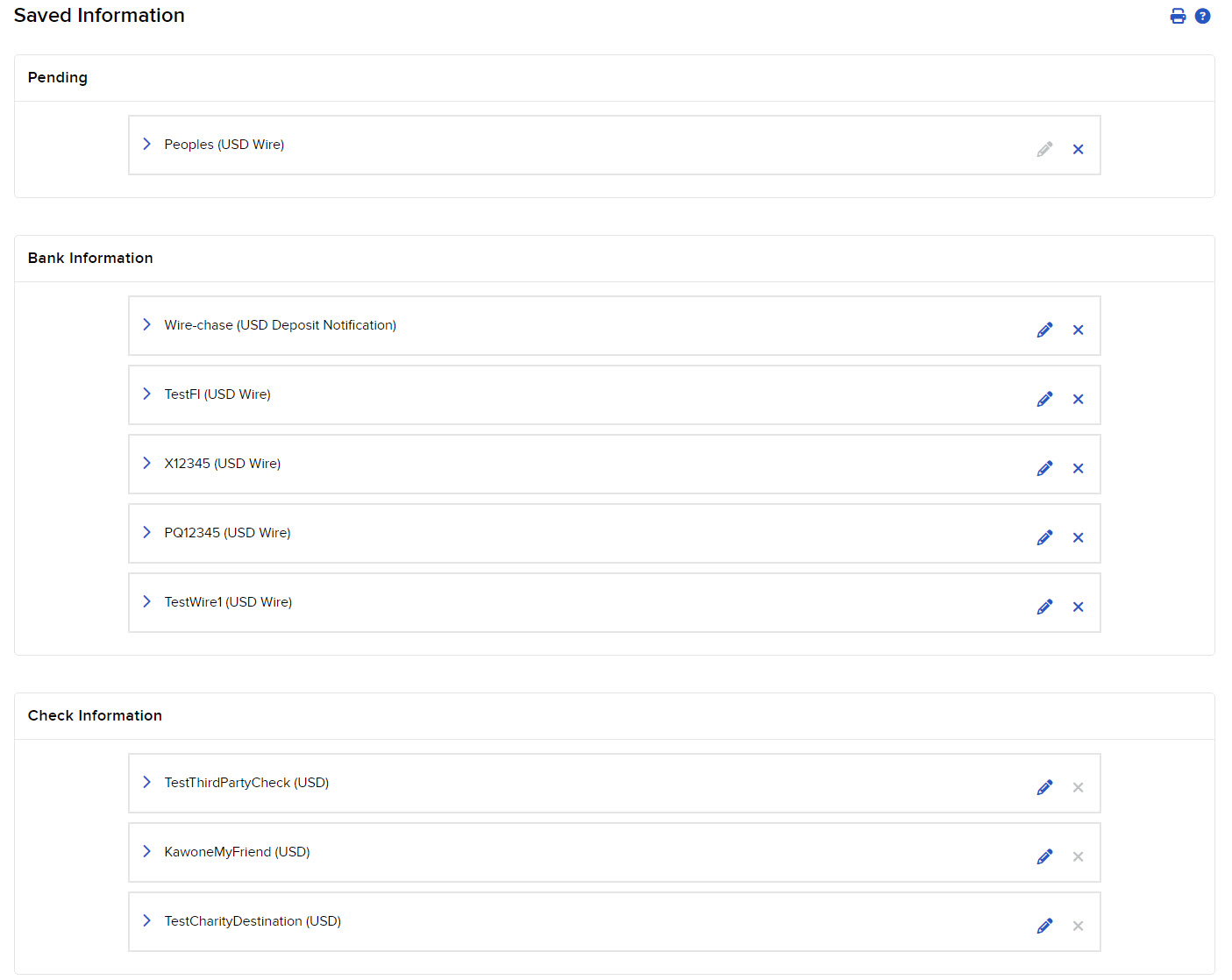
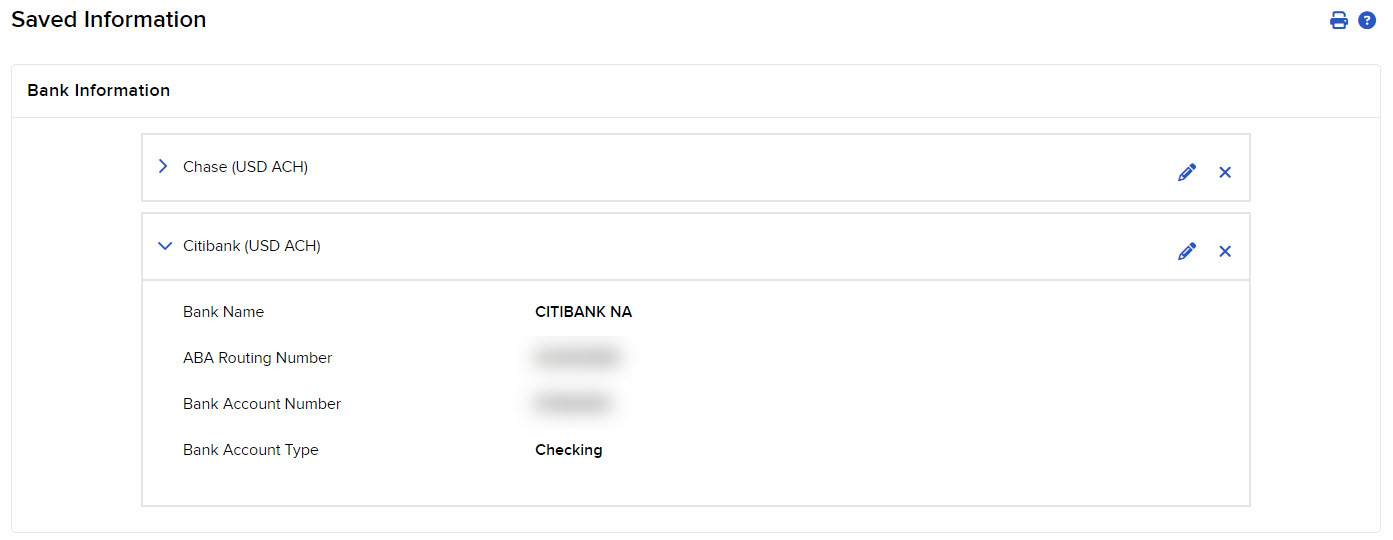
- Click any saved information to open it.
Delete Saved Information
You can delete saved information you no longer need to use.
-
Click Transfer & Pay in the top left corner and select Saved Information.
- Click the x button to the right of the saved information you want to delete.
- Click Yes to complete the operation.