RiskScore History
Instructions
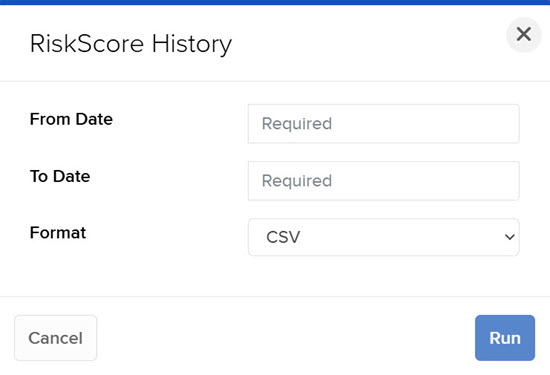
Use the RiskScore History to view clients' score for specific date range.
- Click Statements & Reporting in the top left corner and select Advisor Reports > RiskScore History.
- Select an account from the Account Selector.
- Select the blue Run arrow icon to the right of RiskScore History.
- In the Date field, select the date for the report
-
Click Run to generate the report.