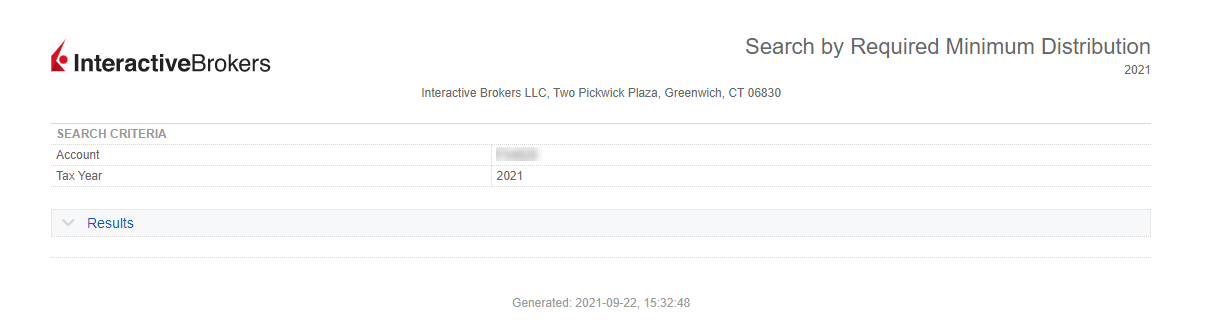
Run a Report on Required Minimum Distribution
Instructions
The report contains query accounts will display which clients need to make an RMD for the selected tax year.
- Click Statements & Reporting in the top left corner and select Data Queries.
- In Report Type, select Required Minimum Distribution.
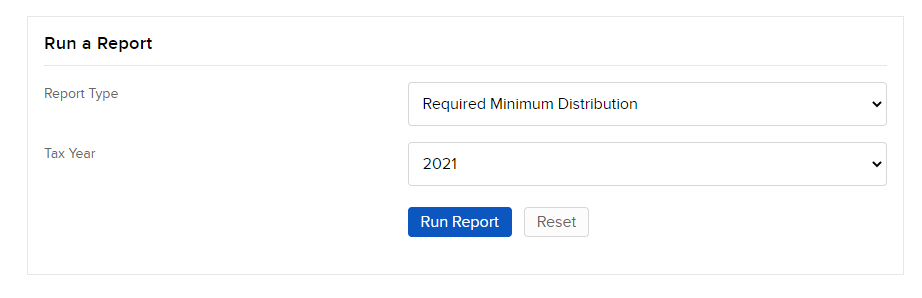
- Enter the following information:
- In Tax Year, choose the year for the report.
- Click Run Report.
The Required Minimum Distribution Report appears.