Order Ticket
Instructions
Quickly place an order within Portal by clicking Trade > Order Ticket, or by clicking Trade in the top left corner and select Order Ticket
The Order Ticket appears where you can enter your order parameters and desired allocation methods.
To Create an Order
-
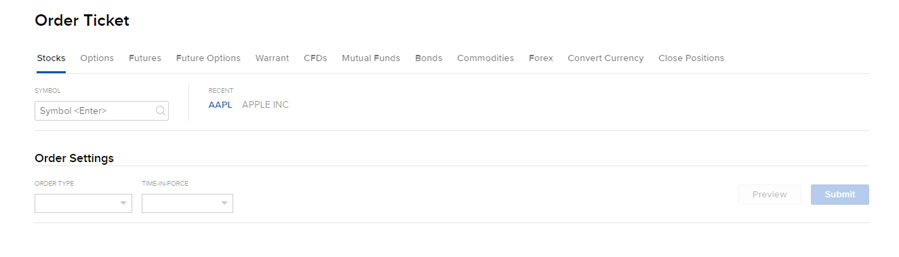
Click the desired asset category from the top tabs. Enter the Symbol in the search box.
-
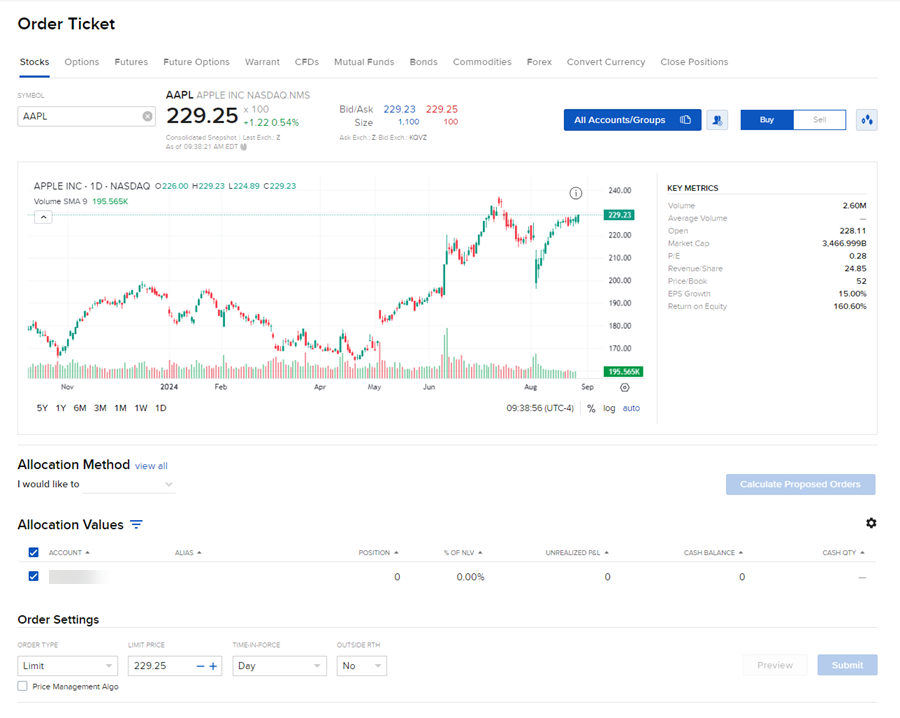
The full Order Ticket populates which includes a Chart, Allocation Method Configurations, and Order Settings.
-
Enter the desired Allocation Order details and Order Settings and select Submit to place this order.