Notes
Instructions
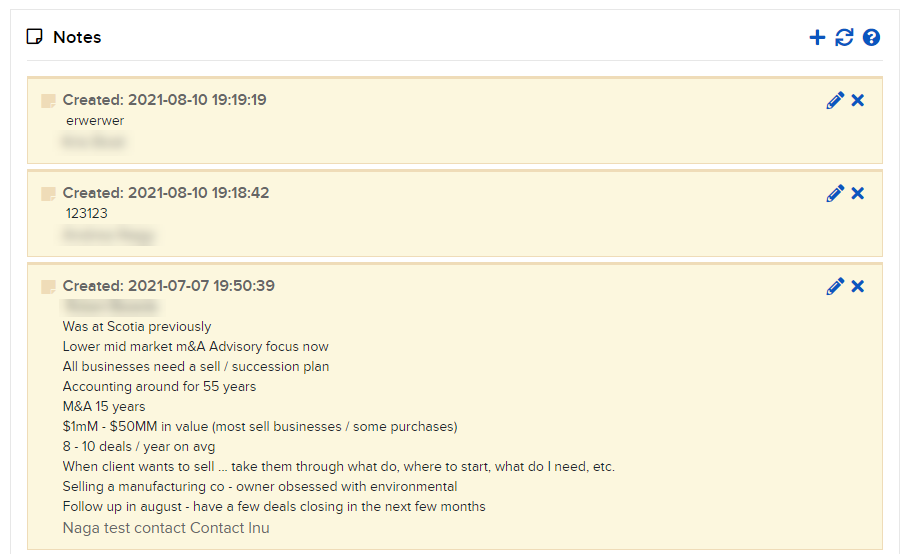
Use the Notes panel on the Home Page to see the notes you have created for your contacts.
-
Click Dashboard in the top left corner and select Notes
-
Click the pencil icon to edit
-
Click the x icon to delete.
-
Click the + icon to create a new note.
-