Enable IBKR Risk Scores
Instructions
Before you can use the Risk Score tool, you must enable it within Portal by following the steps below.
-
Click Client Administration in the top left corner and select Risk Scores.
-
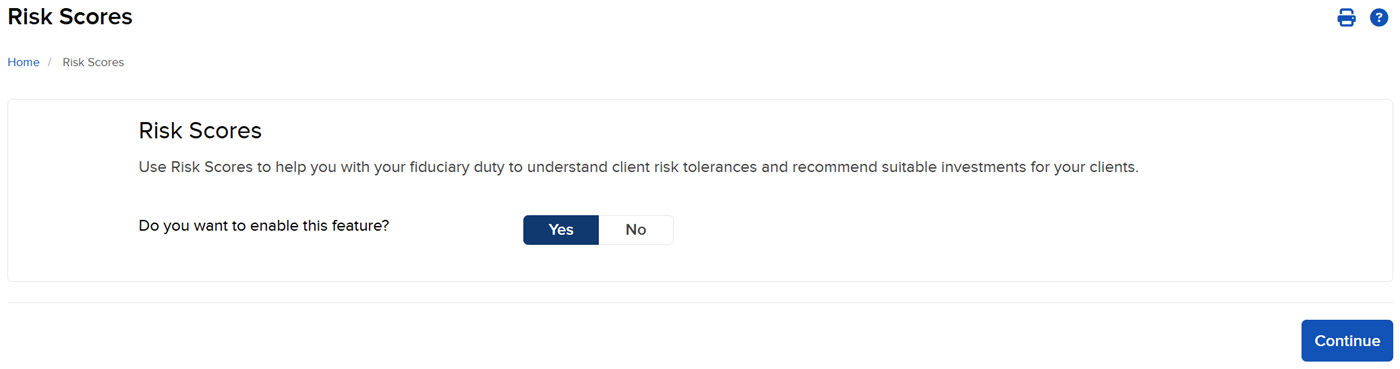
Click Yes to enable the feature and then click Continue.
Note: It takes up to one full business day after an account is approved before a client can receive a questionnaire invitation in Message Center.