View, Edit, and Delete Statement Templates
Instructions
The Custom Statements screen displays all of your saved custom Activity Statement templates. You can:
- View all of your saved Activity Statement templates.
- Edit an existing template.
- Delete an existing template.
- Create a new Activity Statement template.
 View a Saved Statement Template
-
Click Statements & Reporting in the top left corner
- If you manage or maintain multiple accounts, the Account Selector opens. Search for and select an account.
The Statements screen opens.
- In the Custom Statements panel, click the + icon.
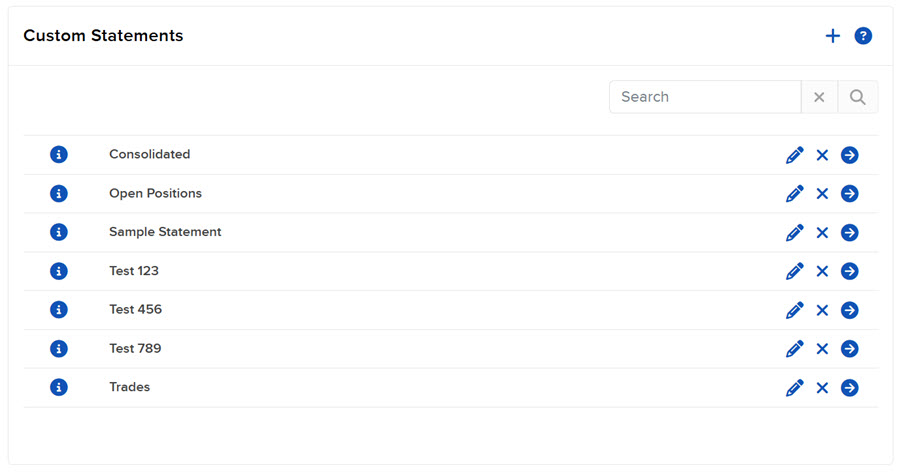
The Custom Statements screen opens. Custom statement and flex query templates are displayed in separate panels.
- Each saved custom statement template is displayed on its own expanding and collapsing row. To see all the details about a statement, expand it by clicking on its i icon.
Edit a Saved Statement Template
- Follow the previous steps.
- Click the Edit (pencil) icon and make changes as required.
Delete a Saved Statement Template
- Follow the previous steps.
- Click the x icon. After you delete a template, you can no longer run it.