Deposit Funds
Instructions
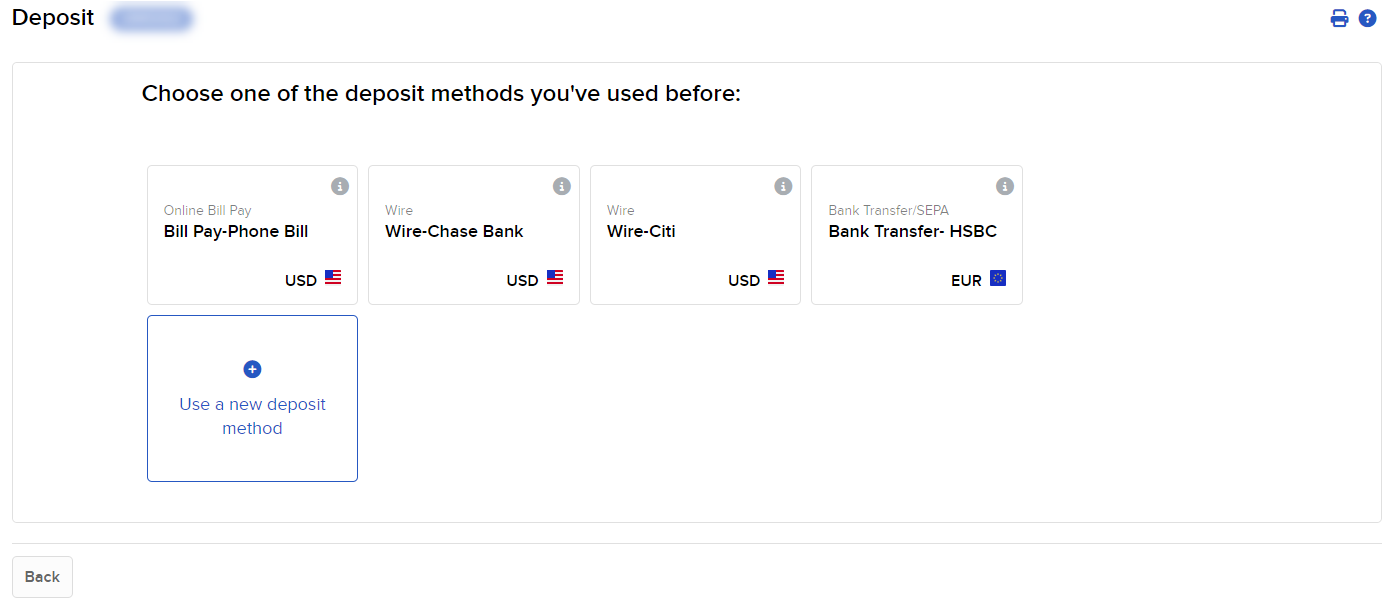
Use Transfer Funds to choose whether you would like to make your deposit using the saved deposit information from the top of the page, or using a new deposit method.
To navigate to this page, follow the steps below.
-
Click Transfer & Pay in the top left corner and select Transfer Funds > Deposit Funds.
- Enter an ACH Deposit
- Direct ACH Transfer
- Enter a Wire Deposit
- Enter Bill Pay Deposit
- Scan a Check
- Mail a Check
- Transfer from Wise Balance