Contacts & Accounts
Instructions
View a list of your contacts with detailed information including:
-
Title
-
Contact
-
Type
-
Account Type
-
Account Number
-
Status
-
Username
-
Email
-
NAV
You can sort contact information by clicking any column header. You can also add an alias for each client, duplicate existing client accounts and add account representatives.
-
Click Client Administration in the top left corner and select Contacts & Accounts then select the Contacts tab.
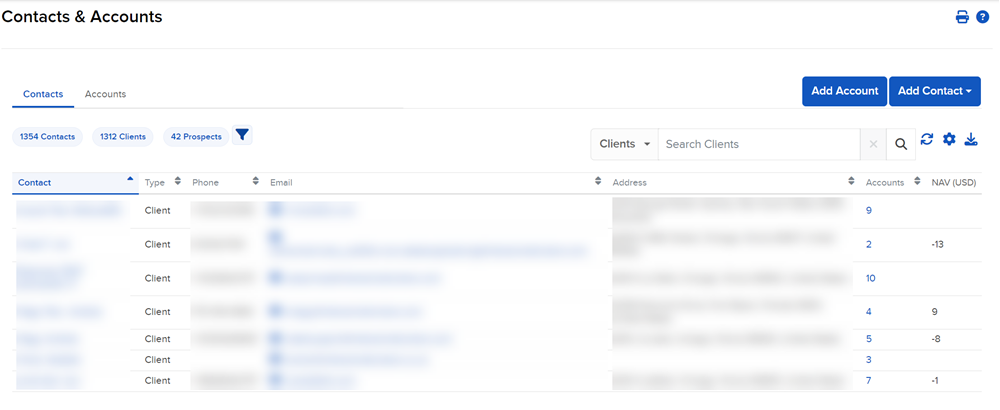
From the Contacts tab you can do the following:
- Add a New Contact
- Import Contacts
- View Contact Information
- Run Account Query
- Send an Application to a Prospective Client
- Export Contact Information
- Pending Registration Task
- Contact Configuration