Fee Cap
Instructions
We cap the amount of fees an advisor can charge a client, up to a maximum of 25% of the client’s average equity in a given year. The Advisor Fee Cap report displays the amount of available fee cap by client. The fee cap will reflect caps implemented by invoicing fee caps set by the advisor/client in the advisor fee schedule.
 Who can access the Advisor Fee Cap page?
- Advisor Master User Individual
- Advisor Master User Organization
- Advisor Client User Individual
- Investment Manager Master User
-
Click Statements & Reporting in the top left corner and select Advisor Reports > Fee Cap.
-
Select the advisor account from the Account Selector.
-
Select the blue Run arrow icon to the right of Fee Cap
-
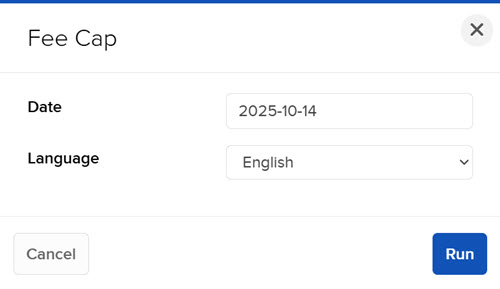
Select a date and format, and then click Run.
Additional Resources
Learn About Reporting in Advisor Portal at IBKR Campus