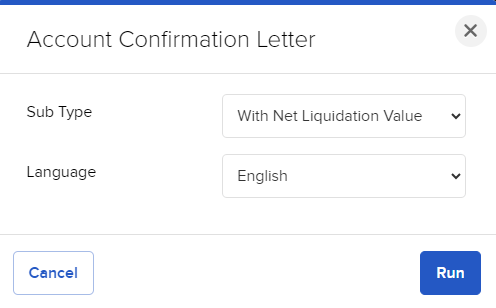
Account Confirmation Letter
Instructions
To verify account information, run an Account Confirmation Letter report.
-
Click Statements & Reporting in the top left corner and select Other Reports
- If you manage or maintain multiple accounts, the Account Selector opens. Select your account.
-
Select the blue Run arrow icon to the right of Account Confirmation Letter.
-
Select between With Net Liquidation Value or Without Net Liquidation Value, then select the language and click Run.
A printable version of the report is available.