View IBKR Prediction Market Positions
Instructions
You can view your Event Positions in both the Portal and the IBKR Prediction Markets window.
IBKR Prediction Markets
-
On the IBKR Prediction Markets screen, select the Portfolio tab and click Positions.

Portal
-
Click Back to Client Portal in the top left corner and navigate to the Portfolio tab.
Alternatively, click Back to Client Portal, select the Menu icon in the top left corner, and select Accounts - Portfolios.
-
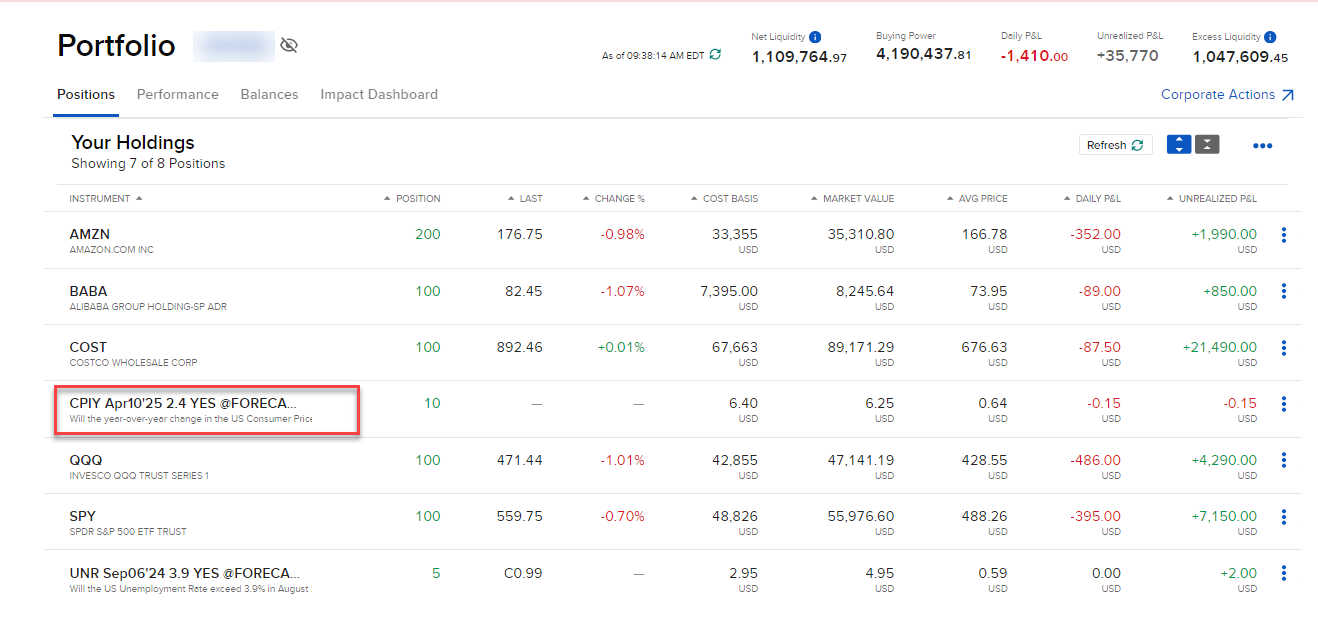
The Event Contracts will be listed with your other positions.