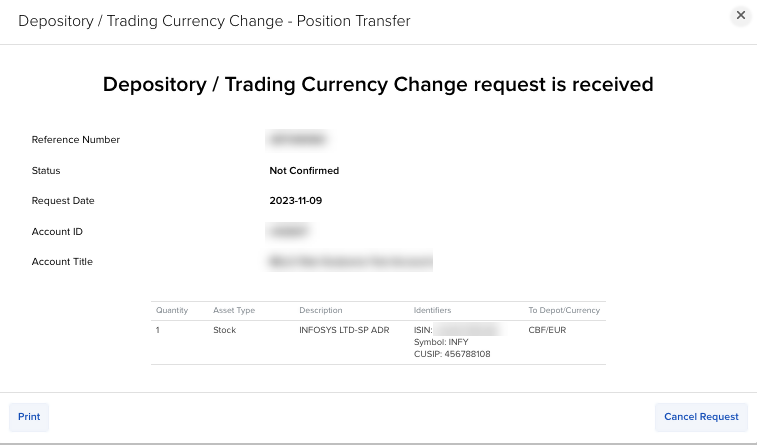
Depository Switch
Instructions
Stocks can be multi-listed in different currencies at different depositories. At our firm, the currencies of multi-listed stocks are differentiated by their conID, e.g., the same ISIN, a different conID. To change currencies for a multi-listed stock, follow the steps below.
-
Click Transfer & Pay in the top left corner and select Transfer Positions.
-
If you have multiple accounts or account partitions, or if you have a master account and manage one or more client or sub accounts, the Account Selector will open. Select the account you want to use, or use Search in the Account Selector to find it. Click Continue to submit your selection.
-
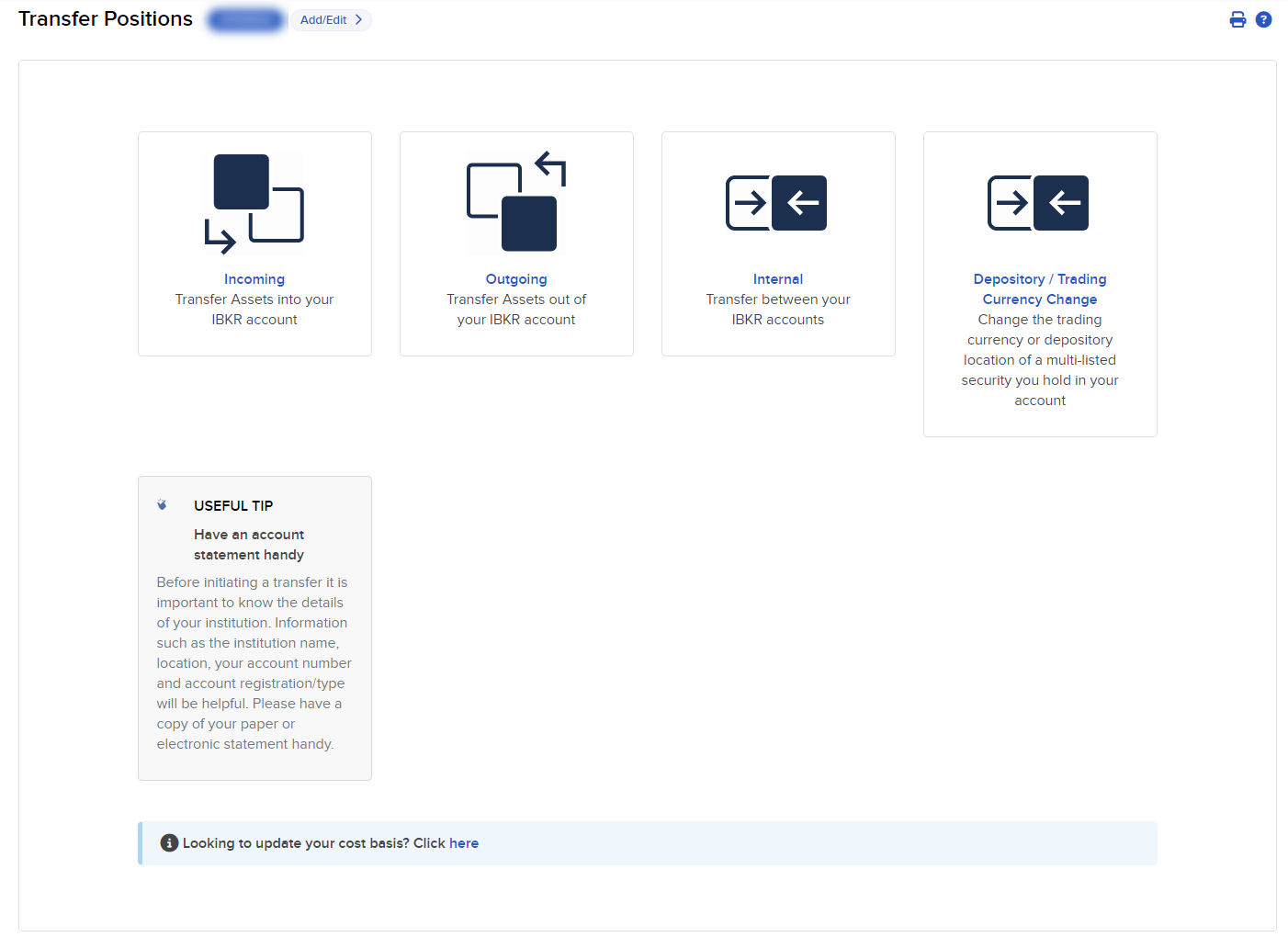
Select Depository / Trading Currency Change
-
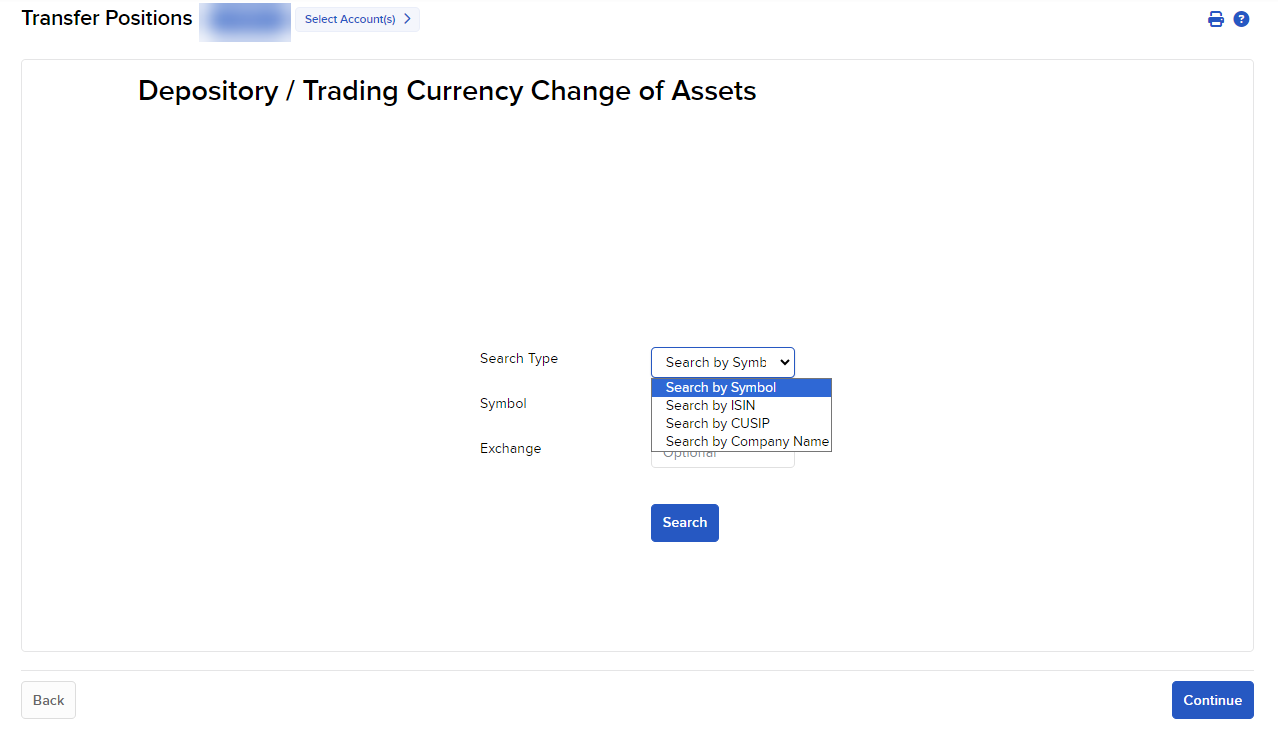
Select the Search Type
-
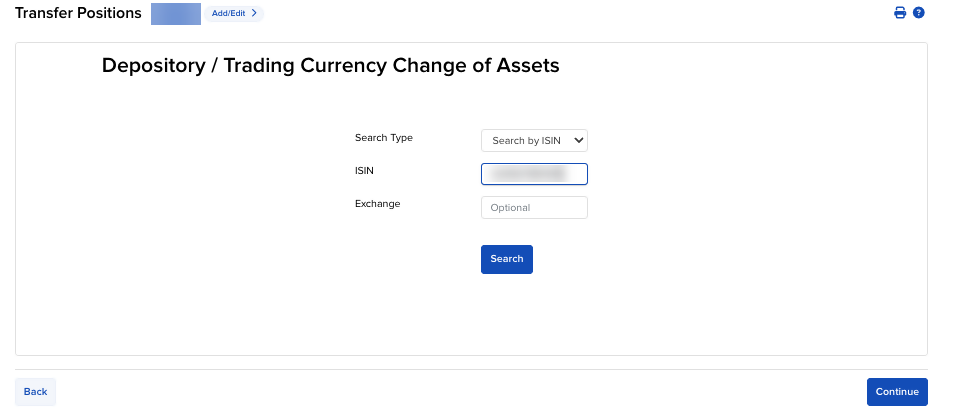
Enter the Parameters
-
The assets will be displayed if eligible for switch. Enter the Quantity and the Switch Symbol To asset.
-
If the asset is not eligible for switch, a message will appear stating "Asset you are searching for is not eligible for Depository / Trading Currency Change"
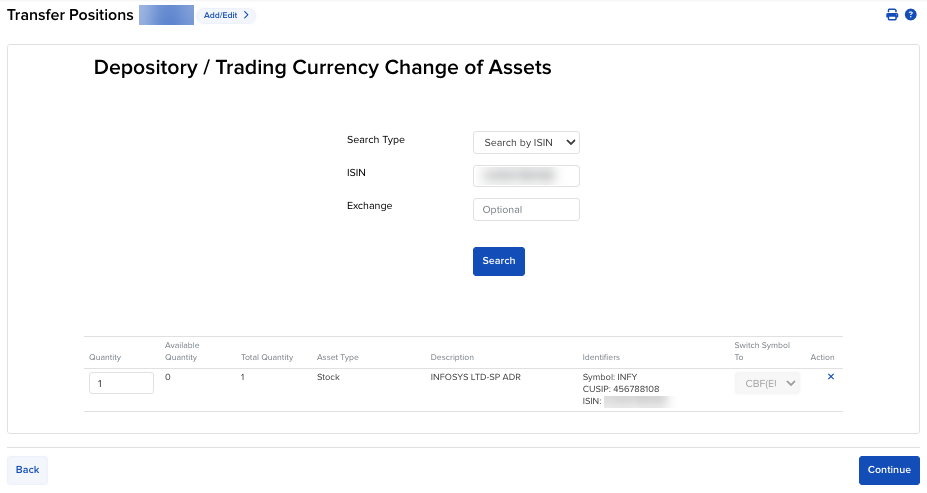
Note: More assets may be added by repeating the steps taken above.
-
-
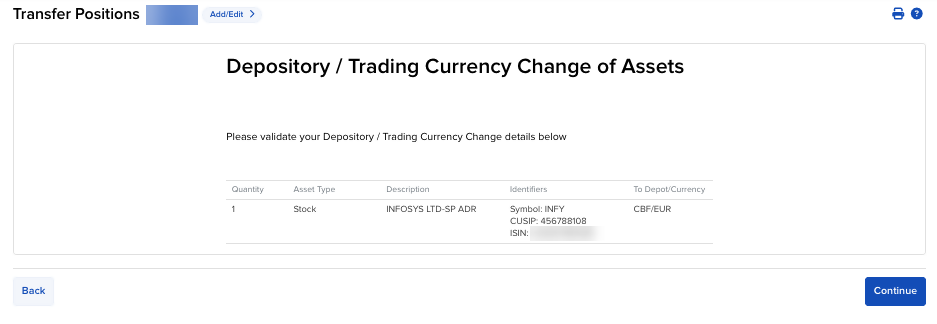
Press Continue to review the information provided.
-
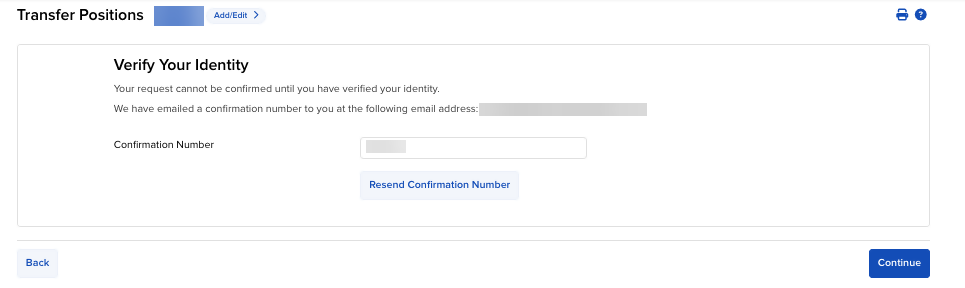
Press Continue to Verify Your Identity.
-
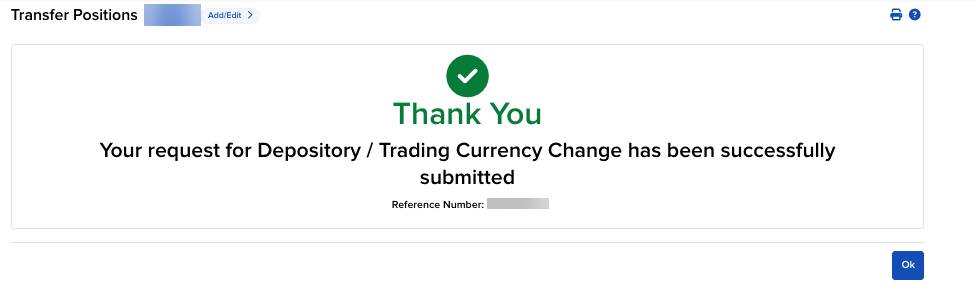
Press Continue to Save.
-
You may view this request in the Transaction History page.
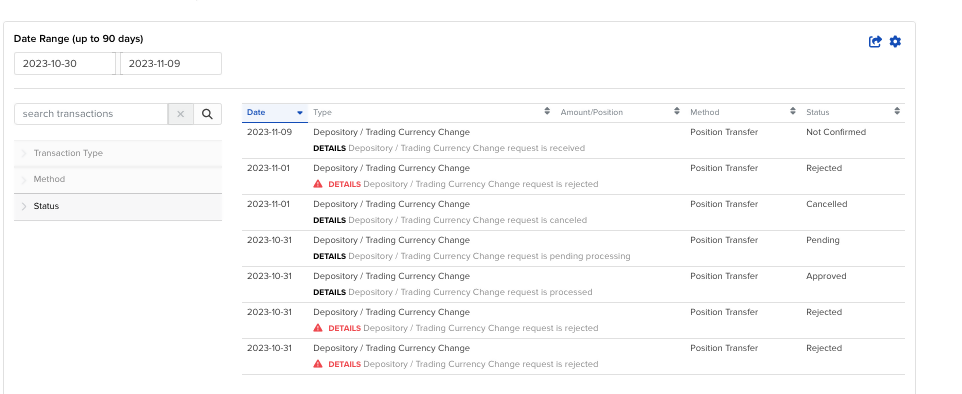
-
This request may only be canceled if the process has not started yet. To cancel, please navigate to the Transaction History page > Double click on the request > Select Cancel Request.