Tax Planner - Advisors
The Tax Planner for Advisors in PortfolioAnalyst is a tool to help Advisors estimate taxes for their client account activities. This tool allows advisors to choose the desired investment accounts to include, and utilizes taxable income sources outside of their investment accounts. Advisors may customize the various tax rates used to determine a client's tax estimate, and view their total estimated tax and combined income sources subject to taxation.
To navigate to Tax Planner for Advisors:
-
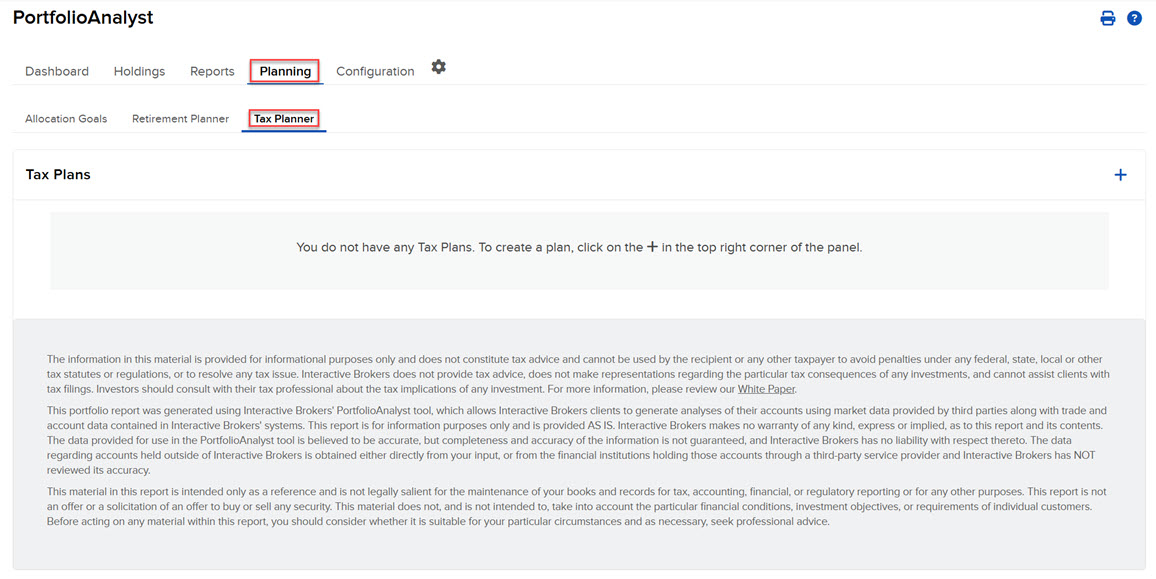
Select the Planning tab at the top of the PortfolioAnalyst page.
-
Select Tax Planner.
-
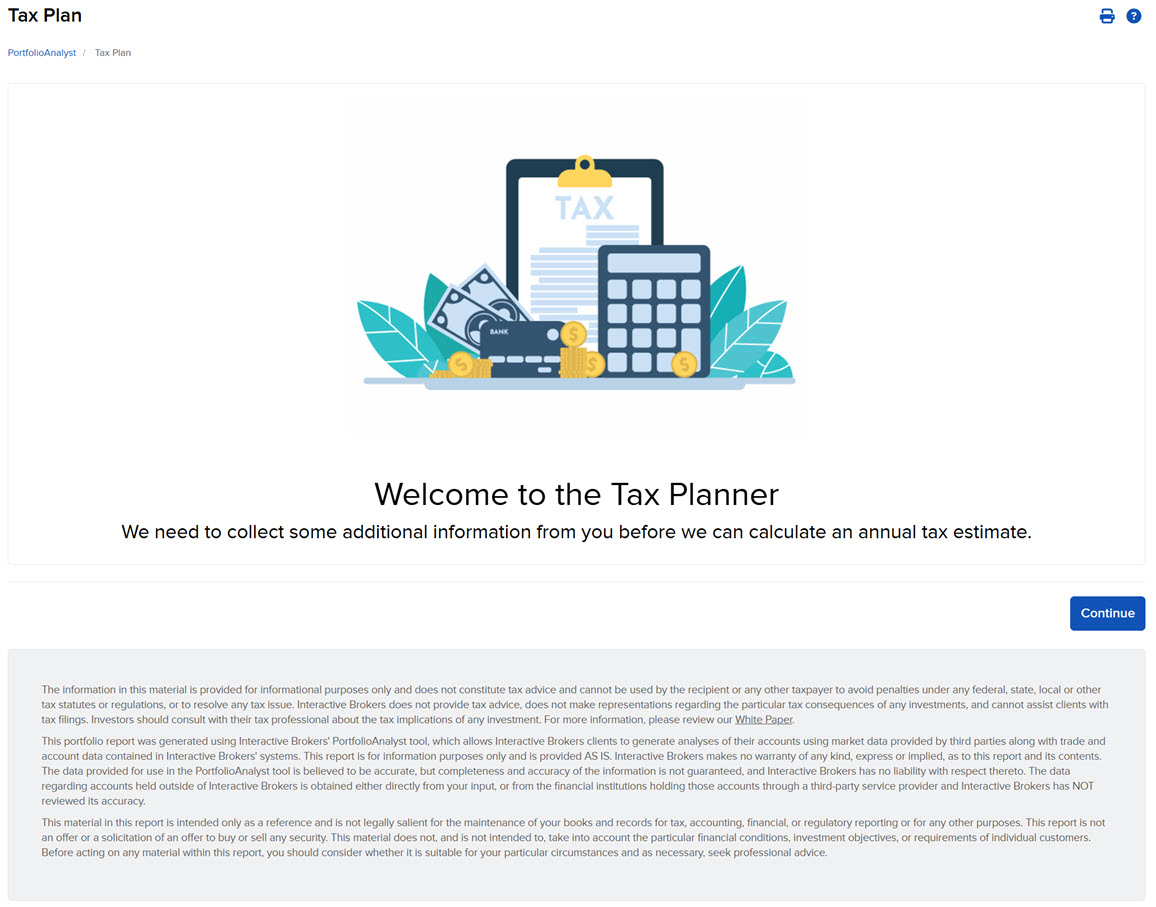
Click on the + icon to create a tax plan on behalf of a client.
-
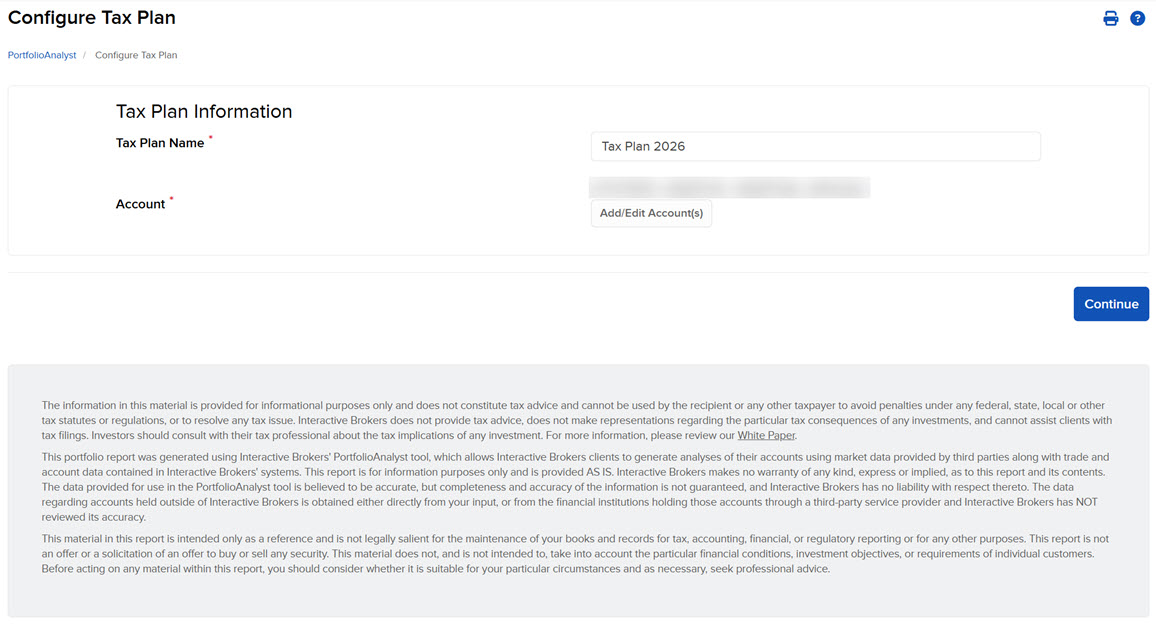
Create a plan name and select the accounts for the tax plan then press Continue.
-
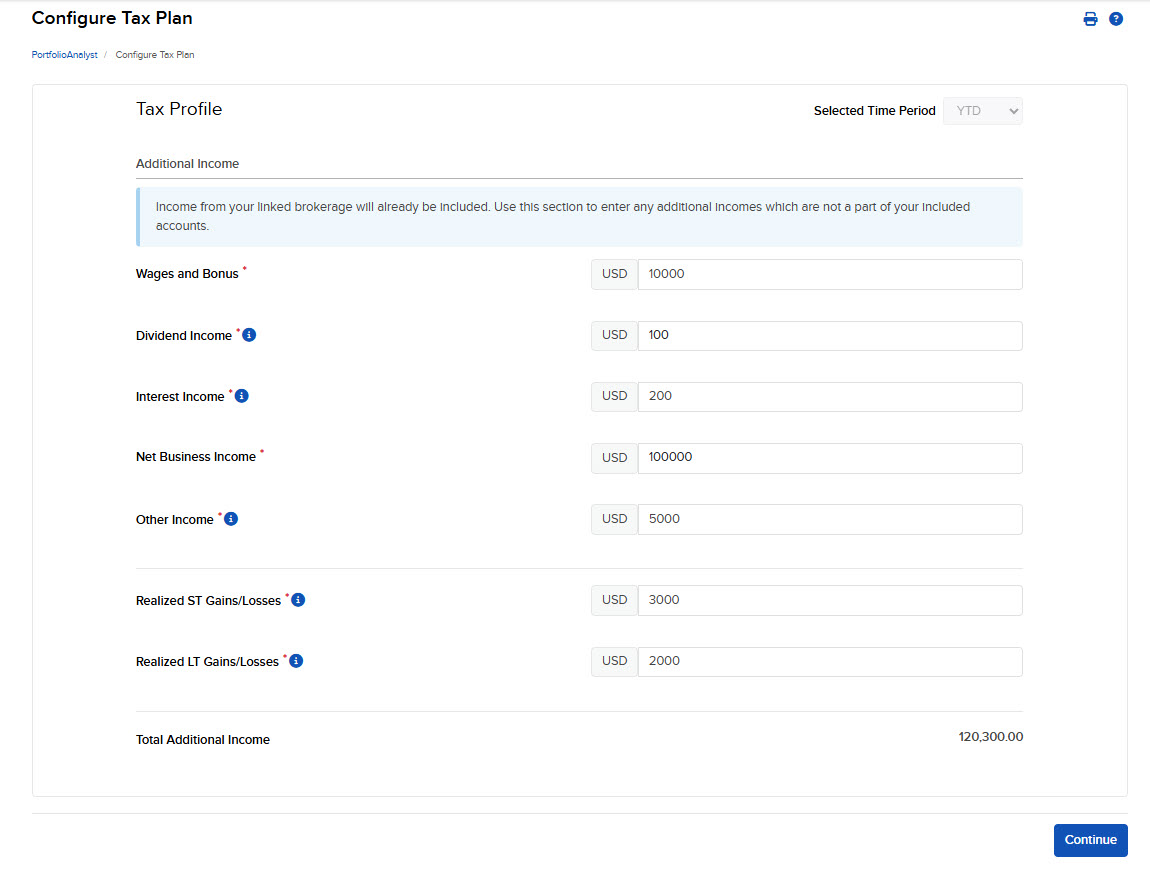
Configure the tax plan by completing the fields presented on the screen; then click Continue.
-
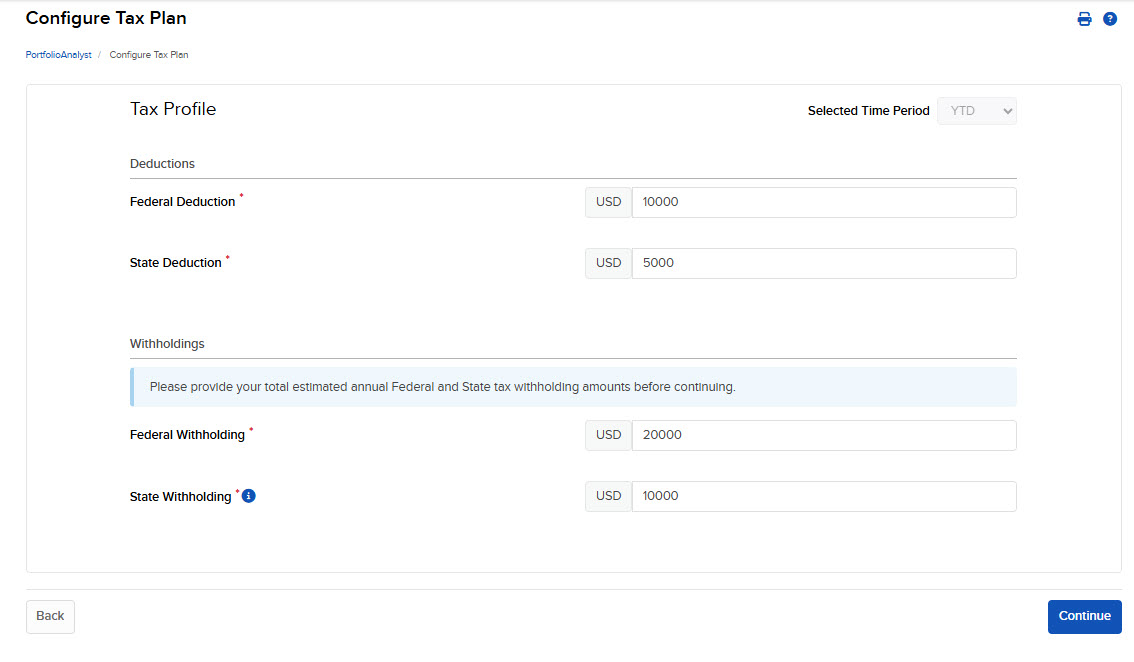
Enter the Deductions & Withholdings tax information and click Continue.
-
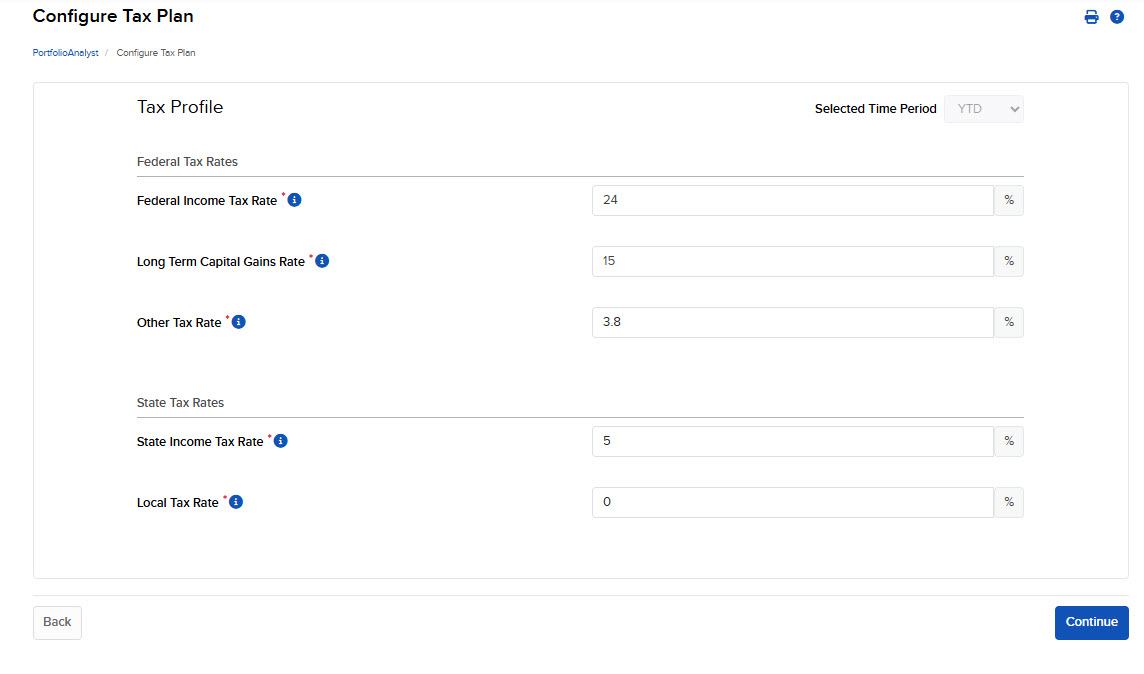
Enter the Federal Tax Rates & State Tax Rates and click Continue.
-
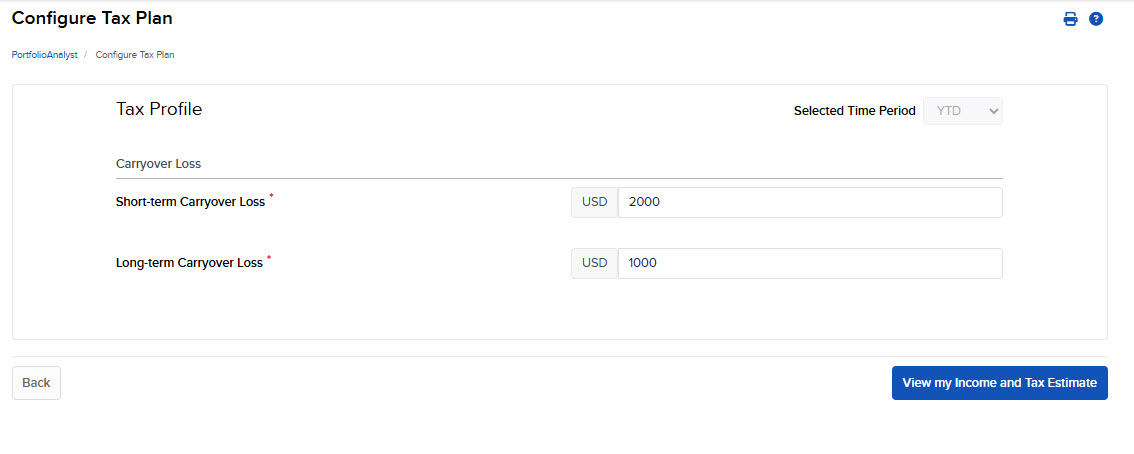
Enter Carryover Loss information and click View Income and Tax Estimate.
-
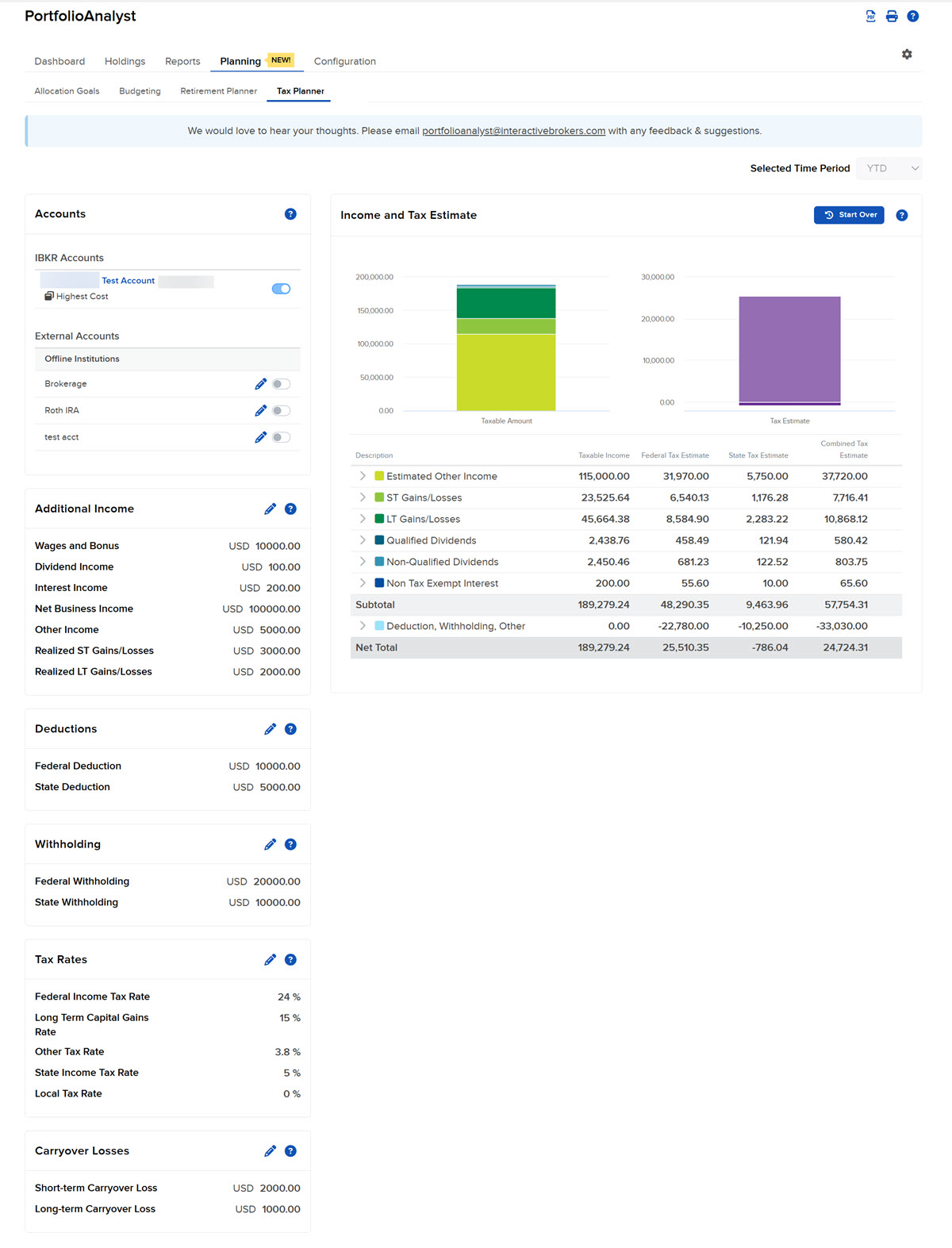
The Tax Planner page will open. Select the Pencil icon in the top right corner of any fields you would like to edit.
-
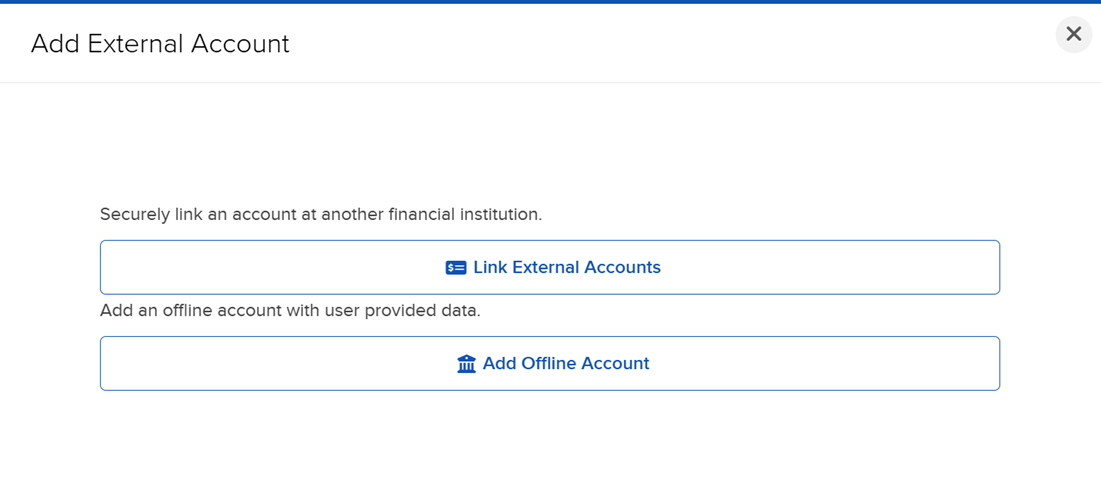
To Link an External Account or Add an Offline Account, click the + icon in the Accounts panel.
For External Accounts, click Link External Account and log in to a financial institution.
For Offline Accounts, click Add Offline Account and enter in the required information.
-
To include or exclude an external/offline account in the Tax Planner, select the + icon to the right of the account and enter in the required detail.
-
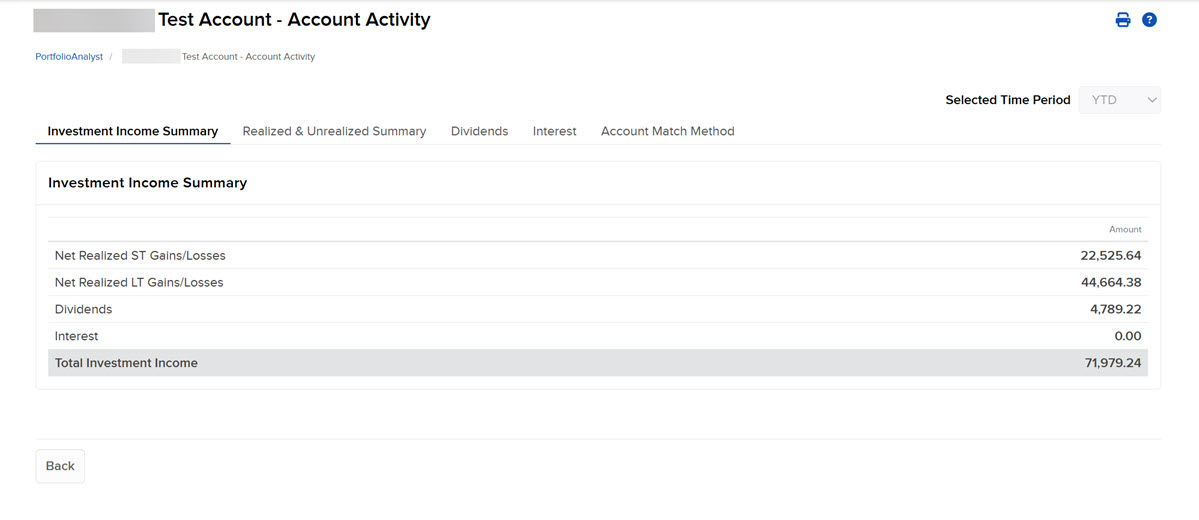
Advisors may view Account Activity, including a Realized & Unrealized Summary by clicking on an account within the Accounts panel or within the table.
-
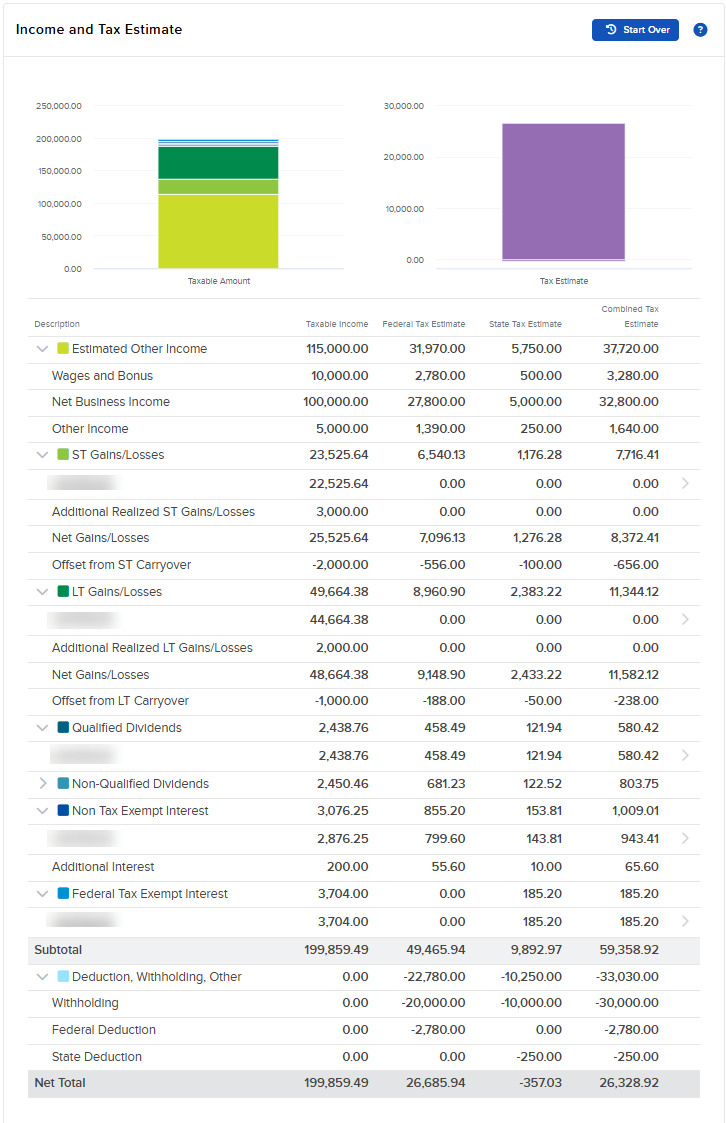
Click the drop-down menus in the Income and Tax Estimate section to view additional information.
-
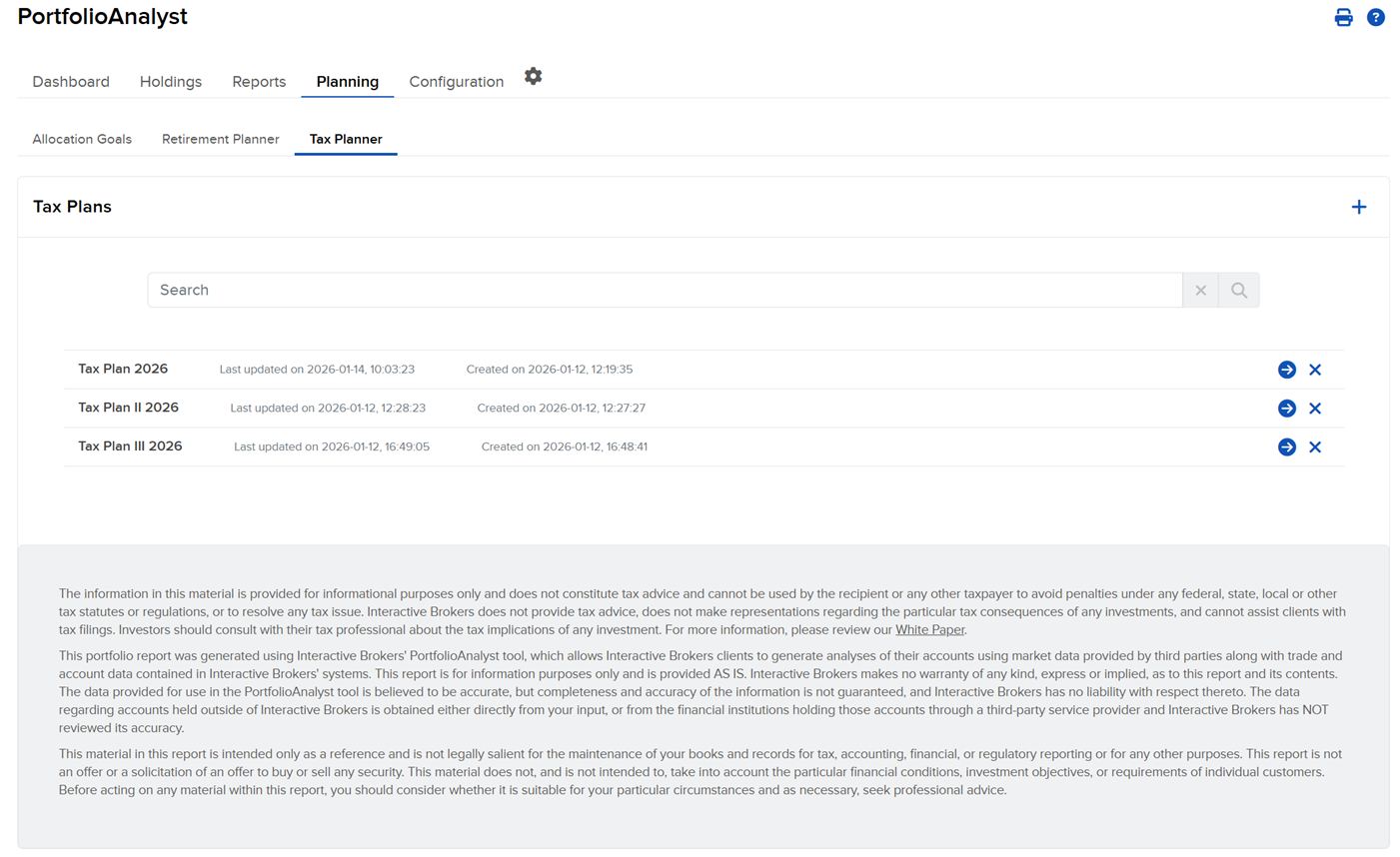
Advisors have the ability to view all plans created on the Tax Planner summary page and the ability to search them via name or included accounts.