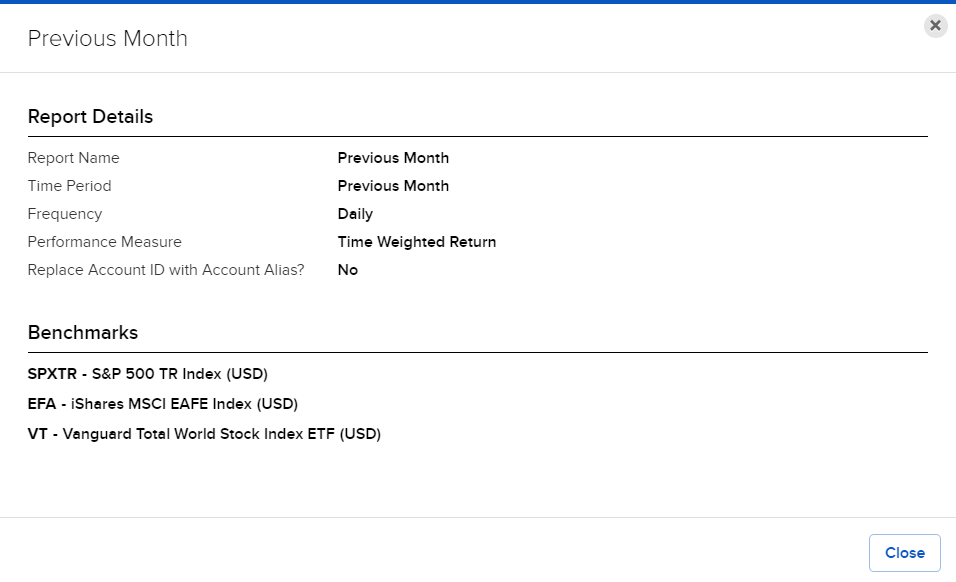
View Default Reports Details
Instructions
- Select Performance & Reports > PortfolioAnalyst > Click the Reports button in the top right corner.
- Alternatively, click Menu in the top left corner > PortfolioAnalyst > Click the Reports button in the top right corner.
- In the Default Reports panel, select the info i icon next to a default report.
Details for that report appear.