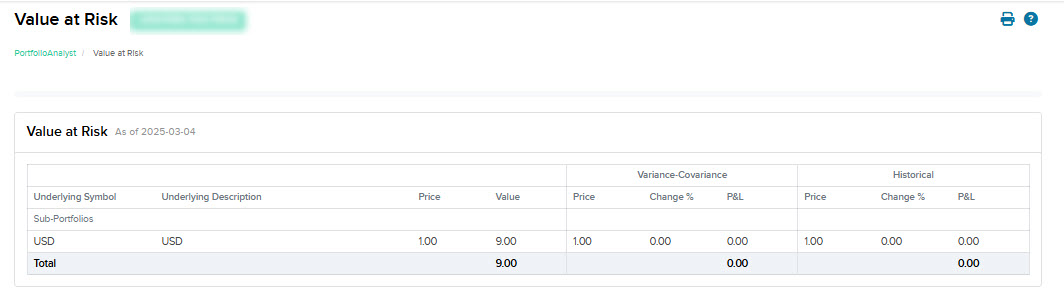
Value at Risk
Instructions
The Value at Risk widget shows your portfolio's value at risk calculated using historical and variance methods.
Supported Time Period(s) and Account Type(s):
-
Time Period(s): Supported for time periods ending on most recent day.
-
Account Type(s): Brokerage and Bank accounts only.
To navigate to the Value at Risk widget, follow the steps below.
-
Select Performance & Reports > PortfolioAnalyst > Navigate to the Value at Risk widget.
-
Alternatively, click Menu in the top left corner > PortfolioAnalyst > Navigate to the Value at Risk widget.
-
-
Select the blue arrow icon in the top right corner to view additional details.
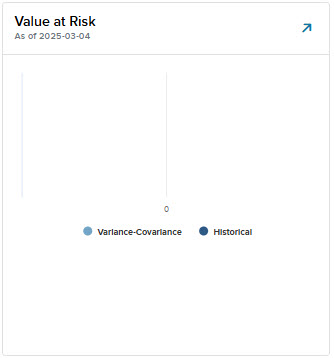
-
A new page will populate with additional information regarding your value at risk.